Risk-Based App Categories: Prototypes, Internal Tools, and External Products
You have a dashboard for tracking employee leave requests. You also have the checkout page for your e-commerce store. And you have that half-finished script you wrote on Tuesday to test a new API endpoint. Do they all need the same level of security? The answer is no, but treating them as if they do will burn through your budget and slow down your developers.
This is where risk-based app categories come in. This framework forces you to classify software into three distinct buckets: prototypes, internal tools, and external products. By doing this, you stop wasting money securing a throwaway script while ensuring your customer-facing app is bulletproof. It’s not just about saving cash; it’s about focusing your team’s energy where it actually matters.
The Three Tiers of Application Risk
To make this work, you can’t just guess which app is risky. You need clear definitions. The industry standard here comes from the Software Assurance Maturity Model (SAMM), created by OWASP. While SAMM formalized this in 2010, the core idea is simple: match your security effort to the potential damage.
Let’s break down the three categories so you know exactly where your apps fit.
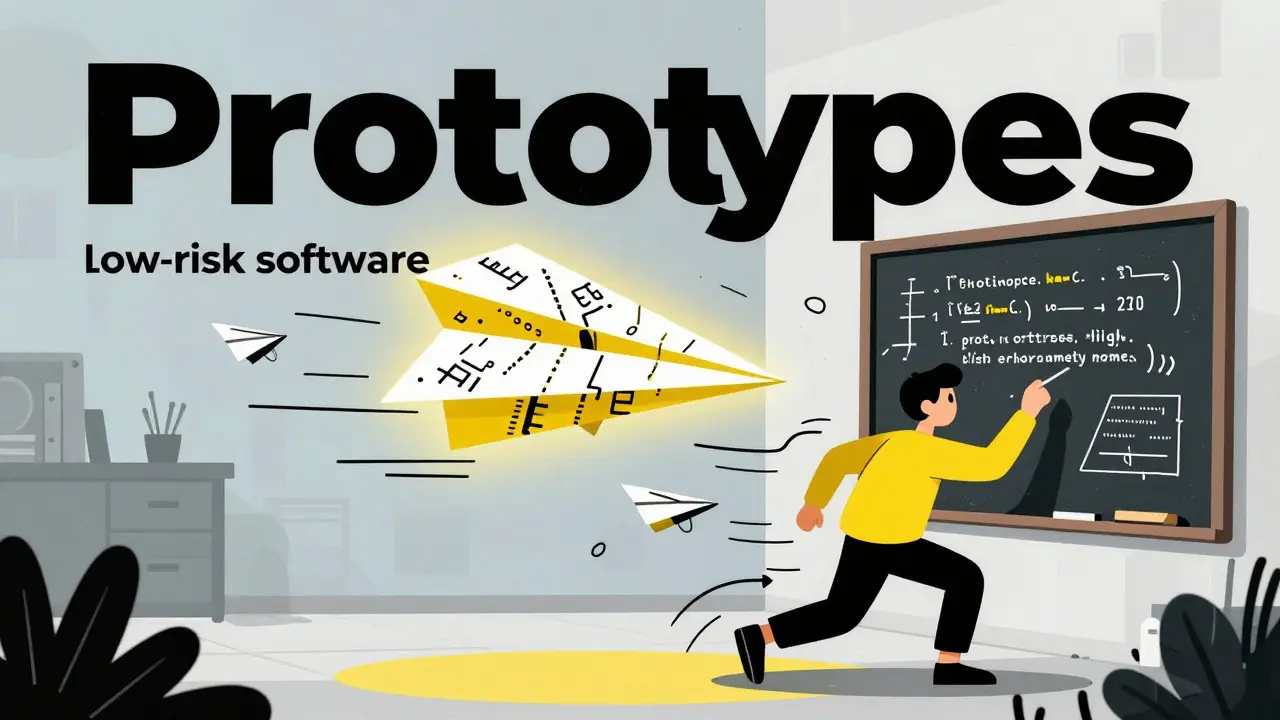
1. Prototypes (Low Risk)
These are experimental projects. Maybe it’s a proof-of-concept for a new feature or a hackathon project. The goal is speed, not stability.
- Exposure: Less than 10 users (usually just your team).
- Data Sensitivity: None or dummy data. Think "NIST Low" baseline.
- Downtime Impact: Zero. If it breaks, you delete it and start over.
- Security Effort: Minimal. A quick scan is enough. Don’t run full penetration tests here.
If you treat a prototype like a production app, you’ll kill innovation. Developers will hesitate to build because they fear failing a compliance check. Let them move fast.
2. Internal Tools (Medium Risk)
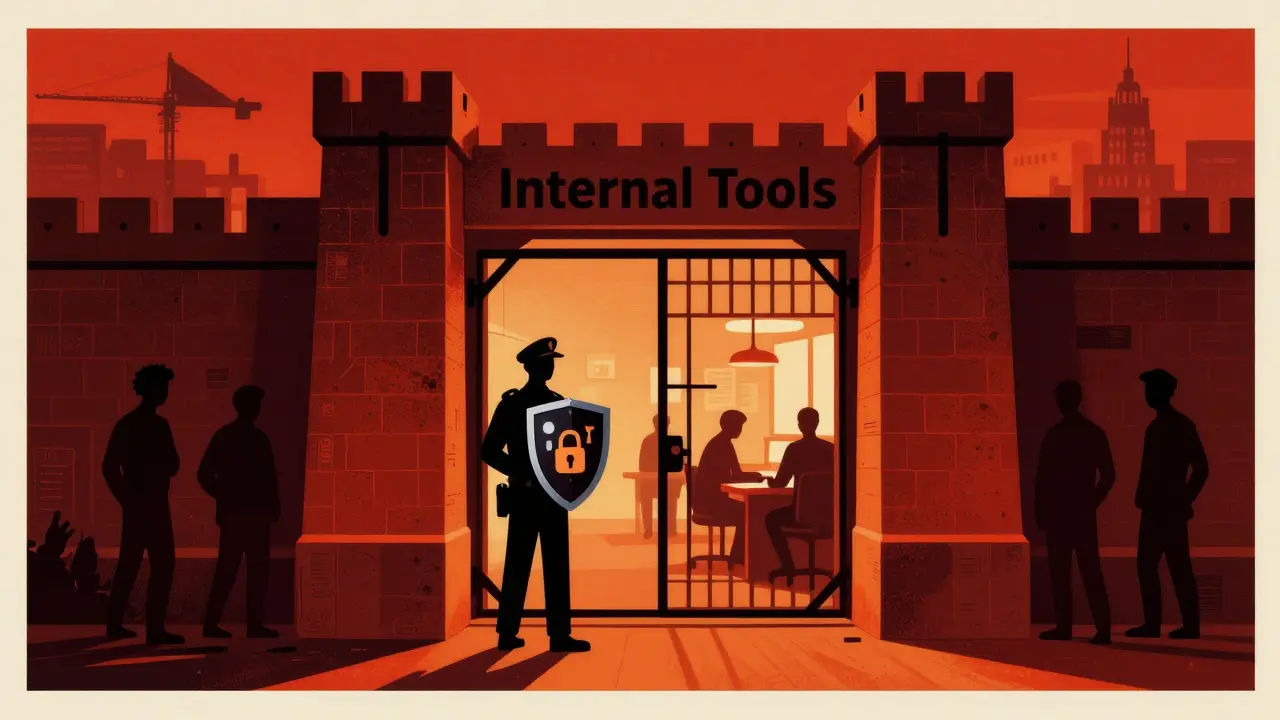
These are the workhorses of your company. HR systems, inventory management dashboards, admin panels. They aren’t public, but they hold sensitive data.
- Exposure: 10 to 500 authenticated employees.
- Data Sensitivity: Moderate. Employee records, financial data, or proprietary IP.
- Downtime Impact: High. If the payroll system goes down for more than 4 hours, people get angry and work stops.
- Security Effort: Regular vulnerability scanning (using tools like Nessus) and basic access controls. Skip the expensive pen tests unless the tool handles extreme secrets.
Here’s the trap: many teams ignore these tools because they’re "internal." That’s dangerous. Hackers love internal tools because they often have weaker defenses but high-value data. Treat them with respect, but don’t over-engineer them.
3. External Products (High Risk)
This is what customers see. Your website, mobile app, or public API. These are under constant attack.
- Exposure: Thousands or millions of unauthenticated users.
- Data Sensitivity: High. PII, credit cards, health data.
- Downtime Impact: Critical. Every minute offline costs revenue and trust. Max tolerable downtime is usually under 4 hours.
- Security Effort: Maximum. Full OWASP ASVS Level 2 compliance, regular penetration testing, and continuous monitoring.
According to Wiz.io’s 2024 benchmark report, organizations spend 65-80% of their security resources on these apps, even though they might only make up 25% of your total codebase. That’s a good thing. Protect the front door first.
| Attribute | Prototypes | Internal Tools | External Products |
|---|---|---|---|
| Risk Score (1-10) | 1-3 | 4-6 | 7-10 |
| User Exposure | < 10 Users | 10-500 Authenticated | Unlimited / Public |
| Data Type | Dummy / Non-sensitive | Moderate (HR, Finance) | High (PII, Payments) |
| Max Downtime | Indefinite | 4-24 Hours | < 4 Hours |
| Security Budget Share | < 5% | 15-30% | 65-80% |
| Critical Flaws per 1k LOC | Any (Tolerated) | < 5.0 | < 1.2 |
Why Static Categories Fail (And How to Fix It)
The biggest problem with this model isn’t the categories themselves-it’s assuming they stay static forever. Apps evolve. A prototype becomes an internal tool. An internal tool gets exposed to partners. If your security policy doesn’t change with the app, you’re vulnerable.
In 2024, Palo Alto Networks reported that 17.3% of security incidents in startups happened because a prototype was promoted to production without a security review. Imagine building a billing calculator as a quick script, then suddenly using it to charge real customers. If that script had a flaw, you’re now leaking payment data.
To fix this, you need dynamic recategorization. Here is how to handle transitions:
- Automate Discovery: Use tools like AWS Config or Lumigo to detect when an app starts receiving traffic from outside your network.
- Set Triggers: Define rules. If an app moves from "Internal" to "External," automatically trigger a full security audit.
- Re-scan Immediately: Don’t wait for the next quarterly review. Run a fresh vulnerability scan the moment the category changes.
Shopify shared in early 2024 that using dynamic categorization reduced their security debt in internal tools by 63%. They stopped treating every new service as a low-risk prototype and started adjusting based on real usage.
The Supply Chain Blind Spot
There is another wrinkle: dependencies. Dr. Jane Kim, former CISO at Microsoft, pointed out in her 2024 RSA Conference keynote that a low-risk internal tool can become a gateway for attackers if it uses a compromised library.
Remember the XZ Utils backdoor incident in 2024? It affected over 300 million systems. The exploit didn’t come from a flashy external product; it came from a supply chain component used across various applications, including some that were considered "low risk."
This means your risk assessment must include Software Composition Analysis (SCA). Even if your internal tool is simple, if it relies on a popular open-source library, that library needs to be monitored. Tools like Snyk or Checkmarx help here. They scan your code’s dependencies, not just your own code.
Don’t assume that because an app is internal, its libraries are safe. Attackers are increasingly targeting internal networks via third-party components.

Implementing the Framework Without Burning Out
You don’t need a massive budget to start. In fact, trying to secure everything equally is what causes burnout. Here is a practical checklist to implement risk-based categorization today:
- Inventory Your Apps: List every application your company builds. Assign each one to Prototype, Internal, or External.
- Define Thresholds: Write down the criteria. For example, "If an app handles credit card data, it is External, regardless of who accesses it."
- Integrate into CI/CD: Hook your security tools into your deployment pipeline. For prototypes, skip the heavy scans. For external products, block deployment if critical vulnerabilities are found.
- Review Quarterly: Sit down with engineering leads. Ask: "Has any prototype gone live? Has any internal tool been exposed to clients?" Update the categories accordingly.
Expect to spend 80-120 hours setting this up initially. After that, it should take less than an hour a week per 100 apps to maintain. The return on investment is huge. LambdaTest found that companies using this approach cut critical production incidents by 37%.
Common Pitfalls to Avoid
Even with the best intentions, teams make mistakes. Watch out for these:
Over-classifying Internal Tools: Some teams label every internal dashboard as "High Risk" because it contains data. This leads to alert fatigue. Focus on the *sensitivity* of the data, not just its presence. A list of employee birthdays is moderate risk; a database of social security numbers is high risk.
Ignoring Microservices: Modern apps are bundles of small services. A single monolithic app might be "External," but one of its microservices might only talk to other internal services. Don’t apply the highest security standard to every tiny component. Assess the service’s exposure individually.
Static Thinking: As mentioned, apps change. If you categorize an app once and never look at it again, you’re gambling. Automate the re-evaluation process wherever possible.
What is the difference between an internal tool and an external product?
The main difference is exposure and audience. Internal tools are accessed only by authenticated employees (e.g., HR portals) and handle moderate sensitivity data. External products are accessible to the public or customers (e.g., e-commerce sites) and handle high-sensitivity data like payments or PII. External products require significantly more security resources due to higher attack surfaces.
How much security testing does a prototype need?
Prototypes need minimal formal testing. A quick automated scan for obvious critical flaws is sufficient. You should avoid expensive penetration tests or full compliance audits for prototypes, as the goal is rapid iteration. However, ensure no real user data is ever processed in a prototype environment.
Can an internal tool become a high-risk asset?
Yes. If an internal tool is exposed to the internet, begins handling sensitive customer data, or integrates with external partners, its risk profile increases dramatically. This transition requires immediate re-categorization and enhanced security controls, such as stricter access management and vulnerability scanning.
What tools help with risk-based application categorization?
Tools like Snyk and Checkmarx help analyze code and dependencies for risks. AWS Config or Lumigo can automate application discovery and track exposure levels. For broader risk management platforms, solutions like Comidor offer automated recategorization features based on usage patterns and data classification.
Why is dynamic recategorization important?
Applications evolve. A prototype may become a production tool, or an internal tool may gain external users. Static categorization fails to capture these changes, leaving gaps in security. Dynamic recategorization ensures that security measures adjust automatically as the application's risk profile changes, preventing misclassification incidents.






I've seen this happen in two previous roles. The trick is usually showing them the cost savings rather than the technical benefits. If you can prove that over-securing prototypes delays product launches by weeks, the money talk usually works better than the risk talk.
Great point about the financial angle. In my experience, framing it as 'efficiency' rather than 'security reduction' helps too. You are not removing safety; you are allocating resources where they generate value. It's a subtle shift in language that often opens doors with management.
This is such a helpful framework! :D I really like the idea of dynamic recategorization because static labels feel so outdated quickly. We have a tool that started as internal and now partners use it, and it was a nightmare to retrofit security later. Wish we had read this sooner!!
Oh, please. This is elementary stuff for anyone who has actually practiced software engineering with any degree of sophistication. Treating a hackathon script like a banking backend isn't just inefficient; it's an insult to the concept of risk assessment. One must understand that security is not a monolith but a spectrum of calculated exposures. To suggest otherwise is to embrace mediocrity.
Wow, what a tone. Did you wake up on the wrong side of the bed? Just because you know the basics doesn't mean everyone else does. Not all teams have your 'sophistication.' Some of us are trying to build things without burning out our developers. Maybe try being less pretentious and more helpful next time?