Accessibility Regulations for Generative AI: WCAG Compliance and Assistive Features
When you ask a generative AI tool to write a product description, create an image, or summarize a report, you expect it to be fast and accurate. But what if that content is completely unusable to someone who relies on a screen reader, keyboard navigation, or speech recognition software? The truth is, WCAG doesn’t care how the content was made-whether by a human or an AI. If it’s online, it must be accessible. And right now, many companies are dangerously assuming their AI-generated content is automatically compliant. It’s not.
WCAG Applies to AI Content-No Exceptions
The Web Content Accessibility Guidelines (WCAG) are the global standard for digital accessibility. They’re not optional. They’re not suggestions. They’re the law under the Americans with Disabilities Act (ADA) and Section 508 in the U.S., and similar laws in the EU, Canada, and elsewhere. And yes, this includes every piece of content generated by AI tools like ChatGPT, Gemini, Claude, or any custom model you’re using.AI doesn’t get a pass. If your AI generates a webpage, a chatbot response, an image caption, or even a downloadable PDF, it must meet WCAG 2.2 Level AA standards. That means:
- Text alternatives (alt text) for every image, even if the AI wrote them
- Proper heading structure (H1, H2, H3) that follows a logical order
- Color contrast ratios of at least 4.5:1 for normal text
- Full keyboard navigation-no traps, no unskippable menus
- Clear, predictable, and consistent interface behavior
- Text that can be resized without breaking layout
There’s no loophole. The Department of Justice has made it clear: if a website or digital service is covered by ADA, then every part of it-including AI-generated content-must be accessible. You can’t say, “The AI did it,” and walk away. You’re still responsible.
What AI Can (and Can’t) Do for Accessibility
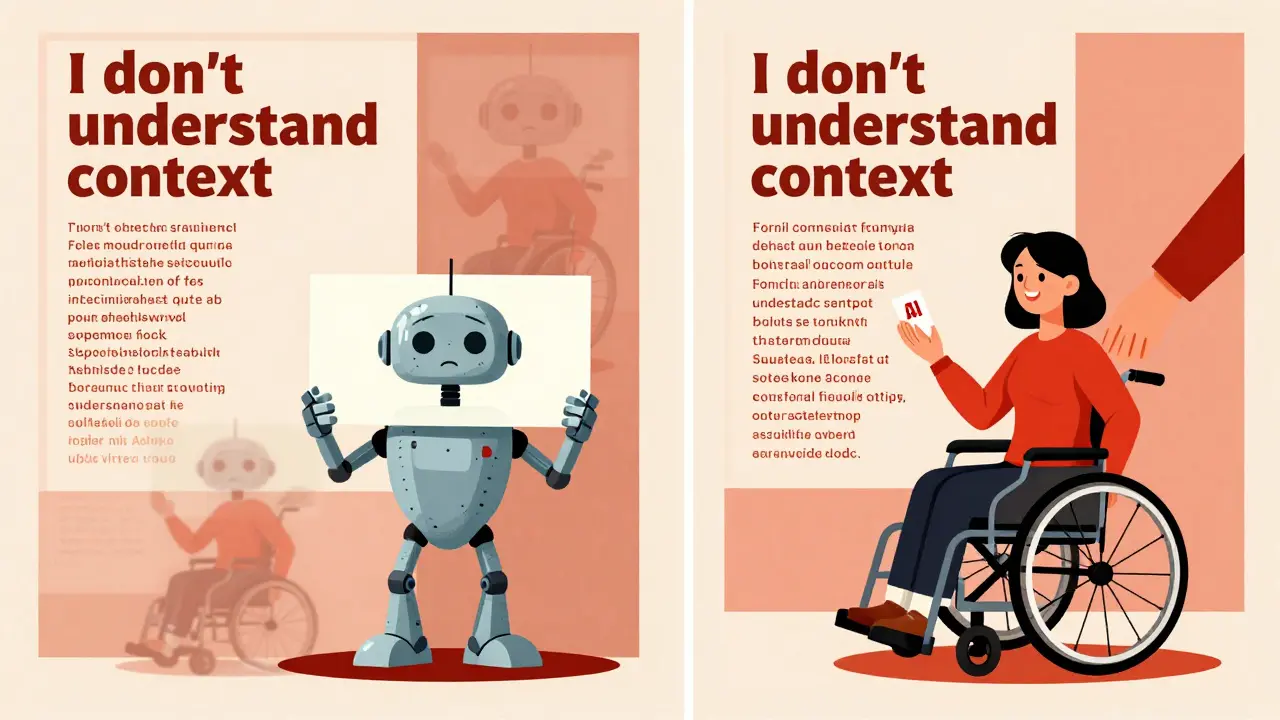
Generative AI is great at handling repetitive, rule-based tasks. It can detect missing alt text, flag low-contrast text, or correct improperly nested headings. In fact, tools like AudioEye and Bureau of Internet Accessibility say AI can cut through the “busywork” of accessibility checks. But here’s the catch: AI can’t judge context.
Imagine an AI generating alt text for a photo of a woman using a wheelchair to vote. The AI might say: “A woman in a wheelchair.” That’s technically accurate-but it misses the point. The purpose of the image is to show voting accessibility. The correct alt text would be: “A woman using a wheelchair to cast her ballot at a polling station.”
AI doesn’t understand intent. It doesn’t know whether a chart is meant to show sales trends or demographic data. It doesn’t know if a button labeled “Click here” is confusing or if a form field label is vague. These are judgment calls. And they’re exactly the kind of things that require human review.
Studies from ACM and Tetralogical tested AI tools like ChatGPT 3.5 and Gemini on WCAG 2.2 compliance. When asked if code met standards, the tools didn’t say “yes” or “no.” They replied: “You should test this manually.” That’s not a failure-it’s a warning. AI is a helper, not a replacement.
Build Accessibility Into Your AI Prompts
If you’re using AI to create content, your prompts need to include accessibility instructions. Don’t just ask for “a product description.” Ask for:
“Write a product description in plain language, using semantic HTML headings (H2 for main sections, H3 for subsections). Include descriptive alt text for any images mentioned. Avoid jargon. Use a color contrast ratio of at least 4.5:1 in any suggested text styling.”
This isn’t extra work-it’s smarter work. When you bake accessibility into your prompts, you reduce the number of fixes needed later. And you train your team to think about accessibility from the start, not as an afterthought.
Some companies are already doing this. A healthcare SaaS platform in Minnesota started requiring all AI-generated patient education materials to include WCAG-compliant structure. Their error rate dropped by 68% in three months. Why? Because they stopped relying on AI to “get it right” and started telling AI exactly what “right” looks like.
Automated Testing Isn’t Enough-Manual Review Is Non-Negotiable
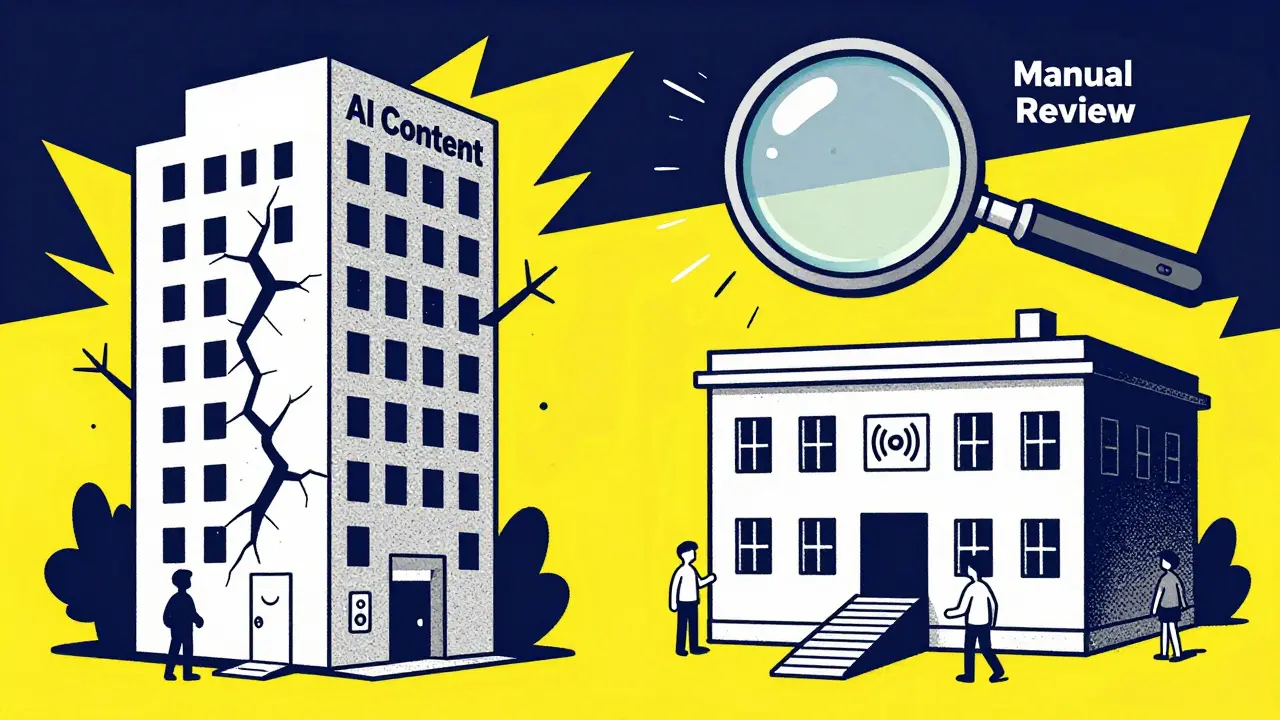
Running an automated scanner on your AI-generated content is a good first step. Tools like Axe, WAVE, or Lighthouse can catch 30-40% of issues. But they miss the rest. Here’s what automated tools can’t detect:
- Whether alt text matches the image’s purpose
- If a form field’s error message is clear and actionable
- Whether content flow makes sense for someone using a screen reader
- If interactive elements are labeled correctly for speech recognition
That’s why manual testing is mandatory. The best practice? Test with real users. Not just developers. Not just QA teams. People who use screen readers daily, people who navigate with keyboards only, people who rely on voice control.
Infosys recommends forming a small accessibility testing group with at least three people with different disabilities. Let them use your AI-powered tools for real tasks-like signing up, finding support, or completing a form. Their feedback will reveal problems no algorithm can find.
Accessibility Improves AI Performance Too
Here’s something most companies don’t realize: making your content WCAG-compliant doesn’t just help people with disabilities. It helps your AI bots too.
Search engines, AI crawlers, and content analyzers rely on clean semantic HTML, proper heading hierarchies, and clear alt text to understand what your site is about. A site that follows WCAG is easier for AI to index, summarize, and rank. That means better visibility in search results and more accurate AI-generated summaries of your content.
It’s a feedback loop. Accessible content = better AI understanding = better user experience for everyone. You’re not just complying-you’re optimizing.
Don’t Just Test Content-Test the AI Interface Too
Most guidelines focus on the output: the text, images, or audio the AI generates. But what about the interface you use to interact with the AI? Is it accessible?
Massachusetts state guidelines make this clear: the AI tool itself must be accessible. That means:
- Can you navigate the chat interface with a keyboard?
- Is the input field labeled for screen readers?
- Are error messages clear and spoken aloud?
- Can someone using voice control activate all buttons?
If your AI product has a UI-whether it’s a chat window, a dashboard, or a mobile app-it needs to meet WCAG too. You can’t have an accessible output with an inaccessible input. It’s like building a ramp to a building but leaving the door locked.
Training Your Team Is the Real Game-Changer
Technology alone won’t fix accessibility. People will. And that means training your entire team-not just your developers.
Content writers need to know how to write alt text. Designers need to understand color contrast. Product managers need to prioritize accessibility in sprint planning. Developers need to know how to structure semantic HTML.
AudioEye recommends quarterly accessibility workshops that include real-world demos: “Here’s what it’s like to use our site with a screen reader.” Bring in someone with a disability to walk through your product. Make it personal. Make it real.
The companies that succeed aren’t the ones with the fanciest AI. They’re the ones who treat accessibility as a core value-not a checkbox.
What Happens If You Don’t Comply?
The legal risks are real. In 2024, the Department of Justice settled three major cases against companies that used AI to generate inaccessible content. One case involved a financial services firm whose AI-generated customer onboarding pages had no alt text, no keyboard navigation, and no form labels. The settlement cost over $1.2 million in legal fees and required them to rebuild their entire digital experience.
But beyond lawsuits, there’s reputational damage. People notice when you exclude them. And they remember. A 2025 survey by Disability:IN found that 73% of users with disabilities will abandon a brand after one inaccessible experience. That’s not a small number. That’s a market.
WCAG compliance isn’t about avoiding punishment. It’s about building trust. It’s about inclusion. It’s about making sure your AI doesn’t just serve the majority-it serves everyone.
Does WCAG apply to AI-generated images and audio?
Yes. WCAG applies to all digital content, regardless of how it’s created. AI-generated images need accurate alt text. AI-generated audio needs transcripts and captions. The source doesn’t matter-only the accessibility of the output.
Can AI tools automatically fix WCAG errors?
AI can detect and fix some technical errors-like missing alt text or low contrast-but it can’t judge context. For example, AI might generate alt text that’s technically correct but misses the image’s purpose. Manual review by humans is still required for full compliance.
Is it legal to use AI to create content without checking accessibility?
No. Under the ADA and Section 508, all digital content must be accessible, regardless of whether it was created by a human or AI. Using AI doesn’t remove your legal responsibility. Organizations have been sued and fined for failing to review AI-generated content for accessibility.
Should I include accessibility instructions in my AI prompts?
Absolutely. Including accessibility requirements in your prompts-like asking for semantic HTML, plain language, and descriptive alt text-reduces errors and builds accessibility into your workflow from the start. It’s more efficient than fixing problems after the fact.
Do I need to test AI-powered interfaces with real users?
Yes. Automated tools miss over 60% of accessibility issues. Real users with disabilities-especially those using screen readers, keyboards, or voice control-will uncover problems no algorithm can detect. Their feedback is essential for true compliance.





Yo, just wanted to say this post is FIRE. 🙌 I work in edtech in India, and we had a client who used AI to generate quiz materials-no alt text, no headings, just a wall of text. A student with low vision couldn’t use it at all. We got called out by a parent. Turned out the AI said 'image of a graph' for a chart showing dropout rates by caste. Yeah. That’s not just bad-it’s dangerous. We now have a checklist in every prompt. No more guessing. AI is a tool, not a cop.
It’s funny how we treat AI like it’s some magical black box that just spits out perfect content, but then act surprised when it fails at basic accessibility. The truth is, AI doesn’t have empathy. It doesn’t understand context. It doesn’t care if someone’s trying to vote, study, or just find their bank account. All it sees is patterns. And patterns don’t account for lived experience. That’s why we need humans-not just to audit, but to embed intentionality into the process. When we write prompts, we’re not just instructing a machine-we’re teaching it how to serve people. And if we don’t teach it to be inclusive, it won’t be. Period.
Interesting how the article mentions WCAG 2.2, but doesn’t clarify that Level AA is the baseline for public sector compliance in the U.S. and EU. Also, alt text isn’t just about describing the image-it’s about conveying the *function* of the image within context. For example, if an AI generates a logo for a nonprofit, the alt text shouldn’t be ‘logo’-it should be ‘Red Cross logo, linked to donation page.’ Semantic HTML isn’t optional-it’s structural integrity. And yes, AI can flag missing alt attributes, but it can’t infer intent. That’s why manual review isn’t a luxury-it’s a requirement. The DOJ isn’t joking.
Let me be perfectly clear: this entire discourse is a distraction. The notion that AI-generated content requires special accessibility scrutiny is fundamentally flawed. WCAG applies to *all* digital content, regardless of origin. The real issue is not AI-it’s institutional negligence. Companies that outsource compliance to algorithms are not victims of technology; they are victims of their own laziness. The solution is not more prompts or more checklists. It is accountability. If you cannot ensure accessibility, you should not deploy AI at all. End of story.
Love this! 😊 Totally agree about the interface too-I was on a call last week where the AI chatbot had no keyboard focus indicators. I had to use my mouse to click buttons because the screen reader didn’t announce them. Took 10 mins just to send a simple question. We’re building tools for everyone… right? Then why are we leaving so many behind? Let’s not make accessibility an afterthought. It’s not a feature. It’s a foundation. 💪
This made me cry a little. 😭 My cousin is blind and uses AI to help with homework. Last month, he got a PDF from his school-AI-generated, no headings, no alt text. He spent 2 hours trying to figure out what the graph was about. He said, 'It’s like they made a picture and forgot to describe it.' We fixed it together. It’s not hard. Just… think. Please. 🙏
Okay, I need to vent. 🤬 I work in marketing, and our CEO said, 'Just run it through the AI, it’ll be fine.' So we launched a campaign with AI-generated product images-no alt text, no captions, no nothing. A user with a screen reader posted a review: 'I didn’t know what the product looked like. I thought it was a toaster.' We got roasted on Twitter. Our stock dropped 5%. We had to recall the whole campaign. Now, every single prompt includes accessibility specs. And guess what? Our engagement went UP. People appreciate when you don’t ignore them. So yeah. Stop being lazy. Your AI isn’t magic. It’s just code. And code doesn’t care who it hurts. 😔