Design-Led Vibe Coding: How to Turn Figma Designs into Apps in 2026
Remember when building an app meant spending weeks on wireframes, months on visual design, and then praying the developers understood your intent? That era is officially over. In 2026, we are living in the age of vibe coding. This isn't just a buzzword; it’s a fundamental shift in how digital products come to life. Instead of starting with rigid structures or complex code, you start with a feeling-a description of how an app should look, feel, and behave. You describe the mood, and artificial intelligence builds the interface.
This approach flips the traditional development workflow upside down. Rather than moving linearly from requirements to structure to implementation, vibe coding allows for near-simultaneous exploration of aesthetics and functionality. It bridges the gap between creative direction and technical execution, allowing designers, product managers, and even non-technical stakeholders to build functional prototypes that feel real. If you’ve ever stared at a blank whiteboard wondering how to translate those sticky notes into a working dashboard, this new paradigm is exactly what you’ve been waiting for.
What Is Vibe Coding?
Vibe coding is a development methodology that uses natural language prompts to generate both the emotional tone and functional structure of digital applications through AI assistance. At its core, it blends creative direction with technical output. You don’t write HTML or CSS manually. Instead, you write descriptions. You tell the AI that your app needs to feel "cozy," "earthy," and "slightly magical." The AI interprets these abstract concepts and translates them into specific typographic choices, color palettes, layout decisions, and interaction patterns.
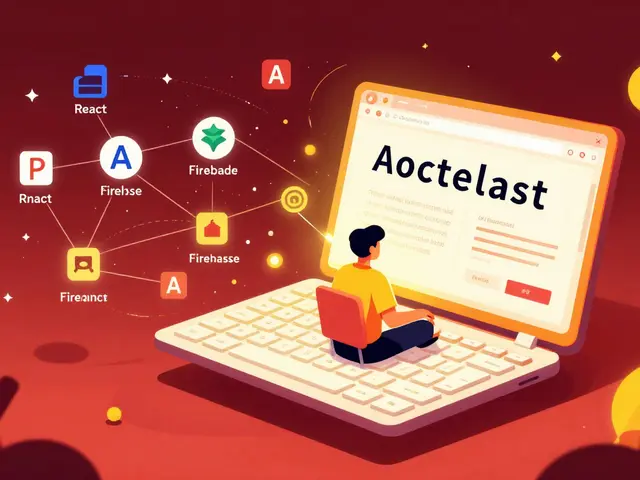
The primary engine behind this movement is Figma Make, which is Figma's integrated platform for generating production-ready code directly from design files and text prompts. While other tools exist, Figma has positioned itself as the central hub for this workflow. It doesn’t just generate pretty pictures; it generates actual, usable code-HTML, CSS, and React components-that can be deployed or handed off to developers for backend integration. This means the barrier to entry for building software has dropped significantly. You no longer need to be a master coder to create a functional frontend; you need to be a clear communicator.
The Core Workflow: From Whiteboard to Live App
To understand how vibe coding works in practice, you have to look at the four-step workflow that defines the process. It’s not magic; it’s a structured pipeline that leverages AI to compress timelines that used to take months into hours.
- Define the Vision: Start with prompts. Describe the aesthetics and functionality. Don’t just say "make a button." Say "create a rounded, soft-edged button that feels inviting and encourages action without being aggressive." This step captures the emotional intent.
- Create a Visual Source of Truth: Use Figma Design to build core screens and establish base components and styles that serve as concrete references for AI interpretation. Even though AI generates code, having a visual anchor ensures consistency. These designs act as the guardrails for the AI, ensuring it stays on brand.
- Test Interactions: Before writing any serious code, test the user experience within Figma Make. Verify that the behaviors match your vision. Does the menu slide out smoothly? Does the form validate correctly? This step catches UX issues before they become expensive coding problems.
- Bridge the Code: Move validated designs into AI coding tools to generate the front-end structure. From here, you can deploy using Figma Sites for direct hosting of generated web applications without requiring external server configuration, or export the code to environments like Cursor or Replit for deeper backend work.
This workflow eliminates the friction of handoffs. In traditional setups, designers lose information when passing files to developers. In vibe coding, the design *is* the code source. The fidelity remains high because the same system that holds your design tokens also generates your class names.
Why Start With FigJam?
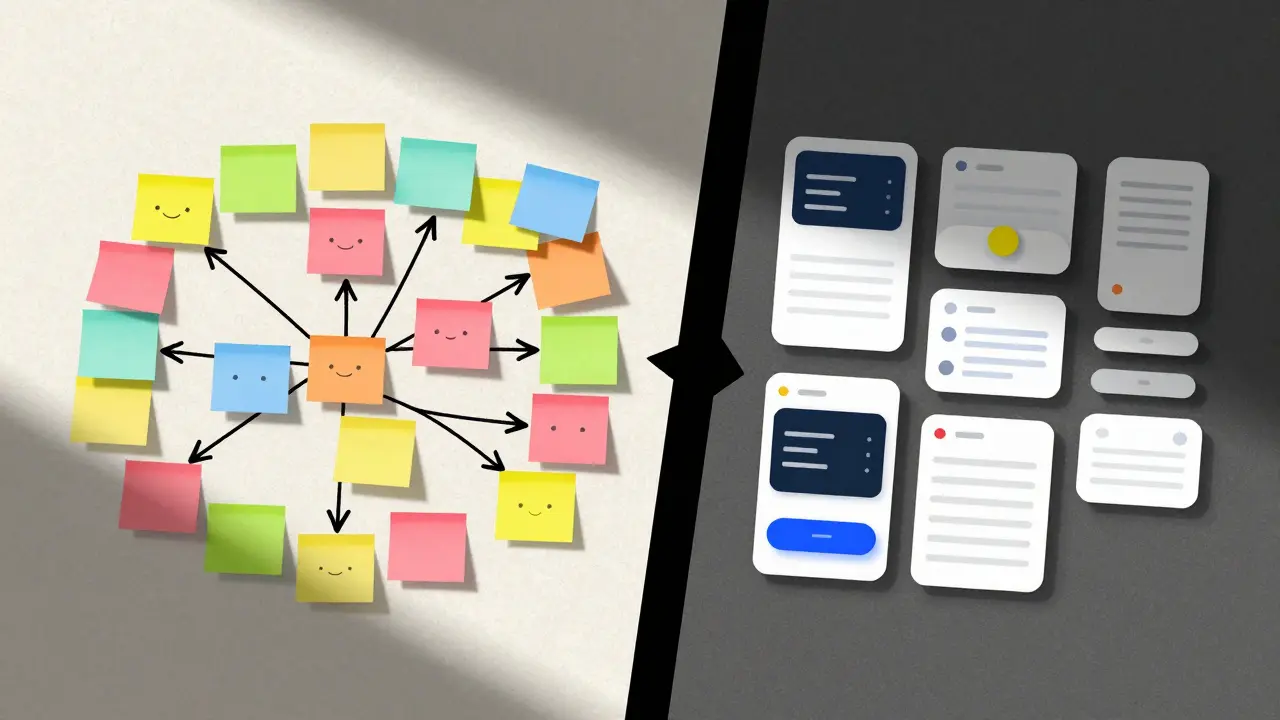
Before you open Figma Make, you should open FigJam, which is Figma's collaborative whiteboarding tool used for diagramming user flows and database schemas before prompting. Many teams skip straight to the visual design, but that’s where vibe coding often fails. If your logic is flawed, no amount of beautiful UI will save the product.
Use FigJam to map out user journeys and data structures. Diagram how a user moves from landing page to checkout. Sketch out what data needs to be stored. This creates a shared understanding across your team-designers, developers, and stakeholders all see the same logic. When you finally start prompting in Figma Make, you aren’t guessing about functionality. You’re translating a validated plan into code. For example, if you’re building a plant-watering reminder app, use FigJam to define what happens when a user misses a watering day. Does the app send a gentle nudge or a harsh alert? Deciding this in FigJam makes the subsequent prompt much more precise.
Prompt Engineering for Designers
The quality of your output depends entirely on the specificity of your input. Vague prompts yield generic results. Specific prompts yield tailored experiences. Here is how to think like a vibe coder:
- Be Emotional but Precise: Instead of saying "make it modern," say "use ample whitespace, sans-serif typography, and a monochromatic palette with one accent color for calls to action."
- Describe Behavior: Mention how elements react. "The card should lift slightly on hover with a soft shadow increase."
- Iterate Selectively: You don’t need to regenerate everything. If the header is perfect but the footer feels cluttered, prompt only the footer. "Make the footer cleaner by reducing font size and increasing padding between links."
Consider this example from a recent project: A designer wanted a dashboard for a wellness app. The initial prompt was: "Design a mobile app dashboard for a plant-watering reminder service. The vibe is cozy, earthy, and slightly magical. Use a friendly, rounded serif font for headings and a clean sans-serif for body text." The result was good, but the cards felt too rigid. The refinement prompt was: "Make the plant watering schedule cards feel more organic with a soft, leafy border. Lighten the background to feel like morning light." The AI adjusted the border-radius and added a subtle gradient overlay. Two prompts later, the design was ready for code generation.
Vibe Coding vs. Traditional Development
| Feature | Vibe Coding (Figma Make) | Traditional Development |
|---|---|---|
| Starting Point | Natural language prompts & mood | Wireframes & technical specs |
| Speed to Prototype | Minutes to hours | Weeks to months |
| Code Generation | AI-generated HTML/CSS/React | Manual coding by developers |
| Collaboration | Cross-disciplinary (plain language) | Siloed (designers vs. devs) |
| Iteration Cost | Low (quick regeneration) | High (requires re-coding) |
The biggest advantage of vibe coding is speed combined with creative flexibility. In traditional workflows, testing a new layout requires developers to rewrite code. In vibe coding, you change the prompt, regenerate the view, and test the interaction immediately. This allows teams to explore multiple creative directions early in the cycle without locking in resources. It reduces the risk of building something nobody wants because you can validate the "feel" of the product before investing in complex backend logic.
Who Is This For?
Vibe coding is designed for everyone, but it shines brightest for two specific groups. First, experienced developers who want to accelerate their frontend work. By offloading the repetitive task of styling and component creation to AI, they can focus on architecture, API integration, and performance optimization. Second, non-technical founders and designers. Tools like Claude Desktop integrated with Figma via Model Context Protocol (MCP) allow someone with zero coding knowledge to build a single-page website, add animations via English descriptions, and deploy to GitHub without touching a terminal.
There is a growing community of professionals who were laid off or are pivoting careers finding new opportunities here. They aren’t learning Python or JavaScript syntax; they are learning how to articulate design intent clearly. This is a valuable skillset in itself. The ability to communicate complex visual ideas through precise language is becoming just as important as knowing how to center a div.
Limitations and Realities
Let’s be clear: vibe coding is not a replacement for engineering. It is primarily a frontend powerhouse. Figma Make generates clean, editable components, but it does not build databases. It does not handle authentication logic. It does not manage server-side scaling. If you are building a simple marketing site, a portfolio, or a dashboard that pulls from an existing API, vibe coding is incredibly powerful. If you are building a complex banking platform with intricate transaction logic, you still need senior engineers.
Additionally, the quality of the code depends on the complexity of the design. Simple layouts generate pristine, semantic HTML. Complex, highly interactive interfaces may produce code that requires cleanup. Developers should review AI-generated code for accessibility standards, performance optimizations, and security vulnerabilities. Treat the AI output as a strong first draft, not a final submission.
The Future of Design-Led Development
We are seeing a convergence of design and code. Historically, these were separate disciplines with separate tools. Now, platforms like Figma are unifying them. As AI models improve, the fidelity of generated code will increase, and the iteration cycles will shrink further. We can expect tighter integrations between collaborative design platforms and deployment infrastructure. Soon, you might sketch an idea on a tablet, describe its behavior in voice notes, and have a live, hosted application running in minutes.
For now, the opportunity lies in mastering the hybrid workflow. Learn to use FigJam for logic, Figma Design for truth, and Figma Make for generation. Embrace the prompt as your new primary tool. The future of app development isn’t just about writing better code; it’s about describing better experiences.
Is vibe coding suitable for enterprise-level applications?
Vibe coding is excellent for frontend interfaces and rapid prototyping within enterprises. However, for full-stack enterprise applications, it should be used alongside traditional development practices. The AI-generated frontend code can be integrated with robust backend systems managed by engineering teams. It accelerates the UI layer but does not replace the need for secure, scalable backend architecture.
Do I need to know how to code to use Figma Make?
No, you do not need to know how to code to get started. Figma Make is designed to be accessible to non-technical users. You interact with it through natural language prompts and visual adjustments. However, basic knowledge of web structure helps in refining outputs and troubleshooting minor issues.
Can I export code from Figma Make to other platforms?
Yes. Figma Make allows you to export production-ready code in formats like HTML, CSS, and React. You can deploy directly to Figma Sites or transfer the code to external development environments such as Cursor, Replit, or your local IDE for further customization and backend integration.
How does FigJam fit into the vibe coding workflow?
How does FigJam fit into the vibe coding workflow?
FigJam serves as the foundational planning stage. Before generating designs or code, teams use FigJam to diagram user flows, map out database schemas, and align on logic. This ensures that the subsequent AI-generated designs are built on a solid structural foundation, reducing rework later in the process.
What are the best practices for writing vibe coding prompts?
Best practices include being specific about emotional tone (e.g., "cozy," "professional"), defining typographic preferences, describing interaction behaviors, and iterating selectively. Avoid vague instructions. Instead of "make it nice," specify "use soft shadows, rounded corners, and a pastel color palette." Refine outputs with short, targeted prompts rather than regenerating entire pages.