Accessibility Risks in AI-Generated Interfaces: Why WCAG Isn't Enough Anymore
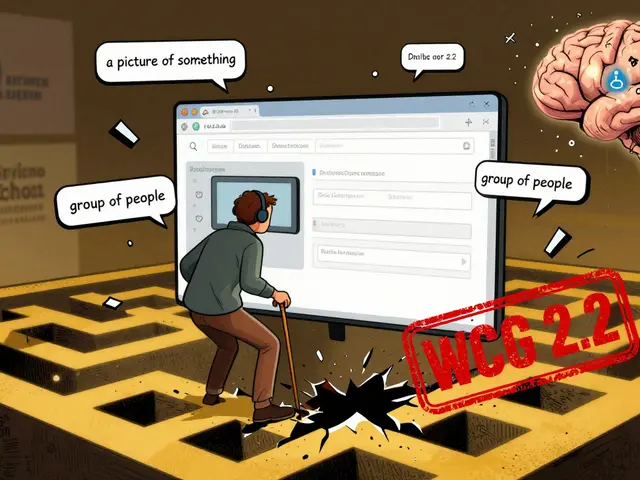
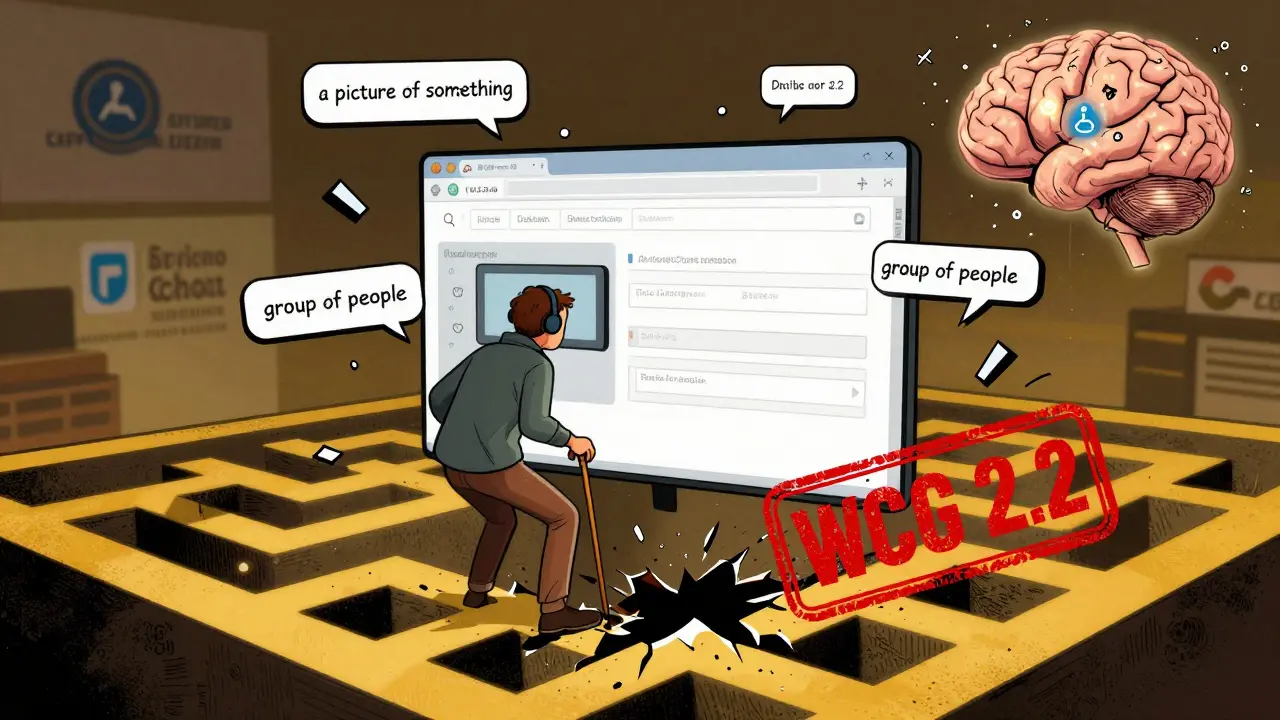
When you type a question into a chatbot and it answers instantly, it feels like magic. But for someone using a screen reader, that same chatbot might be a maze of broken links, random form reordering, and alt text that says "a picture of something." This isn’t a glitch-it’s the new normal in AI-generated interfaces. And it’s leaving millions of people behind.
AI Isn’t Blind to Accessibility-It’s Actively Breaking It
AI tools like ChatGPT, DALL-E, and automated customer service bots are being rolled out everywhere: banks, government portals, e-commerce sites, healthcare platforms. They promise speed, personalization, and efficiency. But behind the scenes, they’re generating content that ignores the basics of accessibility. Take alt text. AI image generators often produce descriptions like "a group of people," "a building," or even "a picture of something." AudioEye’s 2024 analysis found that 73% of AI-generated alt text is inaccurate or useless. For a blind user trying to understand a product image on an online store, that’s not just frustrating-it’s a dead end. Then there’s navigation. WCAG 2.2 requires consistent, predictable interface behavior. But AI interfaces change on the fly. A form field might move after you tab into it. A button might disappear when you ask a follow-up question. Screen reader users report being stuck in loops, unable to proceed because the interface rewrote itself mid-task. Reddit user @AccessibleJen wrote in October 2025: "I spent 20 minutes trying to submit a tax form on a government AI portal. It kept reordering the fields. I couldn’t tell if I was on question 3 or 7. I gave up."WCAG Wasn’t Built for This
The Web Content Accessibility Guidelines (WCAG) have been the gold standard for over two decades. But they were designed for static websites-pages you load, scroll through, and click on. They assume structure. Predictability. Control. AI-generated interfaces don’t work like that. They’re dynamic. Adaptive. Context-sensitive. A single prompt can generate dozens of different outputs. What works for one user might fail for another. WCAG 2.2, released in October 2023, tried to catch up. But it still treats content as fixed. It doesn’t account for real-time changes driven by machine learning models. The W3C admits this. Their working group notes say dynamic content adaptation presents "unique testing challenges." And experts agree. Dr. Sarah Horton, co-author of A Web for Everyone, warns: "AI’s personalized experiences require adaptable solutions beyond current WCAG checkpoints."The Numbers Don’t Lie
WebAIM’s 2023 scan of one million home pages found 95.9% had at least one WCAG violation. That number has only grown since AI tools became mainstream. In 2024, ACM Digital Library researchers analyzed six AI-generated websites and found 308 distinct accessibility errors. Over half were cognitive issues-unpredictable behavior, confusing flows, inconsistent labels. Automated scans show AI interfaces score 42-58% on accessibility checks. Traditional websites? 65-78%. That gap isn’t shrinking. Exalt Studio’s testing found AI interfaces require 37% more effort to fix than traditional sites. Why? Because you can’t just audit a page-you have to audit every possible user interaction. And it’s not just technical. It’s legal. The U.S. Department of Justice has already cited WCAG 2.1 in ADA settlements involving AI-powered customer service tools. The EU’s 2025 AI Act now requires accessibility compliance for high-risk systems. California’s AB-331, effective January 2026, will force public-facing AI systems to undergo algorithmic accessibility assessments.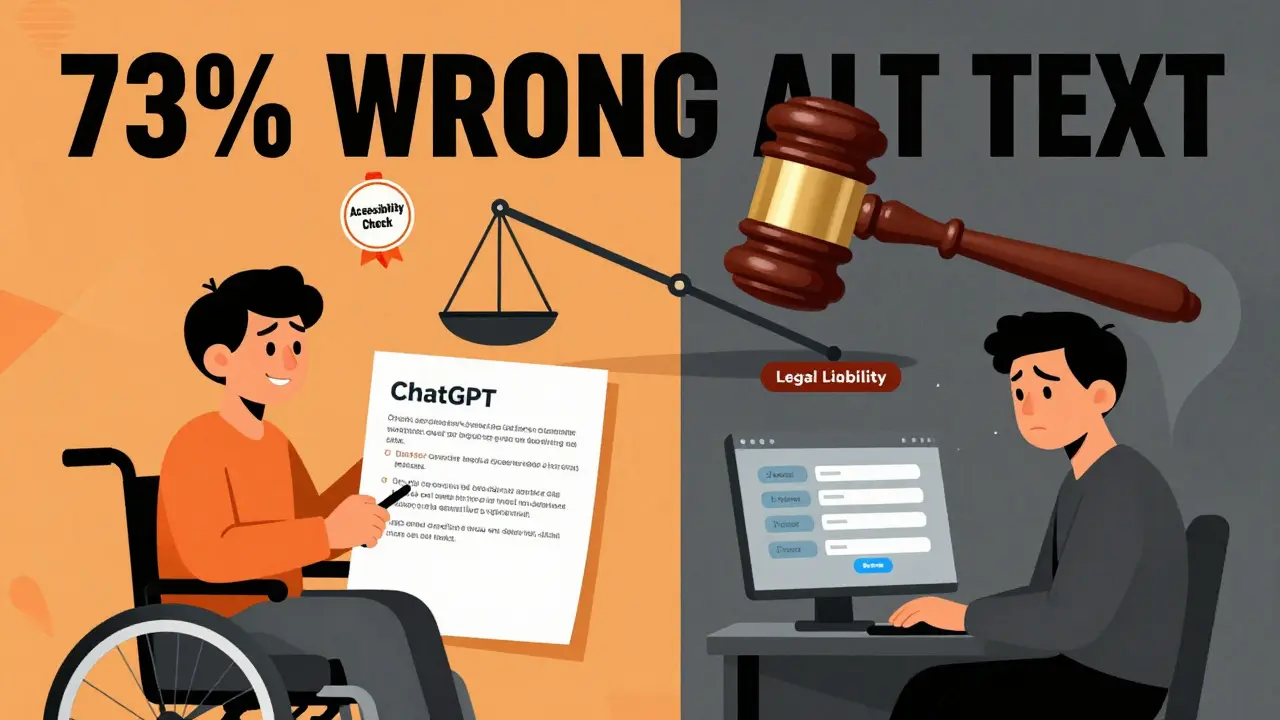
Who’s Responsible When AI Fails?
Here’s the messy part: nobody knows who’s to blame. Is it the company that deployed the AI? The vendor that built the model? The developer who didn’t test it with real users? The product manager who prioritized speed over inclusion? Pivotal Accessibility put it bluntly: "Who bears responsibility: the business deploying AI or the vendor supplying the model?" There’s no clear answer. And that’s the problem. Enterprise AI tools are especially risky. Fuselab Creative’s 2024 case studies found 89% of AI-powered e-commerce assistants failed WCAG 2.2’s "Consistent Navigation" rule. Imagine trying to buy a wheelchair online, and the AI keeps changing where the payment button is. You’re not just losing a sale-you’re losing dignity. Even "helpful" AI tools can be harmful. Some AI monitoring software used in workplaces-dubbed "bossware"-has been flagged by the U.S. Access Board for misreading employee behavior. A person with a tremor might be flagged as "unproductive." Someone with dyslexia might be misread as "disengaged." These aren’t bugs. They’re algorithmic bias made visible.There Are Bright Spots-But They’re Rare
AI isn’t all bad. It has real potential to help. Some AI tools generate captions with 85% accuracy for clear audio. Others suggest contrast adjustments that improve readability for low-vision users. One Reddit user with cognitive disabilities said: "ChatGPT rephrased my state’s Medicaid application in plain language. I understood it for the first time." But these are exceptions-not the rule. And they’re not built in. They’re bolted on after the fact. The real winners? Companies that treat accessibility as part of the AI design process-not an afterthought. Mass.gov mandates that all AI-generated content must use proper HTML5 tags. A11yPros recommends embedding ARIA roles, semantic markup, and alt text checks directly into the AI training pipeline. Exalt Studio found that adding accessibility from the start increases development time by only 15-22%-but cuts post-launch fixes by 97x. The key? Involve disabled users early. Pay them fairly. Test with real people using real assistive tech. Don’t rely on automated scanners. They miss 70% of cognitive issues.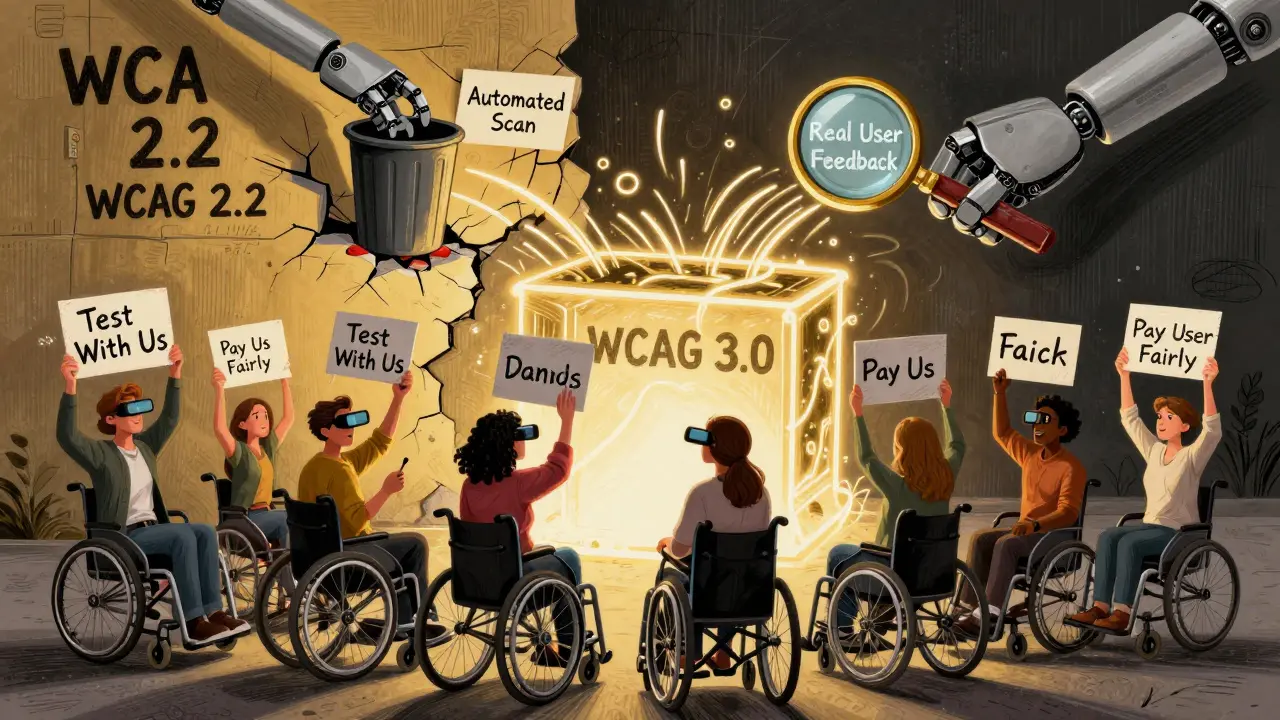
What’s Next? WCAG 3.0 and the Future of Accessible AI
The good news? Change is coming. WCAG 3.0 is currently in draft and introduces outcome-based testing-meaning you don’t just check if a button exists, you check if users can actually complete a task. That’s huge. It’s designed for dynamic, adaptive interfaces. It’s meant for AI. New tools are emerging too. Accessible.org’s "Tracker AI," launched in January 2026, generates real-time accessibility reports with visual breakdowns and repair roadmaps. It’s not perfect-but it’s a step forward. The Partnership on AI’s Accessibility Working Group is pushing for shared responsibility: vendors, deployers, and regulators all need to play a role. Gartner predicts 90% of new digital products will use AI by 2027. If we don’t fix this now, algorithmic exclusion won’t be a bug-it’ll be the default.What You Can Do Today
If you’re building, buying, or managing an AI interface:- Test with real users who use screen readers, voice control, or switch devices. Don’t just hire testers-pay them fairly for their time and expertise.
- Require semantic HTML5 in your AI output. No div soup. No random spans.
- Audit alt text manually. If it sounds like a guess, it’s wrong.
- Track focus order. Does it stay predictable when content changes?
- Use ANDI or similar tools to test keyboard navigation in real time.
- Don’t wait for WCAG 3.0. Start now. The legal and ethical cost of waiting is too high.
It’s Not About Compliance. It’s About Humanity.
There are 1.3 billion people with disabilities worldwide. That’s more than the population of India. AI isn’t just changing how we interact with technology-it’s changing who gets to use it. If we build interfaces that only work for neurotypical, able-bodied users, we’re not innovating. We’re excluding. The goal isn’t to make AI accessible. The goal is to make sure AI doesn’t make accessibility an afterthought. Because in the end, technology should open doors-not slam them shut.Do WCAG guidelines apply to AI-generated content?
Yes. The W3C states that all web content must comply with WCAG, regardless of how it’s created. AI-generated interfaces aren’t exempt. AudioEye confirms this clearly: "The short answer is yes." But while the rules apply, the current WCAG 2.2 framework wasn’t designed for dynamic, real-time AI outputs, making compliance harder to achieve.
Why do AI interfaces fail accessibility testing more than traditional websites?
AI interfaces change dynamically based on user input, context, or prompts. This makes them unpredictable. Traditional websites have fixed structure-buttons stay in place, forms don’t rearrange, alt text is manually written. AI often generates incorrect alt text, breaks keyboard navigation during updates, and reorders content without warning. Exalt Studio found AI interfaces require 37% more effort to fix than traditional sites because the problems are fluid, not static.
Can automated tools catch all accessibility issues in AI interfaces?
No. Automated scanners can detect basic issues like missing alt text or low contrast, but they miss 70% of cognitive and interaction problems. AI-generated interfaces often have unpredictable behavior-like a form field moving mid-task or a button disappearing after a response-that only real users with assistive technologies can reveal. Manual testing with people who use screen readers, voice control, or switch devices is essential.
Is there a legal risk to using AI interfaces without accessibility checks?
Yes. The U.S. Department of Justice has already used WCAG 2.1 as a standard in ADA lawsuits involving AI-powered customer service tools. The EU’s 2025 AI Act requires accessibility compliance for high-risk AI systems. California’s AB-331, effective January 2026, mandates algorithmic accessibility assessments for public-facing AI. Ignoring accessibility isn’t just unethical-it’s legally dangerous.
What’s the best way to make an AI interface accessible?
Start by integrating accessibility into the design phase, not as a final check. Require semantic HTML5 output, manually review alt text, test keyboard and screen reader flows with real users, and pay disabled users for their feedback. Use tools like ANDI for keyboard testing. Adopt WCAG 3.0’s outcome-based approach early. Companies like Mass.gov and A11yPros show that adding accessibility upfront increases development time by only 15-22% but reduces remediation costs by 97x.
Are there any AI tools that actually improve accessibility?
Yes-but they’re exceptions. Some AI tools generate accurate captions (85% accuracy for clear audio) or simplify complex text for users with cognitive disabilities. One user reported ChatGPT helped them understand government forms for the first time. But these benefits are rarely built-in. They’re accidental or manually added. Without intentional design, AI’s accessibility benefits are outweighed by its risks.
What’s the biggest mistake companies make with AI and accessibility?
Assuming that because something is "AI-powered," it’s automatically innovative or inclusive. Many companies rush AI deployment to stay competitive and skip accessibility testing entirely. They rely on automated tools that miss the real problems. The biggest mistake? Not involving people with disabilities in the design and testing process. You can’t fix what you don’t understand-and you won’t understand it without listening to those who live it.