
Rapid Mobile App Prototyping with Vibe Coding and Cross-Platform Frameworks
Imagine building a working mobile app prototype in a single day instead of weeks. That's the power of vibe coding. According to Guarana Technologies' December 2025 analysis, vibe coding reduces initial prototyping time from weeks to hours, allowing product teams to validate concepts before committing substantial engineering resources.
What is Vibe Coding?
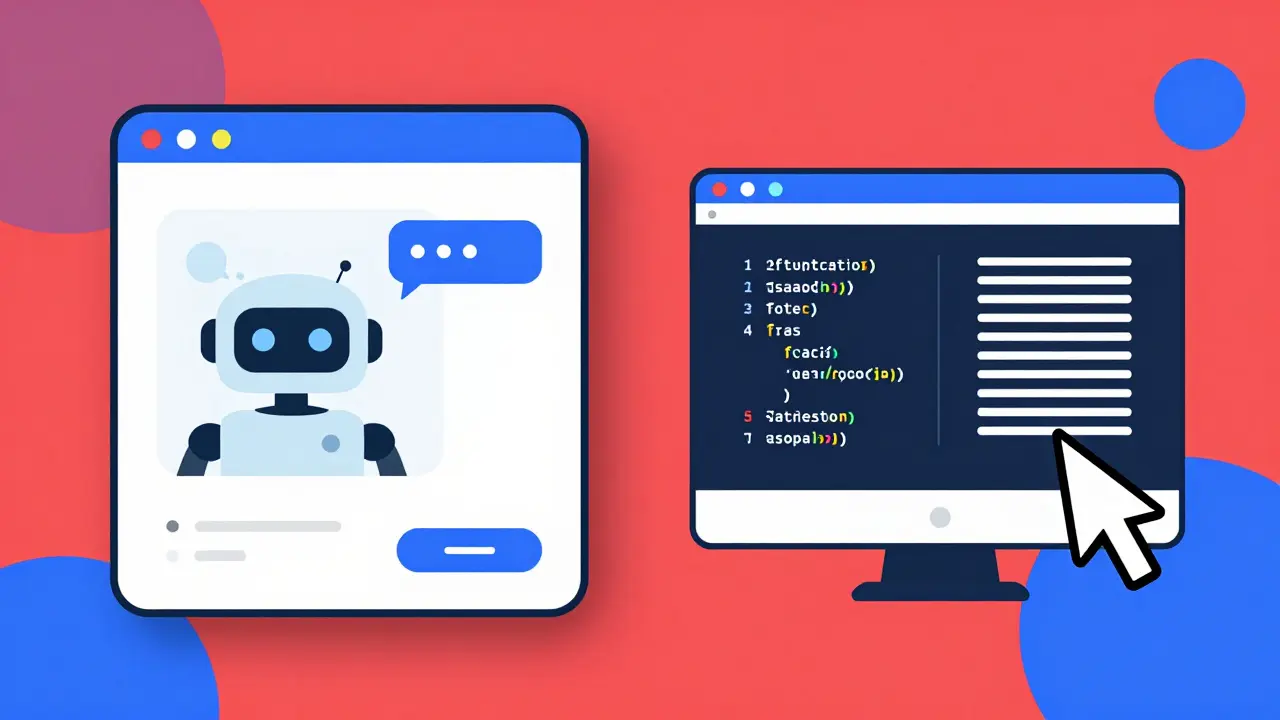
Vibe Coding is a workflow where developers and non-developers use natural-language prompts and AI models to generate app code, UI mockups, or working prototypes. As defined by AALogics in January 2025, it allows teams to create clickable prototypes in hours instead of weeks. Instead of writing every line of code manually, practitioners provide a "vibe"-a concise directive such as "create a minimalist grocery-list app with offline sync and a green brand palette"-and AI systems return components, screens, or runnable project scaffolds.
Major AI models like GPT-4, Claude 3, and Google Gemini power this process. Google launched its "Vibe Code with Gemini" tool in Q4 2024 using Gemini 3 Pro Preview technology. AALogics formalized the workflow as "human intent (the vibe) + AI code generation = faster prototypes and iterated apps," solving the industry pain point where product teams waste 2-3 weeks on initial scaffolding and hand-offs between designers and developers.
How Vibe Coding Works
Vibe coding follows a simple four-step workflow:
- Define the vibe: Write a clear prompt specifying platform, features, and design needs. Example: "Build a fitness tracker app with step counting and heart rate monitoring for iOS and Android. Use blue and white colors."
- Select tools: Choose between UI-focused options like Lovable or code-focused tools like Cursor. Lovable costs $20/month for collaborative prototyping, while Cursor offers IDE-integrated assistance.
- Generate output: The AI creates initial code, UI screens, or project scaffolds. For instance, describing a grocery app might generate a React Native project with a shopping cart screen.
- Iterate: Refine the output through 2-5 cycles. Adjust prompts to fix errors or add features. Tools like v0 by Vercel help refine React components instantly.
According to Codingscape's February 2025 analysis, this process accelerates initial prototyping by 10-20x compared to traditional methods. Teams can validate concepts in 8-24 hours instead of weeks.
Best Cross-Platform Frameworks for Vibe Coding
Two frameworks dominate vibe coding for mobile apps: React Native and Flutter. Both work seamlessly with AI tools because they have extensive documentation and community resources the AI models were trained on.
React Native is a cross-platform framework developed by Meta. It uses JavaScript and React to build apps for iOS and Android. With over 1.3 million GitHub stars as of January 2026, it's the most popular choice for vibe coding. React Native excels at rapid prototyping due to its vast library of third-party components. Guarana Technologies' December 2025 study found React Native delivers 40% faster development cycles for vibe coding prototypes compared to Flutter.
Flutter is Google's framework using Dart language. It has 148,000 GitHub stars and is known for high-performance animations. Flutter delivers 20-30% better performance for complex animations than React Native. However, it requires more refinement during prototyping-15% more cycles on average-because its UI components are more rigid. Codingscape's analysis shows Flutter shines in final production apps but needs more tweaking during the vibe coding phase.
Real-World Examples
Startups and enterprises use vibe coding for specific scenarios:
- A Reddit user named "MobileDev2023" built a food delivery app prototype in 6 hours using Lovable. It impressed investors, but the engineering team spent 3 weeks rewriting it for production.
- On Hacker News, "StartupFounder" shared that Google's Vibe Code helped them create 3 investor-ready prototypes in one weekend, securing $500K funding based on those demos.
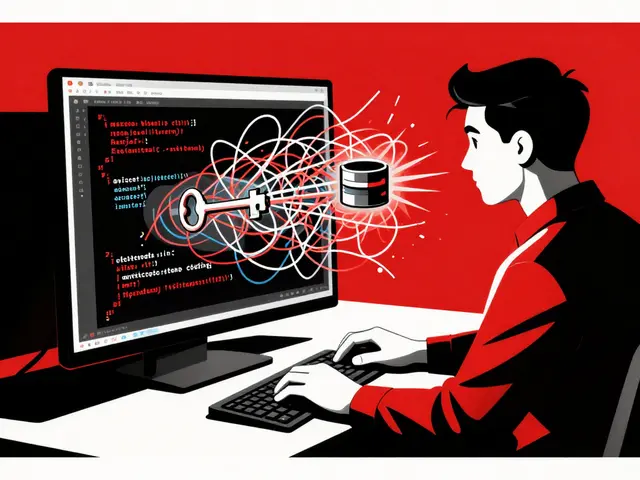
- A GitHub user "CodeExplorer42" documented that Cursor-generated code for a health app had 47 security vulnerabilities. The team fixed these before launching the production version.
G2 Crowd data from December 2025 shows Lovable averaging 4.2/5 stars. Users praise its accessibility but criticize "producing code that requires professional cleanup." 67% of user reviews across platforms highlight challenges scaling vibe-coded prototypes to production, with security issues (42%), architectural limits (38%), and integration problems (29%) as top concerns.
When to Use Vibe Coding (and When Not To)
Vibe coding is perfect for:
- Early-stage concept validation for startups
- Creating investor pitch demos
- Testing user interface ideas quickly
- Internal tool prototyping for enterprises
But avoid vibe coding for:
- Production apps needing high security or compliance (HIPAA, GDPR)
- Complex apps with heavy real-time data processing
- Long-term projects requiring scalability
Guarana Technologies' audit of 120 vibe-coded applications revealed 92% required complete rewrites for production deployment. Common issues included inadequate security implementations, inefficient state management, and scalability constraints. Dr. Elena Rodriguez, CTO at Guarana, states: "Vibe coding is useful for exploration and prototyping, but does not replace professional development. While it can accelerate certain initial phases, our analysis shows 92% of applications started with vibe coding end up requiring a complete rewrite to become viable production applications."

Step-by-Step Guide to Start Prototyping
Follow this practical workflow:
- Refine your prompt (30-60 minutes): Be specific. Instead of "make a shopping app," say "build a grocery app with offline sync, barcode scanning, and a green theme for iOS and Android."
- Choose your tool:
- Non-technical users: Lovable ($20/month) for chat-based development
- Developers: Cursor ($10/month) for IDE integration
- React-focused projects: v0 by Vercel for Tailwind CSS components
- Generate and iterate (2-5 cycles): Fix errors by refining prompts. Example: "Add a dark mode option to the login screen"
- Transition to production: Hand off the prototype to professional developers. They'll rebuild it using React Native or Flutter with proper architecture.
Guarana Technologies found teams achieve 3.2x better results after 10-15 hours of practice. Non-technical users need 8-12 hours to master Lovable, while developers integrate vibe coding into workflows in 3-5 hours.
Checklist for Successful Vibe Coding
- ✅ Define clear validation goals before prototyping (e.g., "Get 10 user sign-ups from this demo")
- ✅ Use simple, concrete prompts (avoid vague terms like "modern UI")
- ✅ Treat all vibe-coded output as disposable-never deploy it directly
- ✅ Budget time for professional rewrites (expect 3.2x the prototyping time)
- ✅ Prioritize security reviews for production-ready code
Frequently Asked Questions
Can vibe coding replace professional developers?
No. Industry consensus is clear: vibe coding is for prototyping only. Guarana Technologies' Dr. Rodriguez confirms, "It accelerates exploration but cannot replace human developers for production systems." Forrester's January 2026 report states 78% of experts recommend vibe coding exclusively for pre-validation prototyping. Production apps need human expertise for security, scalability, and compliance.
Which tool is best for vibe coding?
It depends on your needs. Lovable ($20/month) is ideal for non-technical teams due to its chat interface and collaboration features. Developers prefer Cursor ($10/month) for deep IDE integration and code refactoring. For React-focused projects, v0 by Vercel excels at generating Tailwind CSS components. Google's Vibe Code with Gemini is still in preview but offers strong general-purpose generation. Always test multiple tools-no single solution fits all scenarios.
Why do vibe-coded prototypes need rewrites?
AI models prioritize speed over quality. They often miss critical elements like proper error handling, security protocols, and scalable architecture. Guarana's audit found 87% of vibe-coded projects had security vulnerabilities, 73% had inefficient state management, and 61% couldn't handle real-world user loads. For example, a prototype might generate a login screen but skip password encryption. Professional developers rebuild these aspects from scratch, which takes 3.2x longer than the initial prototyping phase.
Is vibe coding suitable for enterprise apps?
Only for internal prototypes, not customer-facing apps. McKinsey's December 2025 survey found only 22% of Fortune 500 companies use vibe coding beyond experimental phases. Security and compliance risks make it unsuitable for regulated industries like healthcare or finance. However, enterprises use it for internal tooling-like a quick inventory tracker prototype-before building a secure version with traditional development.
How do React Native and Flutter compare for vibe coding?
React Native is better for speed during prototyping. Guarana's study showed 40% faster development cycles for vibe coding with React Native due to its massive library of third-party components. Flutter delivers superior performance in final apps (20-30% better for animations) but requires more refinement during prototyping (15% more cycles). If your goal is rapid validation, choose React Native. If the final app needs high-performance visuals, start with Flutter but budget extra time for adjustments.


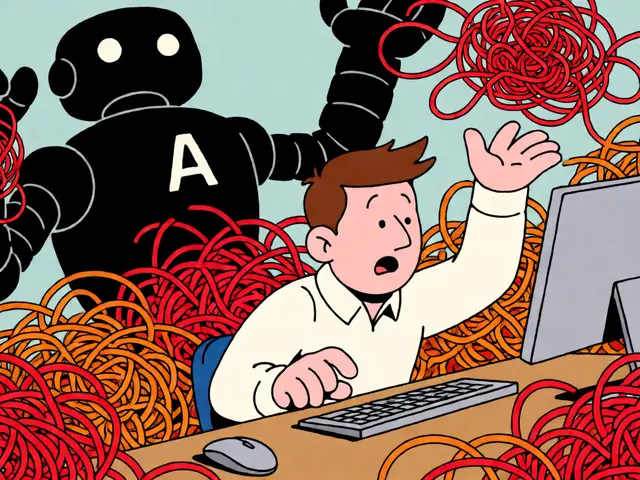



Vibe coding is a powerful tool for rapid validation. 🌟 However, it's essential to recognize its limitations. The data shows 92% of projects need full rewrites. Security issues like missing encryption are common. Always treat prototypes as disposable. Budget time for professional development. This approach ensures quality while leveraging speed. 💡
Vibe coding's speed is impressive-cutting weeks to hours! However, security risks are real-like a health app prototype with 47 vulnerabilities! Always review code thoroughly! Professional developers are essential for production! This tool is great for early stages but not for final deployment-keep that in mind!
Oh, sure, 'vibe coding'-what a brilliant term. But let's be clear: it's just AI spitting out code with zero understanding. The '92% rewrite' stat is the only thing that matters. And you think 'budgeting time' is enough? Ha! Security vulnerabilities are baked in from the start. A 'health app' with missing encryption? That's not 'disposable', it's dangerous. This whole thing is a scam for startups to waste time. 'Professional development'-yeah, right.
Great point-always remember to refactor for production. 🌍
You're absolutely right about the security risks-but you miss the bigger picture. The term 'vibe coding' is actually a misnomer; it should be 'AI-assisted prototyping'. The real issue is that companies ignore the 87% security vulnerabilities statistic. They're not just 'baked in'-they're catastrophic. For example, HIPAA compliance requires encryption, but vibe-coded apps often skip it. This isn't a scam-it's negligence. We need stricter regulations.
In the UK, we don't mess around with this 'vibe coding' nonsence. It's all American hype! Proper development takes time, and we don't have time for AI-generated code that's full of vunerabilities. I've seen projects fail because of this. We need real engineers-not some chatbot writing code. This is why the UK is ahead-no reliance on untested tech!
While nationalistic views are understandable, the reality is that vibe coding is a tool-not a replacement for expertise. The key is knowing when to use it. For instance, in the UK, where development standards are high, vibe coding could still be useful for rapid prototyping of internal tools. However, as the data shows, 92% require rewrites. This isn't about nationality-it's about process. We should focus on integrating it correctly, not dismissing it based on origin.
Your analysis, while somewhat accurate, fails to address the fundamental philosophical underpinnings of AI-assisted development. The term 'vibe coding' is indeed a misnomer; it is more accurately described as 'AI-driven iterative prototyping'. However, the crux of the issue lies not in security vulnerabilities per se, but in the epistemological limitations of current machine learning models. They lack contextual understanding, leading to inherently flawed architectural decisions. Therefore, while your call for 'stricter regulations' is commendable, it is insufficient without a broader re-evaluation of the ontological basis of software engineering itself.