
Distributed Training at Scale: Orchestrating Thousands of GPUs for LLMs
You have a massive dataset and a hunger for a trillion-parameter model. You buy the best hardware available today: NVIDIA H100s with 80GB of memory each. You stack them up, plug in your code, and hit run. Then you watch your training speed crawl to a halt, or worse, crash with a cryptic deadlock error. Why? Because adding more GPUs doesn't just add more compute; it adds massive communication friction. In 2026, Distributed Training is no longer just about throwing hardware at a problem-it’s an intricate dance of orchestration where communication bandwidth often matters more than raw FLOPS.
If you are trying to train Large Language Models (LLMs) beyond 70 billion parameters, you are fighting physics. The bottleneck isn’t usually the math inside the GPU; it’s moving data between them. This guide breaks down how to actually make thousands of GPUs work together without wasting 70% of your budget on idle cycles waiting for data packets to arrive.
The Memory Wall and Why Single GPUs Fail
Let’s be real: a single GPU cannot hold a modern frontier model. A 70B parameter model in FP16 precision requires roughly 140GB just for weights, ignoring gradients, optimizer states, and activations. Even the latest NVIDIA H200, with its 141GB of HBM3e memory, struggles when you factor in the optimizer states which can triple that footprint. This is why we split the model across devices. But splitting isn't simple. If you cut a layer in half, every forward pass requires syncing those halves. Do this thousands of times per batch across hundreds of layers, and your high-speed interconnect becomes the traffic jam.
The core challenge is balancing computation with communication. According to recent studies from late 2024, improper configuration can lead to up to 70% wasted computational resources. Your expensive GPUs sit idle, waiting for their neighbors to finish sending tensors. To fix this, you need to understand the three pillars of parallelism: Data, Tensor, and Pipeline.
Choosing Your Parallelism Strategy
There is no one-size-fits-all approach. Your choice depends on your model size, cluster topology, and budget. Here is how the major strategies compare:
| Strategy | How It Works | Best For | Communication Cost |
|---|---|---|---|
| Data Parallelism | Each GPU holds a full copy of the model but processes different data batches. Gradients are averaged via All-Reduce. | Models fitting on a single GPU (up to ~10B params). Simplest setup. | High (All-Reduce after every step) |
| Tensor Parallelism | Splits individual layers (matrices) across multiple GPUs within a node. Requires low-latency NVLink. | Large models that don't fit in memory but need high throughput. Best within a single server. | Very High (Every layer) |
| Pipeline Parallelism | Divides the model into sequential stages (layers). GPU 1 does layers 1-10, GPU 2 does 11-20, etc. | Extremely large models spanning many nodes. Reduces intra-node pressure. | Low (Only between stages) |
| Hybrid (3D) | Combines all three. e.g., Tensor within nodes, Pipeline across nodes, Data across replicas. | Frontier models (>100B params). Standard for Llama 3, GPT-4 scale. | Complex (Optimized mix) |
Most serious LLM training today uses Hybrid Parallelism. For example, training Llama 2-70B required 1.7 million GPU hours, utilizing a mix of tensor and pipeline parallelism to keep utilization above 90%. If you try to use only Data Parallelism for a 70B model, you’ll run out of memory instantly. If you use only Pipeline Parallelism, you’ll suffer from "pipeline bubbles" where GPUs wait for previous stages to finish before they can start, drastically lowering efficiency.
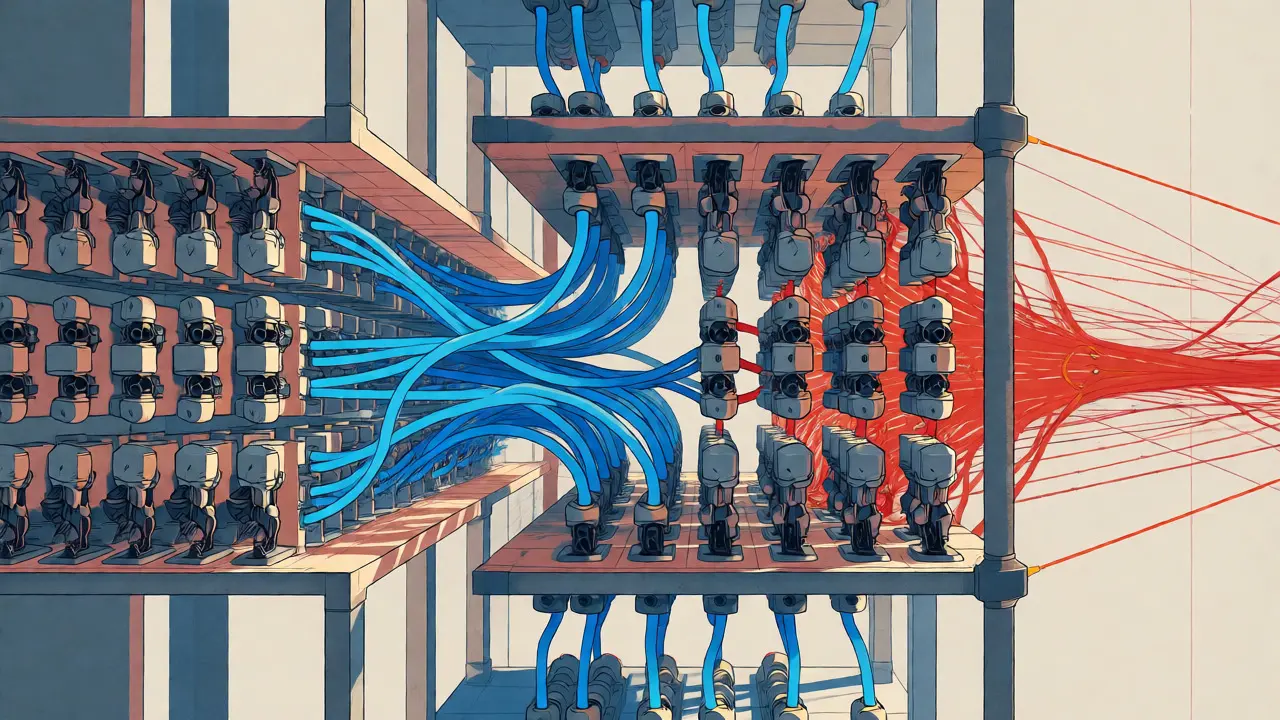
Hardware Interconnects: The Hidden Bottleneck
You can have the fastest GPUs in the world, but if your network is slow, you’re paying for silence. The difference between success and failure often lies in the interconnect technology connecting your GPUs.
- NVLink: Provides ~900GB/s bandwidth between GPUs. This is non-negotiable for Tensor Parallelism. Without NVLink, splitting matrices across GPUs is painfully slow.
- InfiniBand / RoCE: Connects different servers (nodes). Typical bandwidth is 400GB/s. This is used for Pipeline and Data Parallelism.
- Ethernet: Often too slow for synchronous training at scale unless using specialized RDMA over Converged Ethernet (RoCEv2).
A critical insight from NVIDIA’s research is that communication overhead scales poorly with cluster size. Beyond 16,384 GPUs, adding another GPU contributes less than 0.1% to overall throughput because the time spent coordinating exceeds the time saved by parallel processing. This means you aren’t just buying GPUs; you’re buying network fabric. Google Cloud’s A3 machine series, for instance, is specifically engineered with strong GPU-to-GPU bandwidth to mitigate this.
Orchestration Frameworks: DeepSpeed vs. Megatron-LM vs. Alpa
Writing custom distributed loops is painful. You need frameworks that handle the heavy lifting of gradient synchronization, memory optimization, and fault tolerance.
DeepSpeed remains the go-to for many due to its ZeRO (Zero Redundancy Optimizer) stages. ZeRO-3 shards optimizer states, gradients, and parameters across all GPUs, allowing massive models to fit in limited memory. It’s user-friendly and integrates well with PyTorch. However, it can struggle with extreme-scale efficiency compared to more rigidly optimized frameworks.
Megatron-LM (from NVIDIA) is built for performance. It aggressively optimizes tensor parallelism and is harder to configure but delivers higher throughput for known architectures like Transformers. Recent benchmarks show that newer frameworks like Alpa can achieve 22% better scaling efficiency than Megatron-LM on 512 GPUs for a 175B model. Alpa uses a two-pass optimization process: first determining optimal pipeline stages via dynamic programming, then applying tensor parallelism within those stages. This automated search saves weeks of manual tuning.
For those starting out, Hugging Face Accelerate offers a middle ground, abstracting much of the complexity while still allowing access to lower-level controls. It’s excellent for prototyping but may lack the fine-grained control needed for frontier-scale runs.

Debugging the Black Box: Deadlocks and Cost Overruns
Here is the dirty secret of distributed training: debugging is hell. When a job fails, it’s rarely because of a syntax error. It’s usually a communication deadlock. One GPU is waiting for a message from another, which is waiting for a third, which is stuck in a loop. Google Cloud engineers report that 60-70% of failures stem from these deadlocks, not model bugs.
To combat this, you need observability tools. Don’t just look at GPU utilization. Look at:
- NCCL Logs: The standard communication library. Enable debug mode to see where messages stall.
- Network Topology Awareness: Ensure your software knows which GPUs are physically close. Placing communicating GPUs on separate switches can kill performance.
- Checkpoint Frequency: Save frequently. If a node crashes after 3 days of training, losing everything is unacceptable. Use asynchronous checkpointing to avoid stopping training during saves.
Cost management is equally tricky. Scaling beyond 128 GPUs often leads to unpredictable cost overruns. Spot instances can save money, but a preemption event mid-training can destroy days of work if your checkpointing strategy isn’t robust. Many teams find that managed services (like AWS SageMaker or Google Vertex AI) offer better reliability despite higher hourly rates, simply because they handle the infrastructure resilience automatically.
Scaling Limits and Future Outlook
We are approaching fundamental limits. As noted by Dr. James Bradbury of JAX fame, the marginal utility of adding GPUs beyond 4,096 becomes negligible without revolutionary communication optimizations. We are hitting the physical limits of copper and light speed within racks.
This is driving innovation in two directions:
- Modular Training: Proposed by DeepMind in early 2025, this involves training smaller components separately and integrating them later, bypassing some synchronization needs.
- Communication Compression: By quantizing gradients during transfer (sending 8-bit integers instead of 16-bit floats), providers aim to reduce bandwidth needs. Forrester predicts 45% of workloads will use this by 2027.
For now, if you are building a model under 100B parameters, focus on efficient hybrid parallelism and top-tier interconnects. If you are pushing towards trillions, you need specialized expertise in system architecture, not just ML modeling. The era of "just add GPUs" is over. Welcome to the era of orchestration.
Do I really need NVLink for distributed training?
If you are using Tensor Parallelism, yes. NVLink provides the low-latency, high-bandwidth connection necessary to split matrix operations across GPUs efficiently. Without it, you should stick to Data or Pipeline Parallelism, which rely more on InfiniBand/Ethernet between nodes.
Why is my training speed slowing down as I add more GPUs?
This is likely due to communication overhead. As you add GPUs, the time spent synchronizing gradients and parameters increases. If your network bandwidth cannot keep up with the computation rate, GPUs spend more time waiting for data than processing it. Check your NCCL logs and ensure your interconnect (NVLink/InfiniBand) is not saturated.
What is the most common cause of distributed training failures?
Communication deadlocks are the leading cause, accounting for 60-70% of failures. These occur when GPUs wait indefinitely for messages from other GPUs due to mismatched synchronization points or network drops. Robust checkpointing and monitoring tools are essential to detect and recover from these issues.
Is it cheaper to use spot instances for distributed training?
Spot instances can offer 40-60% cost savings, but they carry risk. If a spot instance is reclaimed during training, you lose progress unless you have very frequent checkpoints. For short experiments, it’s great. For multi-day runs, the overhead of frequent checkpointing and potential restarts might negate the savings. Managed services often provide reserved capacity options that balance cost and reliability.
How many GPUs do I need for a 70B parameter model?
You typically need at least 8-16 H100/H200 GPUs with 80GB+ memory each to fit a 70B model using hybrid parallelism. For faster training, clusters of 64-256 GPUs are common. The exact number depends on your batch size, sequence length, and whether you use mixed precision (FP16/BF16).