Refactoring Sprints for Vibe-Coded Apps: A Guide to Scope and Schedule
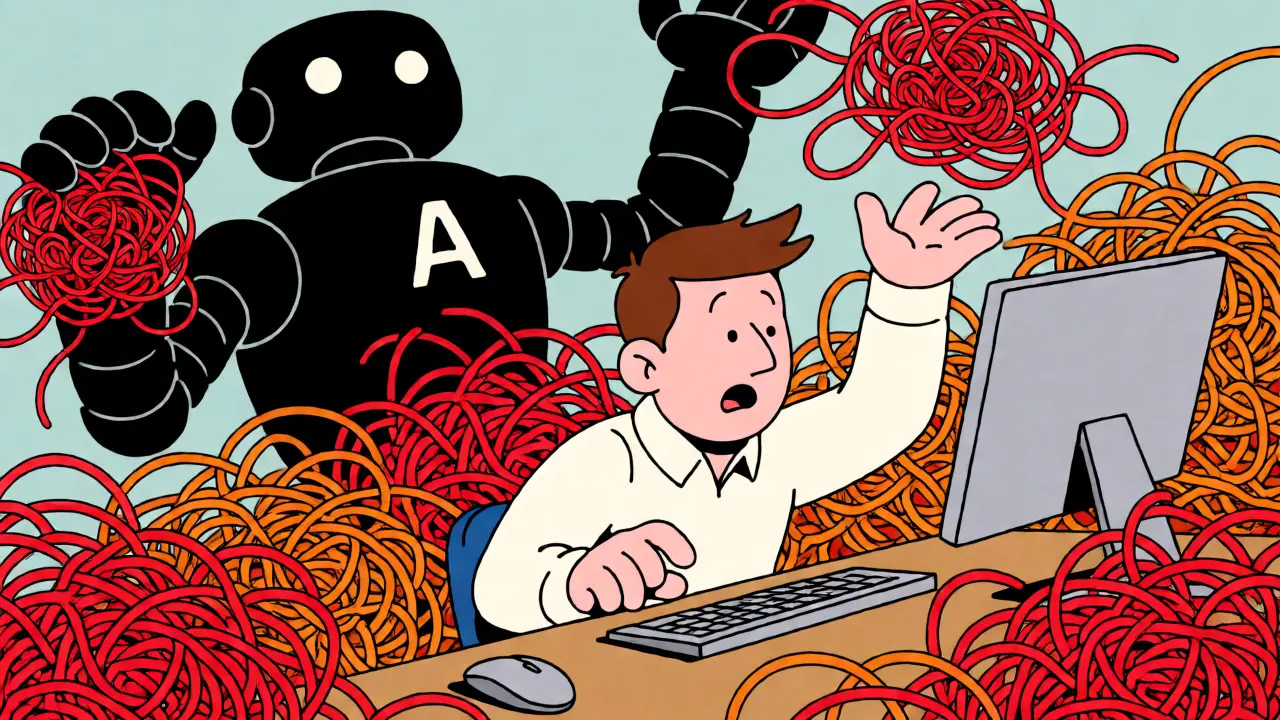
You built an app in a weekend. It works. The UI looks slick. But when you open the backend, it’s a mess of copy-pasted logic, hardcoded API keys, and zero tests. This is the reality of vibe coding-building software by flowing with AI tools like Cursor or GitHub Copilot rather than writing strict specifications first. While this approach accelerates prototyping, it creates a specific type of technical debt that traditional maintenance cycles aren’t designed to handle.
The solution isn’t to stop vibe coding. It’s to schedule dedicated cleanup phases. We call these refactoring sprints. These are time-boxed iterations focused solely on hardening security, structuring architecture, and documenting decisions for apps originally generated through high-speed AI interaction. If you don’t plan for them, your "quick build" becomes a legacy nightmare within months.
Why Vibe Coding Creates Unique Technical Debt
Traditional technical debt accumulates slowly, often due to missed deadlines or evolving requirements. Vibe-coded debt hits differently. It stems from the AI’s tendency to prioritize immediate functionality over long-term maintainability. When you ask an LLM to "add a login feature," it might generate a secure JWT implementation today, but if your context window shifts or your prompt changes slightly next week, it might implement session-based auth for the admin panel. Now you have two different authentication flows in one codebase.
This inconsistency is dangerous. In standard development, code reviews catch these divergences. In vibe coding, the speed of generation often outpaces the human capacity to review every line. You end up with what practitioners call "brittle systems." They function correctly under happy-path scenarios but collapse under edge cases or security probes. For instance, storing passwords in plain text or exposing API keys in client-side JavaScript are common pitfalls that slip through because the AI optimizes for "making it work" rather than "making it production-ready."
Skill atrophy is another hidden cost. Developers who rely entirely on AI prompts may lose the intuition for architectural patterns. Refactoring sprints force you to re-engage with the underlying structure, ensuring you understand not just what the code does, but why it was written that way. This cognitive re-engagement is critical for long-term project health.
Defining the Refactoring Sprint
A refactoring sprint is not a bug-fixing cycle. Bugs are reactive; refactoring is proactive. It is a dedicated iteration, typically lasting one to two weeks, where no new user-facing features are shipped. Instead, the team focuses on internal improvements that do not change external behavior. For vibe-coded apps, this definition expands to include three specific pillars: security hardening, architectural normalization, and knowledge consolidation.
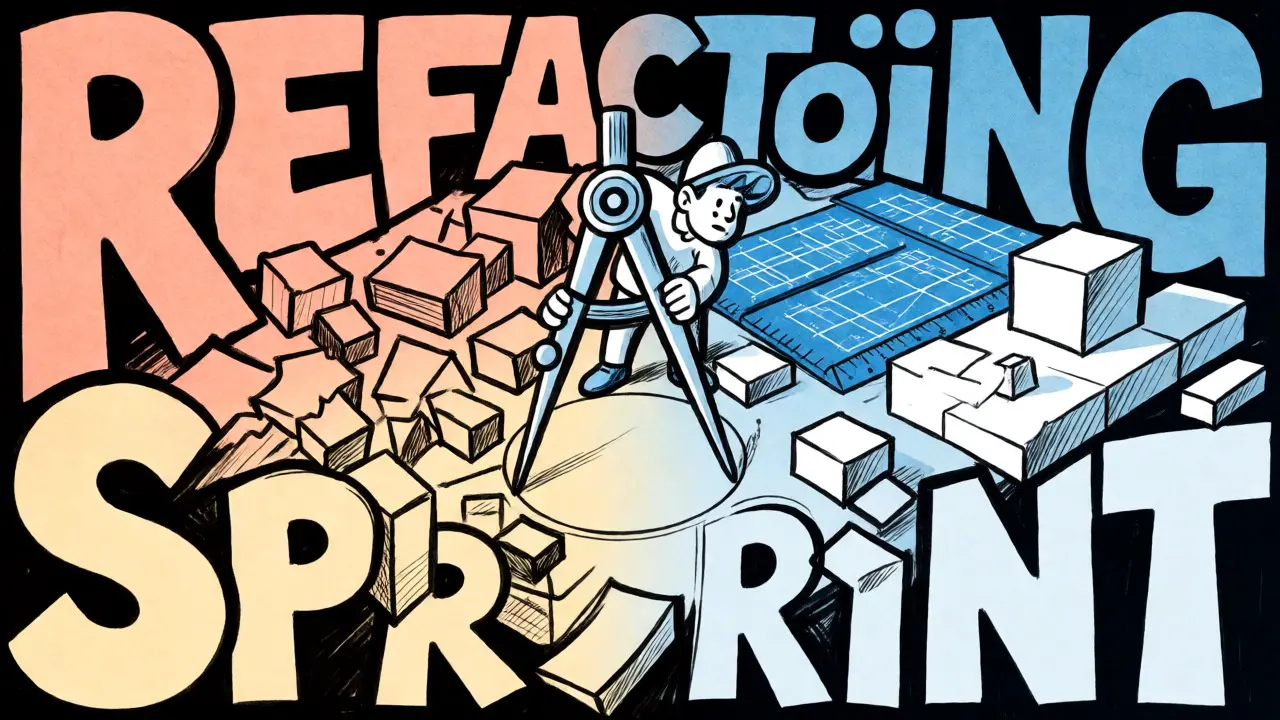
Think of it as converting a rough sketch into a blueprint. During the vibe phase, you’re drawing freehand. During the refactoring sprint, you’re using rulers and compasses. You’re taking the ad-hoc solutions generated by AI and replacing them with consistent, documented, and secure patterns. This process also involves updating the "rules" you give your AI assistant, so future generations inherit the improved standards.
Scheduling Strategies: When to Clean Up
Timing is everything. If you wait until the system breaks, the cost of refactoring skyrockets. Three scheduling models work best for AI-assisted workflows:
- The Vertical Slice Cadence: If you build features in vertical slices (database to UI), insert a mini-refactoring checkpoint after every third slice. By then, duplicate code patterns usually emerge. Use this pause to extract shared components before they multiply.
- The Pre-Release Hardening Sprint: Reserve the final sprint before any major deployment exclusively for security sweeps and performance testing. This aligns with DevOps practices where stability gates precede production pushes.
- The Spec-Backfill Cycle: If you use spec-driven tools like Kiro or similar agents, dedicate sprints to backfilling specifications for existing vibe-coded features. This converts implicit logic into explicit requirements, making future changes safer.
Avoid scheduling refactoring immediately after a heavy feature push without a break. Developers need mental separation between creation mode and critique mode. Trying to refactor while still in the flow state of building often leads to superficial fixes rather than structural improvements.
Scoping the Work: What Actually Needs Fixing
Scope creep kills refactoring projects. To keep sprints effective, limit the scope to four concrete areas. Anything outside these boundaries gets deferred to the backlog.
1. Security and Privacy Hardening
This is the highest priority. AI models frequently hallucinate secure practices or default to convenience over safety. During the sprint, run automated scans and manual audits for:
- Hardcoded secrets and API keys.
- Insecure direct object references (IDOR).
- Missing input validation on all endpoints.
- Client-side exposure of sensitive data.
Replace ad-hoc auth implementations with established libraries like Supabase Auth or Clerk. These platforms enforce guardrails that AI tends to respect better than custom-written logic. Update your AI rules file with any newly discovered vulnerabilities so the model stops repeating the same mistakes.
2. Architectural Normalization
Vibe coding encourages repetition. You might have five different ways of handling error states or formatting dates. Identify cross-cutting concerns-authentication, logging, error handling-and consolidate them into reusable modules. If you’re using a framework like Wasp or Next.js, ensure that server operations and client components follow a consistent pattern. This reduces cognitive load for both humans and AI agents reading the code later.
3. Test Coverage Generation
Most vibe-coded prototypes lack tests. Use the sprint to generate unit tests for critical paths. Leverage AI to write these tests based on the existing code, but manually verify that they test actual business logic, not just implementation details. Aim for coverage on core services and API endpoints first. Tools can auto-generate boilerplate, but human judgment ensures the tests are meaningful.
4. Documentation and Decision Logs
If it isn’t documented, it doesn’t exist for the next developer-or the next AI context window. Create an architecture overview diagram (Mermaid diagrams work well here) and a decision log. Record why certain libraries were chosen and why specific refactoring steps were taken. This documentation serves as the "source of truth" for future AI prompts, preventing the model from suggesting conflicting approaches.
| Category | Action Item | Success Metric |
|---|---|---|
| Security | Remove hardcoded secrets; validate inputs | Zero critical vulnerabilities in scan |
| Architecture | Extract shared utilities; unify auth | <5% code duplication |
| Testing | Generate unit tests for core services | 80% coverage on critical paths |
| Docs | Update rules files; create arch diagram | New dev can onboard in <1 hour |
Leveraging AI for the Cleanup
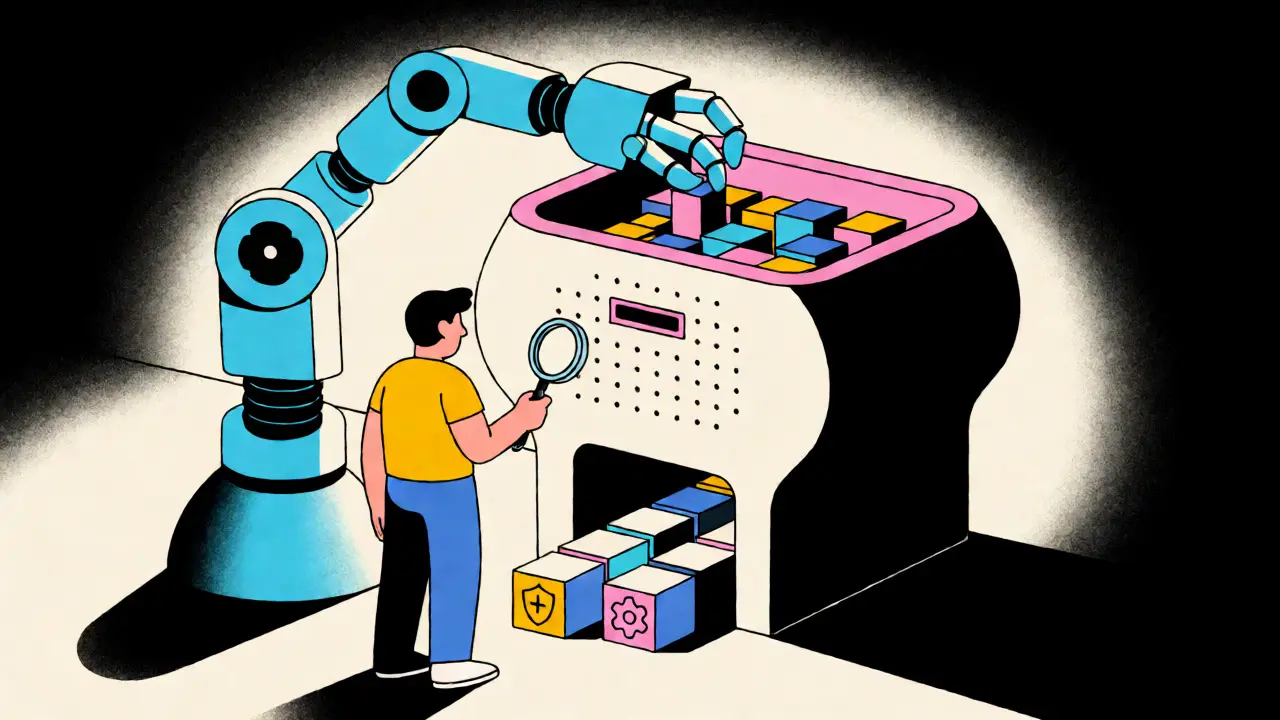
Ironically, you should use AI to fix the problems AI created. Modern IDEs allow you to "roast your own code." Prompt the model to act as a senior engineer reviewing its previous output. Ask specifically: "Identify security risks in this file," or "Suggest a more modular structure for this component."
However, treat AI suggestions as drafts, not final answers. Human oversight is non-negotiable. The goal is to accelerate the mechanical parts of refactoring-renaming variables, extracting functions, generating test stubs-while reserving human energy for architectural decisions. Keep your rules files updated. If the AI keeps making the same mistake, add a rule. This feedback loop turns your AI assistant into a more reliable junior developer over time.
Pitfalls to Avoid
Don’t try to rewrite the whole app. Incremental improvement beats big bang rewrites. Also, beware of "over-abstraction." Don’t create complex design patterns just to look sophisticated. Simplicity is the ultimate sophistication in AI-maintained codebases. If a simple function works, leave it alone. Refactor only when duplication or complexity actively hinders progress.
Finally, don’t skip the post-sprint review. After the sprint, run your smoke tests and security checks again. Did the refactoring introduce regressions? Did the new rules actually prevent old bugs from returning? Capture these lessons in your decision log.
How often should I schedule a refactoring sprint?
For most vibe-coded projects, a dedicated refactoring sprint every 4-6 weeks of active development is ideal. Alternatively, schedule one before every major release candidate. The key is consistency; small, frequent cleanups prevent massive debt accumulation.
Can AI fully automate the refactoring process?
No. AI can automate mechanical tasks like renaming, extracting methods, and generating test boilerplate. However, architectural decisions, security trade-offs, and understanding business intent require human judgment. AI is a tool for acceleration, not a replacement for engineering oversight.
What tools help most with vibe-code refactoring?
IDEs with strong AI integration like Cursor or Windsurf are essential. Additionally, static analysis tools (ESLint, SonarQube) and security scanners (Snyk, Semgrep) provide objective metrics. Frameworks with strict conventions (like Django or Rails) also reduce the surface area for AI-induced inconsistencies.
Does refactoring slow down feature delivery?
Temporarily, yes. A refactoring sprint ships no new features. However, it prevents the velocity decline caused by technical debt. Teams that skip refactoring often see their feature delivery speed drop by 30-50% within six months as the codebase becomes harder to modify safely.
How do I handle conflicts between AI suggestions and existing code?
Establish clear coding standards in your rules file. If the AI suggests a pattern that conflicts with your established architecture, reject the suggestion and update the rules to clarify the preference. Consistency is more important than novelty in maintained codebases.