Security Basics for Non-Technical Builders Using Vibe Coding Platforms
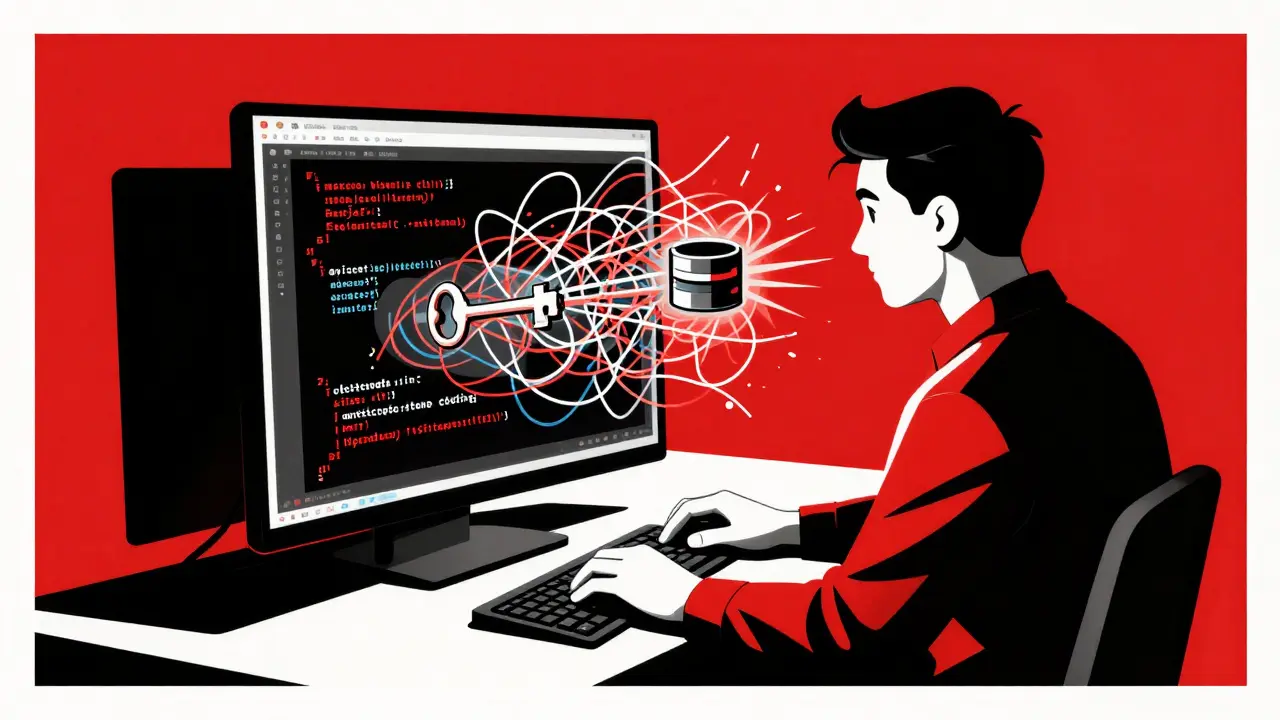
You type a simple sentence into an AI tool: "Build me a login page that saves user emails." Within seconds, the screen fills with working code. It looks perfect. You hit deploy. But here is the catch: that code might be handing your database keys to anyone who knows how to look.
This is the reality of vibe coding, defined as a development paradigm where non-technical users generate functional applications using natural language prompts via AI-powered platforms. It has democratized software creation, allowing marketers, teachers, and entrepreneurs to build tools without knowing Python or JavaScript. However, this speed comes with a hidden cost. According to the Cloud Security Alliance's April 2025 Secure Vibe Coding Guide, the ease of generation often masks critical vulnerabilities like exposed secrets and injection flaws. If you are building apps through conversation rather than code, you need to understand the security basics that keep your project-and your users-safe.
The Hidden Dangers of "Just Working" Code
When you use vibe coding, the AI prioritizes functionality over security. It wants to make your prompt work, not necessarily to protect your data. This creates a false sense of safety. The code runs, so you assume it is secure. But as Talia Dagon, VP of Product at Checkmarx, warned in late 2024, when AI-generated code "just works," it is easy to ship it without realizing that secrets or keys may be hardcoded or stored in plaintext.
The statistics back up this concern. Research by Infisical in January 2025 showed that repositories using AI coding tools have a 40% higher rate of secret exposure compared to traditional workflows. In 2024 alone, GitGuardian reported 24 million secrets inadvertently exposed on GitHub. For a non-technical builder, a "secret" is usually an API key, a database password, or a Stripe token. If these end up in your public code, attackers can steal them, leading to data breaches or massive unexpected bills.
Consider the story of "MarketingMike," a user documented in early 2025. He built a project using vibe coding and accidentally left his Google API keys visible in the code. Before automated scanners caught it, he racked up $3,200 in charges. This isn't just a technical glitch; it is a direct result of treating AI output as trusted rather than verified.
Rule #1: Never Hardcode Secrets
If you take only one thing from this guide, let it be this: never put sensitive information directly into your code. This is the most common mistake among non-technical builders. When you ask an AI to connect your app to a database, it might write code that looks like this:
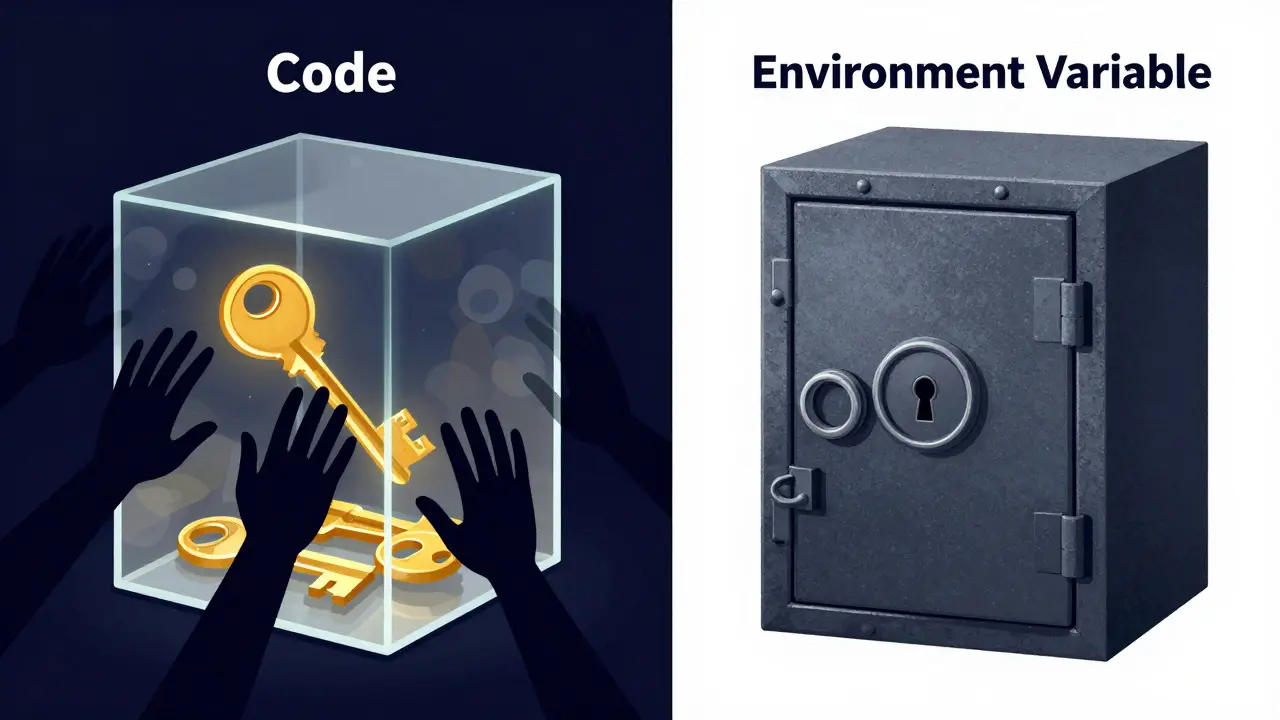
password = "mySuperSecretPassword123"This is dangerous because if you share your code or push it to a version control system like Git, that password becomes public. Instead, you must use environment variables. These are special containers that hold sensitive data separately from your code. They act like a safe deposit box: the code knows where the box is, but it doesn't know what's inside unless it has the right key at runtime.
Most modern vibe coding platforms, such as Replit, have built-in features for this. Replit’s "Secrets" feature allows you to store keys securely. When you prompt the AI, explicitly tell it: "Use environment variables for all sensitive configuration." As of their Q3 2024 update, Replit automatically handles HTTPS and provides secure secret management, preventing 83% of common AI-generated vulnerabilities according to their internal metrics.
To implement this yourself:
- Create a file named
.env(if your platform supports it) or use the platform's secret manager dashboard. - Add your keys there (e.g.,
API_KEY=abc123). - Instruct the AI to read from these variables, not from hardcoded strings.
- Ensure your
.gitignorefile lists.envto prevent accidental uploads.
Rule #2: Trust No Input (Sanitization)
Your application will likely accept input from users-names, emails, comments. Hackers exploit this by injecting malicious scripts. This is known as Cross-Site Scripting (XSS). According to OWASP's 2024 Top 10, XSS vulnerabilities comprise 27% of web application issues in vibe-coded projects.
Imagine a comment section where a user types: <script>alert('hacked')</script>. If your app displays this without checking, every visitor sees that script run in their browser. For non-technical builders, the fix is simple but mandatory: always sanitize input.
When prompting your AI assistant, add this constraint: "Sanitize all user inputs before displaying them. Use libraries like DOMPurify for HTML content." Most robust platforms now include Object-Relational Mappers (ORMs) that help prevent SQL injection, which accounts for 65% of database-related incidents in AI-generated code per Snyk's 2024 report. However, you still need to explicitly request input validation to close other doors.
Comparing Platforms for Secure Vibe Coding
Not all platforms are created equal when it comes to security. Some do the heavy lifting for you; others leave you exposed. Here is how major players compare based on 2024-2025 data.
| Platform | Automatic HTTPS | Secret Management | Security Scanning | Best For |
|---|---|---|---|---|
| Replit | Yes (Default) | Built-in Secrets Manager | Automatic (Jan 2025 update) | Non-technical builders seeking zero-config security |
| Bubble.io | Yes | Manual Configuration Required | Limited | Visual workflow builders willing to manage settings |
| GitHub Copilot | No (Depends on host) | Requires Manual Setup | Real-time detection (Feb 2025 beta) | Developers integrating AI into existing workflows |
| Webflow | Yes | Managed by Platform | High (Out-of-the-box) | Marketing sites with limited custom code needs |
Replit leads in convenience for non-technical users because it automates the fundamentals. Their January 2025 update introduced automatic security scanning that blocks 92% of common vulnerabilities before deployment. In contrast, platforms like Bubble.io require more manual effort; a January 2025 survey showed 42% of user projects needed manual security configuration. If you are new to tech, choosing a platform that enforces security by default reduces your risk significantly.

Essential Security Checklist for Your Next Project
Before you deploy your vibe-coded app, run through this checklist. It takes five minutes but can save you thousands of dollars and hours of stress.
- Check for Hardcoded Keys: Search your entire codebase for words like "key," "secret," "password," or "token." If you find actual values (long strings of letters/numbers), remove them and move them to environment variables.
- Verify HTTPS: Ensure your site loads with
https://. Most modern platforms do this automatically, but double-check your domain settings. - Review Permissions: Does your app access more data than it needs? Apply the Principle of Least Privilege. If your app only needs to read emails, don't give it permission to send them.
- Test Input Fields: Try entering weird characters or long strings into your forms. Does the app break or display raw code? If so, add sanitization.
- Update Dependencies: If your AI pulls in third-party libraries, ensure they are recent versions. Outdated libraries are a top source of supply chain attacks.
Future-Proofing Your Skills
The landscape is changing fast. By 2026, regulatory pressures like the EU's AI Act and NIST guidelines are pushing for stricter documentation of AI-generated code. Tools are evolving too. GitHub Copilot added real-time secret detection in February 2025, reducing accidental exposure by 78% in beta tests. Replit is planning integrated security validation in prompt engineering for Q3 2025.
As a non-technical builder, you don't need to become a cybersecurity expert. You just need to adopt a mindset of "secure by default." Treat every line of AI-generated code as potentially vulnerable until you verify it. Use platforms that handle the complex encryption (like AES-256 for data at rest and TLS 1.3 for transit, as mandated by NIST SP 800-175B) automatically. And remember: speed is great, but safety ensures your project actually survives its launch.
What is vibe coding?
Vibe coding is a method where non-technical users create software by describing what they want in natural language to an AI, which then generates the code. It lowers the barrier to entry for app development but requires users to understand basic security principles to avoid vulnerabilities.
Why are secrets exposed in AI-generated code?
AI models prioritize making code functional. Unless explicitly instructed otherwise, they often hardcode API keys or passwords directly into the script for simplicity. This makes those secrets visible to anyone who views the source code, leading to potential theft or abuse.
How do I use environment variables in vibe coding?
You store sensitive data like API keys in a separate configuration area provided by your platform (often called "Secrets" or ".env"). Then, you instruct the AI to reference these variables by name rather than inserting the actual key value into the code logic.
Is Replit safer than Bubble.io for beginners?
For non-technical users, Replit currently offers more automated security features, including default HTTPS and integrated secret management. Bubble.io requires more manual configuration for security settings, which can lead to misconfigurations if the user lacks technical knowledge.
What should I do if I accidentally exposed an API key?
Immediately revoke or rotate the exposed key in the service provider's dashboard (e.g., Google Cloud, Stripe). Then, remove the key from your code, replace it with an environment variable, and check your account activity for any unauthorized usage.






its all a lie the big tech companies want you to think you are safe but they are harvesting your soul through the api keys. i saw a guy get billed 3000 bucks and i knew it was because he didnt encrypt his thoughts properly. stop trusting the ai it is just a mirror for our own stupidity. use environment variables or go to jail.
The democratization of software creation is a profound shift in human capability, yet we must remain vigilant against the inherent risks of automation. It is truly dramatic how easily one can compromise their digital fortress by neglecting basic sanitation protocols. We must embrace these tools with both enthusiasm and caution, ensuring that our creative impulses do not outpace our security measures. The future belongs to those who build responsibly.
actually replit is overrated and bubble is fine if u know what ur doing. the article says replit blocks 92% of vulns but thats just marketing fluff. i have seen more secure apps on bubble than replit any day. also sql injection is old news everyone knows about orm now so dont act like its a big deal. u guys are too scared to code anything real.
It is imperative that non-technical builders understand the critical importance of secret management and input sanitization. As an expert in this field, I can assure you that exposing API keys is not merely a technical glitch but a fundamental failure of operational security. You must utilize environment variables and ensure that your .gitignore file is correctly configured to prevent accidental uploads. Furthermore, the use of DOMPurify for HTML content is non-negotiable in any robust application architecture. Do not rely on the AI to make security decisions for you; you must enforce strict validation protocols.
I completely understand why people might feel overwhelmed by all these technical terms like XSS and SQL injection, especially when they are just trying to build a simple tool for their community or business. It is really important that we create a supportive environment where beginners feel empowered to learn these essential safety practices without feeling judged for their lack of prior coding experience. When we take the time to explain concepts like environment variables as safe deposit boxes, it helps demystify the process and makes security feel less like a barrier and more like a helpful shield. Let us continue to encourage each other to adopt these best practices so that everyone can benefit from the power of vibe coding while keeping their data secure and their projects sustainable for the long term.
oh look another guide telling us how to not be idiots. wow ground breaking stuff. i bet the author gets paid to write this boring crap. nobody reads past the first paragraph anyway. just hardcode your password and live life on the edge baby. maybe youll get hacked maybe you wont. sounds exciting doesnt it. typical american fear mongering.
we are all just ghosts in the machine typing prompts into the void hoping for a response that does not destroy us. the code is a reflection of our collective unconscious desires for ease and speed but the price is our privacy. to sanitize input is to sanitize the self. we must accept that vulnerability is the only true constant in this digital realm.
Dear Community Members, I wish to express my sincere appreciation for the detailed information provided regarding security basics for non-technical builders. It is of utmost importance that we prioritize the safety of our digital creations, and the checklist provided serves as an excellent resource for achieving this goal. Please remember to verify HTTPS connections and review permissions carefully to ensure the principle of least privilege is maintained. Your diligence in these matters will undoubtedly contribute to the success and longevity of your projects. Thank you for sharing such valuable insights with us all.