Version Control with AI: Managing AI-Generated Commits and Diffs in 2026
You know that feeling when you look at a diff and can't tell if it's a brilliant refactor or a subtle bug? Now imagine that diff was written by an AI. In 2026, this is no longer a hypothetical scenario; it's the daily reality for most development teams. With version control with AI becoming a standard practice, the way we track, review, and merge code has fundamentally shifted. It’s not just about storing code anymore; it’s about understanding the intent behind machine-made changes while keeping human oversight intact.
The challenge isn't whether to use AI-it's how to manage the output without drowning in noise or missing critical errors. Teams that master this balance are seeing significant wins, but those who treat AI commits like regular human commits are often facing integration headaches down the line. Let’s break down how to handle these workflows effectively so your repository stays clean, secure, and easy to audit.
Why Standard Git Workflows Struggle with AI Code
Traditional version control systems were built for human logic. When a developer writes code, they usually have a clear mental model of why they made a change. AI assistants, however, operate differently. They generate code based on patterns and context, which can lead to changes that are syntactically correct but semantically off-target. According to recent data from Gartner, 78% of enterprise teams using AI coding assistants have had to implement specialized version control practices to keep up with this shift.
The core issue lies in traceability. If an AI suggests a change to a helper function three months ago, and that change causes a security vulnerability today, tracing the origin becomes difficult without specific metadata. Standard Git logs don't inherently record *which* AI tool generated the code, what prompt was used, or what confidence level the model had. This lack of provenance creates a gap in accountability. To bridge this, modern workflows now require distinct stages between generation and merging, ensuring that every AI-generated commit carries enough context for future debugging and auditing.
The Three-Stage Commit Workflow
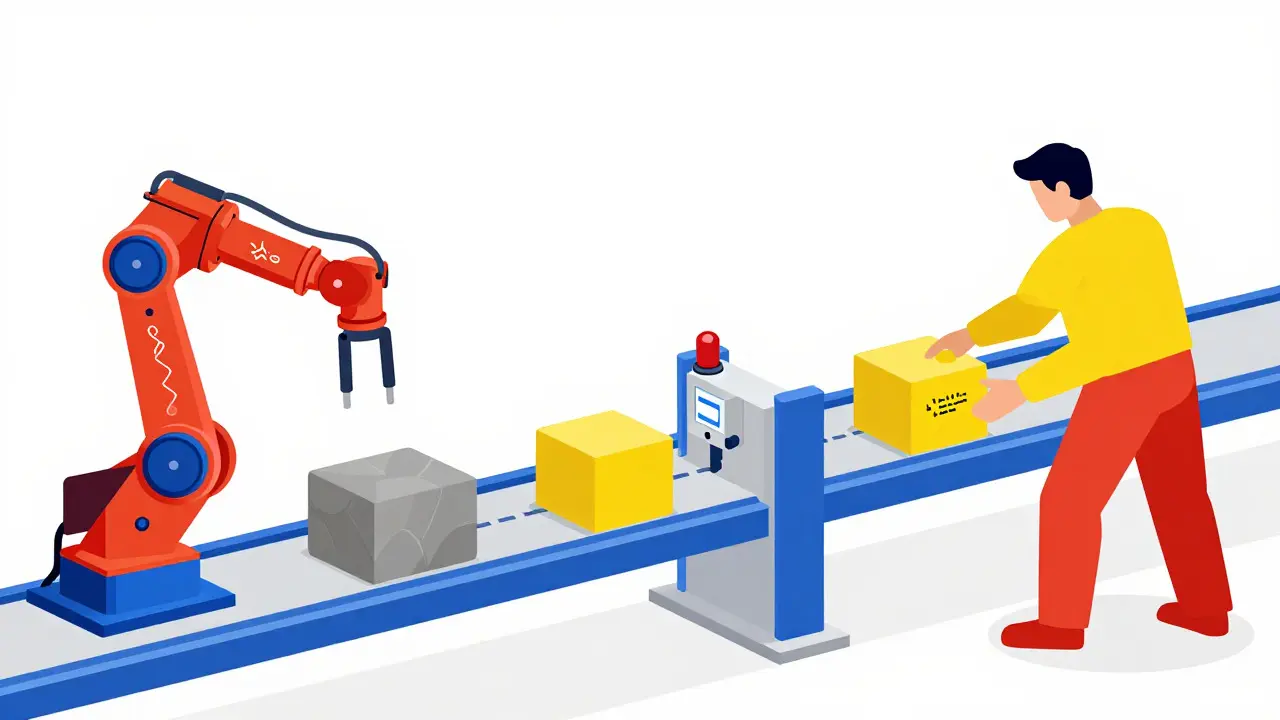
Most successful teams have moved away from a single "generate-and-commit" step. Instead, they adopt a three-stage process that separates creation, validation, and refinement. This method reduces the cognitive load on reviewers and ensures that automated checks happen before human eyes ever see the code.
- Initial Commit (Generation): The AI generates the code based on the task. This commit is typically pushed to a feature branch, not directly to main. It represents the raw output of the model.
- Validation Commit (Automated Checks): Before any human review, the code goes through automated pipelines. This includes linting, semantic analysis, and security scanning. Tools like Snyk Code have shown high detection rates for AI-introduced vulnerabilities, catching issues that traditional scans might miss because they focus on known human error patterns rather than model hallucinations.
- Refinement Commit (Human Review): A developer reviews the validated code. They make necessary adjustments, add comments explaining the "why," and squash the previous commits into a single, clean commit with a detailed rationale. This final commit is what gets merged into the main branch.
This approach creates natural savepoints. If something goes wrong during the refinement stage, you can easily revert to the initial state without losing the entire context of the work. It also ensures that the history remains clean, as intermediate AI states are pruned after approval, preventing repository bloat.
Handling Diffs: Making Sense of Machine Changes
Reading a diff is hard enough when a colleague wrote it. Reading one written by an AI requires a different mindset. The key is to look for the "why" rather than just the "what." Modern AI version control tools are improving in this area, with features that highlight potentially problematic changes and explain the reasoning behind them. For instance, GitLab’s recent "AI Diff Assist" feature highlights risky modifications with high precision, helping reviewers focus their attention where it matters most.
However, you shouldn't rely solely on the tool's explanation. Here are some practical tips for reviewing AI-generated diffs:
- Check for Scope Creep: AI models sometimes fix more than what was asked. Look for changes in unrelated files or functions. If the AI refactored a utility class while fixing a bug in the UI, pause and ask if that’s necessary.
- Verify Edge Cases: AI code often handles the happy path well but struggles with edge cases. Look for missing null checks or error handling in the diff. These are common spots for hidden bugs.
- Review Helper Functions Closely: Data shows that a significant portion of AI-introduced vulnerabilities come from minor changes in helper functions. These small tweaks can have wide-reaching effects, so scrutinize them thoroughly.
When in doubt, break the diff down. If a single commit contains too many changes, ask the AI to split it into smaller, logical chunks. This makes the review process manageable and allows you to approve parts of the change independently.
Choosing Your Tooling: Native vs. Specialized Platforms
You have two main paths for implementing AI-aware version control: sticking with native Git integrations or adopting specialized platforms. Each has its trade-offs, and the right choice depends on your team size and compliance needs.
| Approach | Adoption Rate | Pros | Cons | Best For |
|---|---|---|---|---|
| Native Git Integration | 41% | Seamless workflow, low learning curve (0.9 weeks) | Lacks advanced AI-specific diff visualization, limited metadata tracking | Small teams, startups, general web development |
| Specialized AI Platforms | 37% | Advanced metadata tracking, better debugging time (52% reduction), strong audit trails | Higher learning curve (2.8 weeks), potential cost overhead | Enterprise teams, ML projects, regulated industries |
| Custom Workflow Implementations | 22% | Precise control, high compliance flexibility | Requires 37% more engineering effort to maintain | Financial services, healthcare, highly customized stacks |
If you're working in a regulated industry like finance or healthcare, the need for provenance tracking might push you toward specialized platforms or custom workflows. These solutions allow you to store specific metadata about each AI interaction, such as the model version and prompt parameters. While this adds complexity, it satisfies audit requirements that standard Git setups often fail to meet. For most other teams, native integrations with enhanced hooks and scripts are sufficient and much easier to maintain.
Metadata and Provenance: The Hidden Value
One of the most overlooked aspects of managing AI-generated code is metadata. It’s not just about knowing *who* committed the code; it’s about knowing *how* it was generated. Leading practices now include adding "AGENTS.md" files to repositories. These files document which AI tools were used for specific components and their configuration parameters. This simple practice helps new team members understand the context of legacy AI-generated code and reduces the time spent reverse-engineering decisions.
Furthermore, storing metadata about the AI's confidence level can be incredibly useful. If an AI generated a complex algorithm with a low confidence score, it might warrant a deeper review than a simple variable rename with high confidence. Some teams are even starting to tag commits with specific AI model versions, allowing them to track if certain models produce higher quality code over time. This data-driven approach to version control helps optimize your AI usage strategy, ensuring you get the best results from your tools.
Common Pitfalls and How to Avoid Them
Even with the best tools, teams can fall into traps. One common mistake is over-reliance on automated validation. While AI checks are great, they aren't perfect. A study by IEEE found that developers who heavily relied on AI assistance without proper review experienced reduced code comprehension skills over six months. To avoid this, ensure that human reviewers actively engage with the code, rather than just approving the green checkmark from the CI pipeline.
Another pitfall is inconsistent commit messages. If your AI-generated commits lack clear rationale, you lose the ability to trace decisions later. Use templates that force the inclusion of specific details, such as the problem being solved and the approach taken. This consistency pays off when you need to debug an issue six months down the line. Finally, watch out for repository bloat. AI metadata can increase repository size by 15-22%. Implement automated pruning rules to remove intermediate states once the final commit is approved, keeping your repo lean and fast.
Future-Proofing Your Workflow
The landscape of AI version control is evolving rapidly. By 2027, it’s predicted that 90% of enterprise version control systems will include native AI contribution tracking as a standard feature. This means that the specialized workflows we’re building now will likely become the baseline expectation. Teams that start implementing these practices early will have a significant advantage, as they’ll already have the historical data and processes in place to leverage these new features effectively.
As AI models become more sophisticated, the role of the developer shifts from writing every line of code to curating and validating AI output. Mastering the management of AI-generated commits and diffs is no longer a nice-to-have skill; it’s a core competency for modern software engineers. By adopting structured workflows, leveraging the right tools, and maintaining rigorous human oversight, you can harness the power of AI without sacrificing code quality or maintainability.
Do I need a special tool to manage AI-generated commits?
Not necessarily. Many teams use standard Git with custom hooks and scripts to handle AI-specific tasks. However, specialized platforms offer better metadata tracking and diff visualization, which can be crucial for large enterprises or regulated industries. For most small to mid-sized teams, native Git integrations with good CI/CD pipelines are sufficient.
How do I prevent AI-generated code from bloating my repository?
Implement a policy of squashing intermediate AI commits into a single, clean commit after human review. Additionally, use automated pruning rules to remove temporary metadata or intermediate states once the final code is approved. This keeps your repository size manageable and your history readable.
What is the best way to review AI-generated diffs?
Focus on the "why" behind the changes, not just the "what." Look for scope creep, verify edge cases, and scrutinize helper functions closely. Break large diffs into smaller, logical chunks if possible, and use tools that highlight risky changes to guide your attention. Always ensure a human reviewer understands the intent before merging.
Should AI commits be treated differently from human commits?
Yes, primarily in terms of validation and metadata. AI commits should go through additional automated checks and carry specific metadata about their origin. However, once reviewed and approved, they should stand on their own merits in the final codebase. The goal is to maintain consistency in the final product while acknowledging the different nature of the generation process.
How does AI version control impact security?
It can both improve and complicate security. On one hand, automated scanning tools can catch AI-introduced vulnerabilities that humans might miss. On the other hand, AI can introduce subtle bugs in helper functions that traditional scans overlook. Continuous validation and thorough human review of security-critical sections are essential to mitigate these risks.