Designing Multimodal Generative AI Applications: Input Strategies and Output Formats
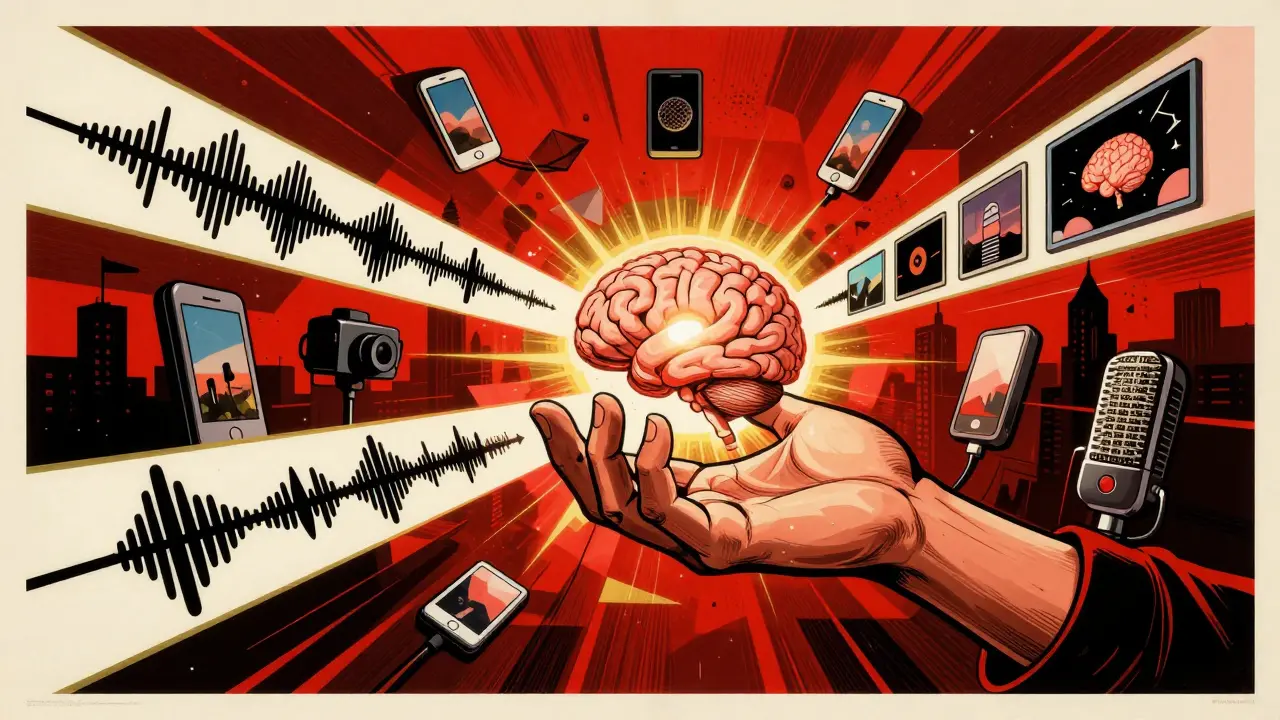
When you speak to your phone, take a screenshot of a problem, and ask for help - you’re already using multimodal AI. It’s not science fiction. It’s here, quietly reshaping how we interact with machines. Unlike older AI that only handled text, today’s systems understand your voice, your images, your video clips, and even your gestures - all at once. And they respond in kind: with text, visuals, audio, or a mix of all three. But building these systems isn’t just about plugging in a model. It’s about designing how input flows in and how output flows out. Get that wrong, and your app feels clunky. Get it right, and it feels intuitive - like talking to a person who sees, hears, and understands you.
What Multimodal AI Actually Does
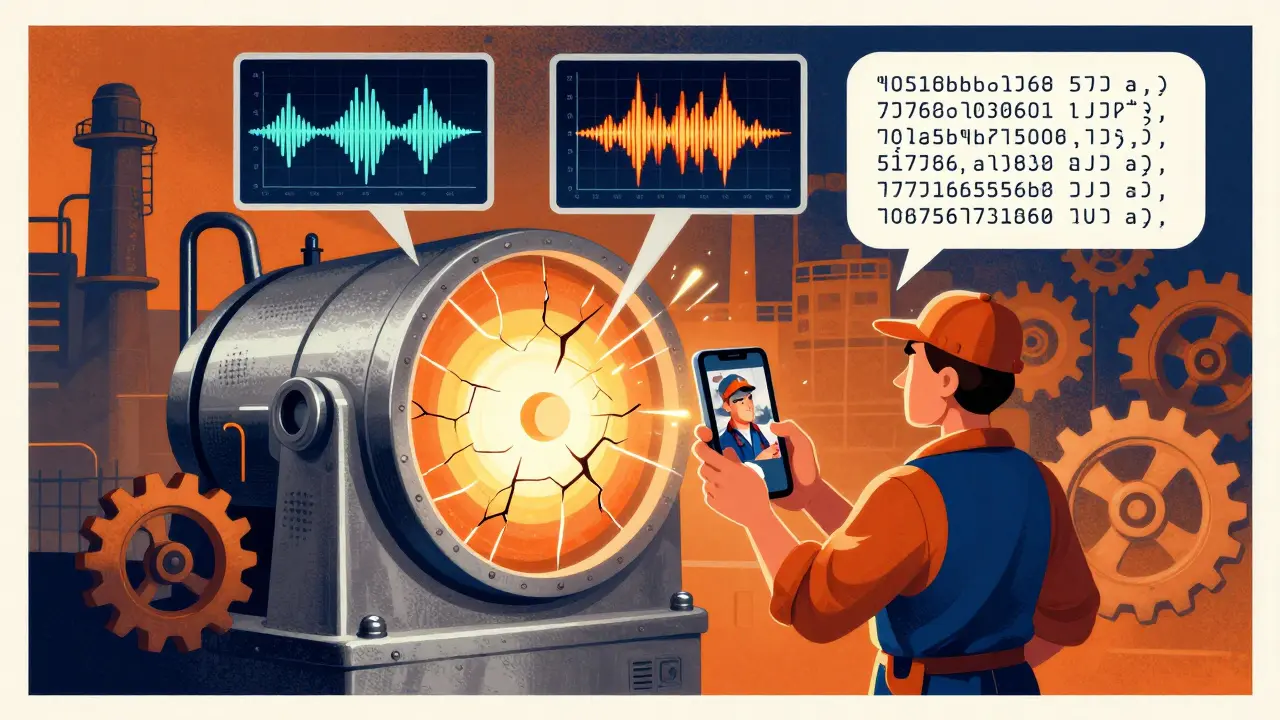
Multimodal generative AI doesn’t just switch between text and images. It connects them. Think of it as giving AI multiple senses. A human doesn’t understand a meeting by reading a transcript alone. They notice tone, facial expressions, slides, and whiteboard scribbles. Multimodal AI does the same. When you upload a photo of a broken machine with a voice note saying, “It’s making a grinding noise,” the system doesn’t treat the image and audio as separate. It links the sound pattern to the visual defect. That’s cross-modal reasoning. And it’s what makes these systems powerful.
Models like GPT-4o, Gemini, and Claude don’t just answer questions. They interpret screenshots, summarize documents with charts, generate audio explanations for diagrams, or even create short videos from a written prompt. Google’s Gemini can extract text from an image, convert it into structured JSON, and then answer questions about it. OpenAI’s GPT-4o listens to your voice, detects frustration in your tone, and adjusts its reply - all in real time. These aren’t gimmicks. They’re building blocks for real-world tools.
Input Strategies: How to Feed the System
Getting good results starts with how you feed the system. Bad input? Bad output. Simple as that. Here’s what works:
- Combine modalities intentionally. Don’t just throw text and images together. Ask the system to relate them. Instead of “What’s in this picture?” try “The graph shows sales dropped last month. My voice note says customers complained about shipping delays. What’s the connection?”
- Use structured prompts. Clear instructions matter. “Generate a one-paragraph summary of this video, then write a tweet-sized caption for it.” This tells the AI how to split the output.
- Handle asynchronous inputs. Real users don’t send everything at once. A customer might upload a photo, then call minutes later. Your system needs to hold context across sessions. Use session IDs and memory buffers to stitch inputs together.
- Normalize formats. Not all images are equal. A 4K video from a phone isn’t the same as a 300x300 screenshot from a web form. Preprocess inputs to standardize resolution, frame rate, or audio sample rates before feeding them in.
- Include metadata. Timestamps, device type, location - even small bits of context help. A sensor reading from a factory machine paired with a video of the same equipment improves anomaly detection accuracy by up to 27%, according to industrial AI trials in 2024.
Many developers fail here. They assume the AI will “figure it out.” It won’t. You’re not just asking a question - you’re designing a conversation. Every input is a cue.
Output Formats: Choosing the Right Response
Output isn’t just what you generate - it’s how you deliver it. A text-only reply to a video query feels incomplete. A 10-minute audio loop to a simple question feels overwhelming.
- Match output to input. If the user sent a video, give them a video summary. If they typed a question, a text answer is fine - unless context demands more. Use modalities to deepen understanding, not just replace it.
- Layer outputs. Start simple. Give a text summary first. Then offer: “Want to see the data visualized?” or “Hear the key points spoken aloud?” Let users choose. This reduces cognitive load.
- Keep consistency. If the system says “The temperature is rising” in text, but the chart it generates shows a drop - you’ve broken trust. Cross-modal consistency is harder than it looks. Test outputs side-by-side. Use validation rules: “If text says X, image must show Y.”
- Optimize for delivery. A mobile app shouldn’t generate 4K video unless the user’s on Wi-Fi. A smartwatch should respond with short audio, not text. Think about bandwidth, screen size, and attention span.
- Use hybrid formats. Sometimes the best output isn’t pure text or image - it’s a combo. Think of a weather app that shows a map, overlays a voice forecast, and highlights rainfall zones with color. That’s multimodal design at its best.
One company in logistics saw a 40% drop in customer service calls after switching from text-only chatbots to multimodal ones. Why? They started answering image uploads of damaged packages with annotated screenshots - not just text. The user didn’t have to describe the damage. The system saw it, explained it, and showed them how to fix it.
Model Choices: GPT-4o, Gemini, Claude - What’s the Difference?
Not all multimodal models are built the same. Here’s how they stack up:
| Model | Best For | Input Support | Output Support | Key Strength |
|---|---|---|---|---|
| GPT-4o | Real-time interaction | Text, images, audio, video | Text, images, audio | Emotion detection in voice, low-latency responses |
| Gemini | Document and image analysis | Text, images, video, audio, code | Text, images, code, JSON | Extracting text from images, converting visuals to structured data |
| Claude | Long-context reasoning | Text, images | Text, summaries | Handling 200K+ token inputs, strong document comprehension |
Google’s Gemini shines when you need to turn a screenshot into usable data - like extracting a table from a PDF and turning it into a spreadsheet. GPT-4o is better when you’re building voice-driven apps, like a customer service bot that senses stress and escalates the call. Claude handles long, complex documents better than the others. Choose based on your use case, not popularity.
Real-World Use Cases That Work
These aren’t hypothetical. Companies are using multimodal AI right now:
- Customer service: A bank lets customers snap a photo of a confusing statement. The AI highlights the charges, explains them in plain language, and sends a voice note summarizing the issue. Result? 35% fewer support calls.
- Manufacturing: A factory uses cameras and microphones on assembly lines. AI detects abnormal sounds and visual vibrations together. When both signals match a known failure pattern, it flags the machine before it breaks. Downtime dropped 22%.
- Healthcare: A patient records a video of their symptoms - tremors, speech patterns, facial expressions. The AI combines this with their medical history and lab results to suggest possible neurological conditions. Doctors say it cuts diagnostic time in half.
- Education: A student uploads a sketch of a physics concept. The AI generates a 30-second animated explanation, then reads it aloud. The student can toggle between visual, audio, and text versions. Engagement increased 48%.
Notice the pattern? Each use case solves a problem where one modality alone isn’t enough. The power isn’t in having more inputs - it’s in connecting them meaningfully.
What Goes Wrong - And How to Avoid It
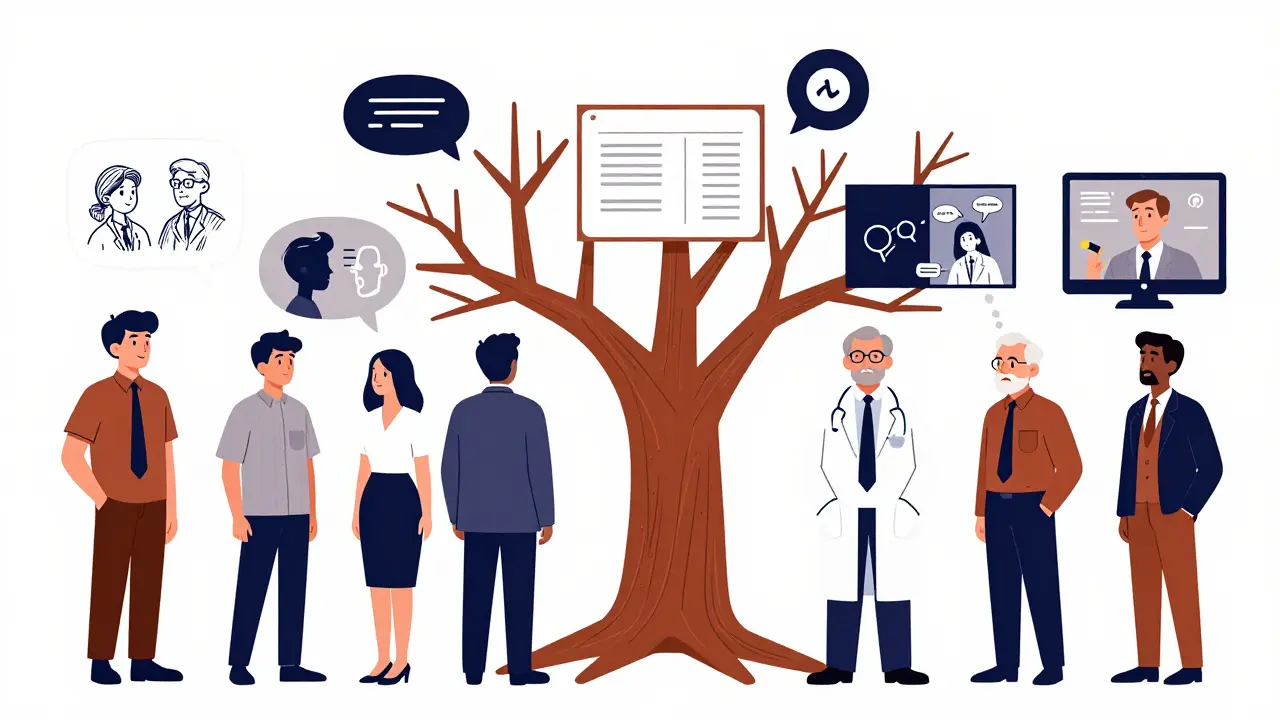
Even top models fail if you don’t design carefully. Common pitfalls:
- Output drift: The text says “the temperature is 22°C,” but the graph shows 28°C. Fix: Add validation layers. Compare outputs before delivery.
- Context loss: User uploads image A, then image B. The system forgets A. Fix: Use session memory. Store embeddings of past inputs.
- Latency: Processing video + audio + text takes too long. Fix: Use edge computing. Pre-process inputs locally when possible.
- Overload: The system generates a 10-slide report when the user just wanted a yes/no answer. Fix: Add user intent detection. Ask: “Do you want a quick answer or detailed breakdown?”
- Bias amplification: If the model was trained mostly on English text and Western images, it may misinterpret non-Western gestures or accents. Fix: Use diverse training data. Test with global users.
One team spent six months building a multimodal app - only to realize users didn’t want video summaries. They wanted short text snippets with one key image. They redesigned. Usage jumped 70%. Design isn’t about what the tech can do. It’s about what the user needs.
What’s Next - And How to Prepare
By 2027, multimodal AI won’t be optional. It’ll be standard. Here’s where it’s headed:
- Real-time spatial AI: Think AR glasses that see your room, hear your voice, and overlay instructions - like fixing a sink while watching a 3D animation of the repair.
- Personalized multimodal agents: Your AI assistant learns your preferences: you like text for work, audio for commutes, and visuals for learning. It adapts automatically.
- Regulation: The EU AI Act (effective Jan 2025) now requires transparency for multimodal systems using biometric data. If your app reads facial expressions or voice stress, you need to disclose it.
Start small. Experiment with Gemini on Vertex AI to extract text from images. Try GPT-4o’s voice mode. Build a Flask app that takes a photo and returns a voice summary. You don’t need a team of 20. You just need to start connecting inputs and outputs - one real interaction at a time.
What’s the difference between multimodal AI and regular generative AI?
Regular generative AI, like early ChatGPT, only works with text. It reads text and writes text. Multimodal AI handles multiple types of data at once - text, images, audio, video - and can generate outputs in any of those formats. It doesn’t just respond to words; it responds to what you show it, say it, or even how you say it.
Do I need special hardware to run multimodal AI?
For development and testing, a modern GPU (like an NVIDIA RTX 4090) is enough. For production apps with real-time video or audio processing, you’ll need cloud-based solutions like Google Vertex AI or AWS SageMaker. These platforms handle the heavy lifting with specialized chips. You don’t need to own the hardware - just use the service.
Can multimodal AI understand sarcasm or cultural context?
It’s improving, but still limited. A model might detect a change in voice tone and flag possible frustration. But understanding sarcasm in a joke told through a video with cultural references? That’s still a challenge. Training data matters. Models trained on diverse global inputs perform better. Still, no system fully understands human nuance - yet.
Is multimodal AI more expensive than text-only AI?
Yes - but not as much as you think. Processing video or audio uses more compute, so costs per request are higher. However, multimodal systems often reduce the need for human intervention. A customer service bot that handles images and voice can replace 2-3 agents. The long-term savings usually outweigh the upfront cost.
What skills do I need to build a multimodal app?
You need Python, experience with APIs (like OpenAI or Google Cloud), and basic knowledge of how images and audio are processed. You don’t need to build the model from scratch. Use existing models. Focus on designing the input-output flow, handling data formats, and testing real user scenarios. Many developers learn this in 2-4 weeks with hands-on practice.





Just tried GPT-4o with a voice note + screenshot of my car’s dashboard light. It didn’t just say ‘check engine’-it told me the likely culprit was the O2 sensor, linked it to recent fuel quality issues in my area, and even gave me a step-by-step video guide to reset it. Mind blown. This isn’t future tech-it’s already saving people hours of guesswork.
So let me get this straight-you’re telling me AI can now understand sarcasm in a voice note and still not know why my cat is staring at the wall? 🤔 I’m not mad… I’m just disappointed. Also, why does every ‘multimodal’ app feel like it’s trying to sell me a Tesla?
Yo I tried the gemini thing with a photo of my receipt and a voice thing saying ‘what’s the tax rate here?’ and it actually got it right. Like… i didn’t even spell tax right. It still knew. Also, i think it sensed i was tired. Gave me a chill summary instead of a lecture. Feels like having a smart friend who doesn’t judge.
Let’s be real-most multimodal apps still treat audio like an afterthought. ‘Oh, here’s a 300-word text dump and a 10-second audio clip that’s just the first sentence repeated.’ No. We need parity. If you’re ingesting 4K video, your output should be spatial audio + visual annotations, not a static image with a robotic voiceover. Also, latency is still killing UX. Edge processing isn’t a buzzword-it’s a requirement.
‘Multimodal AI understands gestures’? Lol. It thinks a thumbs-up is ‘positive sentiment’ and a head tilt is ‘confusion.’ What about the Nigerian ‘tongue click’? Or the Japanese ‘bow + slight glance’? No. It’s just pattern-matching on Western-centric data. And you call this ‘intuitive’? You’re training bots on TikTok clips and calling it cross-modal reasoning. Pathetic.
You think this is groundbreaking? I’ve been using voice-to-text for years. This just adds more layers of over-engineered nonsense. Your ‘intuitive’ app still asks me to ‘confirm intent’ like I’m a toddler. Meanwhile, my grandma just wants to know why her bill doubled. Give her a simple answer. Not a 5-step multimodal journey.
I work in a small village clinic in Odisha, and we just started using a multimodal system where patients record symptoms via video and upload photos of rashes. The AI cross-references with local climate data, common pathogens, and even dietary patterns from our database. Last week, it flagged a dengue case before the patient even had a fever. We didn’t have a doctor for three days. The AI didn’t replace us-it gave us time. I’m not tech-savvy. But this? This feels like hope.
Oh honey, you’re talking about multimodal AI like it’s a magic wand. You think your fancy GPT-4o is gonna understand that my aunt in Kerala says ‘it’s hot’ but means ‘I’m having chest pain’? Nah. It sees ‘heat’ and ‘red skin’ and says ‘sunburn.’ Meanwhile, she’s having a silent heart attack. No one told you-context isn’t data. It’s culture. And your models? They’re still stuck in Silicon Valley’s echo chamber, sipping oat milk lattes while the world burns.
Santhosh, you just nailed it. We built a version of this for rural health workers in South Africa. We trained it on local dialects, common symptoms, and even traditional remedies. The AI doesn’t ‘correct’ them-it augments. A nurse says ‘the baby’s eyes are yellow and he won’t feed’-the system pulls up jaundice patterns, suggests a bilirubin test, and plays a 15-second audio cue in Zulu: ‘Go to clinic now.’ No app. No website. Just voice. It’s not about fancy models. It’s about listening.