Image-to-Text in Generative AI: Descriptions, Alt Text, and Accessibility
Imagine you are using a screen reader to navigate a busy website. You land on a product page filled with vibrant photos. Without text descriptions, those images are dead ends. This is where Image-to-Text AI steps in. It transforms visual data into meaningful words, bridging a critical gap for millions of users who rely on assistive technology. But beyond convenience, this technology is about equity.
We are living in the age of multimodal models. These systems don’t just see pixels; they understand relationships between objects, much like how we process the world. As of early 2026, these tools are evolving fast, moving from experimental research to essential infrastructure for web accessibility. Yet, there is a lot of confusion about what these systems can actually deliver versus what marketing promises suggest.
What Is Image-to-Text Technology?
At its core, this technology takes an input image and outputs a textual description. It isn’t just recognizing shapes anymore. We are talking about systems that generate captions, summaries, or even specific metadata. Image-to-Text AI represents a specialized application of multimodal foundation models that automatically generates textual descriptions from visual content, with significant implications for accessibility through alt text generation.
This capability emerged prominently with the introduction of CLIP (Contrastive Language-Image Pre-training) by OpenAI researchers in February 2021. Since then, the field has exploded. Models like BLIP (Bootstrapping Language-Image Pre-training) have refined the approach, offering better coherence. Today, these tools are standard features in cloud platforms like Amazon SageMaker, allowing developers to deploy vision-language models without building the hardware themselves.
The Engine Behind the Words
How does a computer turn a picture into a sentence? It’s not magic, though it feels close. The architecture typically relies on two parallel neural networks. One branch processes the image (using a Vision Transformer or CNN), while the other processes text. They meet in a shared vector space.
Think of it like a giant library. The image encoder puts the visual data on one side of the room, and the text encoder puts potential descriptions on the other. The model learns to walk them toward each other until they match. When you upload a photo, the system calculates the similarity between the image embedding and millions of text candidates.
- Image Encoding: Converts pixels into numerical vectors representing visual features.
- Semantic Matching: Finds the text vectors closest to the image vectors.
- Refinement: Post-processing cleans up the output so it reads like natural language.
This process happens incredibly fast on modern hardware. For instance, running these models locally usually requires NVIDIA A100 GPUs or similar high-performance units. On consumer devices, you’re likely seeing cloud-based API calls instead, where the heavy lifting happens on remote servers.

Bridging the Gap: Alt Text and Accessibility
The most practical application right now is generating Alt Text. Website accessibility standards require images to have text alternatives so screen readers can announce them. Writing this manually for thousands of assets is a massive bottleneck. Generative AI promises to automate this workflow.
AWS documentation from late 2023 noted that automated product categorization using these models reduces manual tagging efforts by roughly 60-70%. Companies like Zalando reported search relevance improvements after implementing such systems. However, “reduces effort” doesn’t always mean “accesible.”
| Feature | Traditional OCR (e.g., Tesseract) | Generative AI (e.g., CLIP/BLIP) |
|---|---|---|
| Primary Function | Extract exact text characters | Describe visual meaning and context |
| Accuracy on Clean Docs | 98.5% (Character-level) | Variable (Semantic understanding) |
| Training Data | Language-specific datasets | Zero-shot capability (General knowledge) |
| Best Use Case | Digital scanning documents | Visual descriptions for blind users |
Where the Technology Stumbles
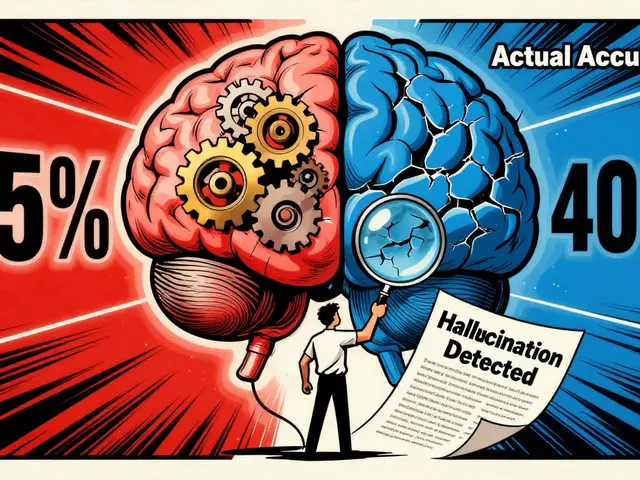
You might assume these models are perfect by 2026, but the reality is nuanced. While accuracy scores look good on paper, real-world scenarios introduce errors. Research from Salesforce in 2022 showed that detailed object counting drops significantly in accuracy once you exceed five items. The model might say “a few people” instead of “six people,” which matters less for art but critically impacts accessibility.
There is also the issue of safety-critical information. A developer on Reddit documented a frustrating incident where the AI described a wheelchair ramp as a “decorative concrete structure.” That isn’t just wrong; it’s potentially dangerous misinformation for someone navigating physical spaces. Another review highlighted a stop sign being misidentified as a decorative red circle. In the context of the W3C’s draft guidelines from 2023, unreviewed implementations need a minimum 95% accuracy on safety-critical elements. We haven’t consistently hit that floor yet across all demographics.
Bias remains a persistent shadow over the technology. Dr. Timnit Gebru’s analysis noted a 28.7% lower accuracy on images depicting non-Western cultural contexts compared to Western ones. If your training data skews heavily toward certain regions or styles, your generated descriptions will inherit those blind spots. This creates accessibility gaps for global applications where the model fails to recognize specific clothing, landmarks, or social cues.
Implementing the Solution
If you decide to integrate this into your platform, you need to be realistic about resources. Deploying a robust multimodal model isn’t plug-and-play. AWS recommends NVIDIA T4 GPU instances for cost-effective deployment, though inference times vary. You will need staff proficient in Python and frameworks like PyTorch or TensorFlow.
The learning curve is steep for teams used to traditional software development. Understanding “multimodal embeddings” requires a shift in mindset. You aren’t just calling a function; you are managing probabilities and confidence scores. Training programs like the Generative AI for Accessibility course (released November 2023) suggest approximately 16-20 hours of study to get comfortable with the stack.
The Path Forward: Hybrid Workflows
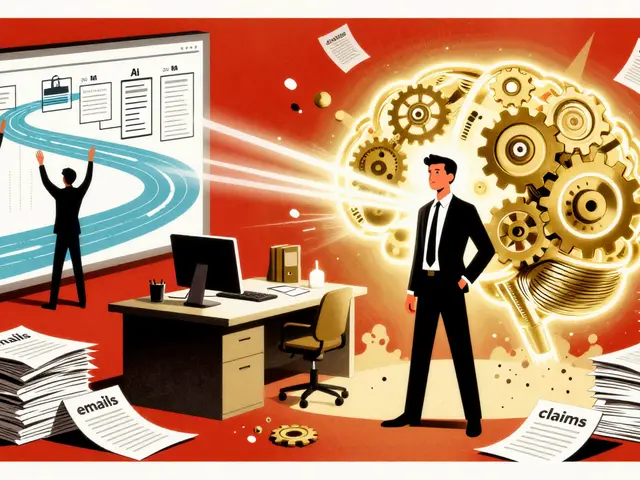
By March 2026, the consensus among experts is shifting away from fully autonomous systems for critical tasks. MIT Technology Review predicted in early 2024 that hybrid human-AI workflows would dominate through 2026. This means the AI drafts the description, and a human editor verifies it.
Salesforce released BLIP-3 in January 2024 specifically with “Accessibility-First” training objectives, aiming for 92.4% accuracy on accessibility-focused benchmarks. Microsoft’s Seeing AI team integrated similar models, noting a 63% reduction in critical description errors. These advancements are promising, but they confirm that human oversight remains the safety net required for mission-critical applications.
The regulatory landscape is tightening too. The EU’s AI Act requires conformity assessments for high-risk AI systems used in accessibility. If you are operating in European markets, you need to ensure your image-to-text pipeline meets these compliance standards or faces potential liability.
Is image-to-text AI ready for production use?
It depends on your risk tolerance. For internal content tagging, it is highly effective. For public-facing accessibility features requiring legal compliance, a human review step is still recommended due to occasional safety-critical hallucinations.
How accurate are these models in 2026?
Modern models like BLIP-3 achieve over 90% accuracy on standard benchmarks. However, accuracy drops for complex scenes, abstract imagery, or non-Western cultural contexts, sometimes falling below 75% reliability.
Can I run this locally?
Yes, but it requires powerful hardware. You will need dedicated GPUs like NVIDIA T4 or A100 class cards. Cloud APIs are often more efficient for scaling unless latency or data privacy prevents cloud usage.
Does this replace professional captioners?
Not entirely. While it automates the bulk of the work, expert captioners are needed to verify accuracy, especially for images containing text, medical diagrams, or sensitive personal data.
What is the difference between OCR and Image-to-Text AI?
OCR extracts exact characters from an image (like reading a document). Image-to-Text AI describes the visual scene (like saying “a man riding a bicycle”). They serve different purposes and should not be confused.



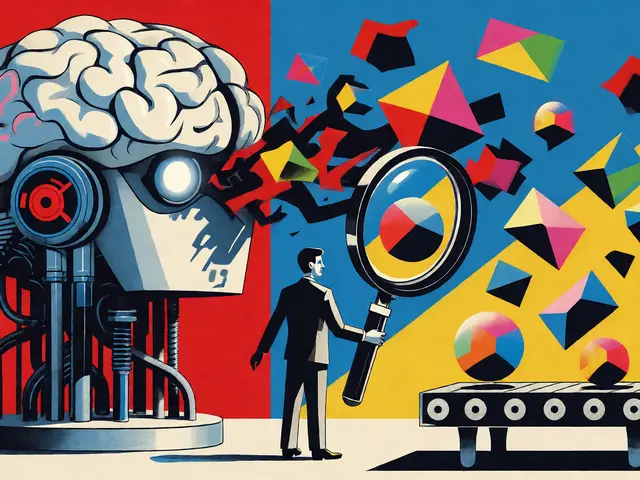
The shift toward hybrid workflows represents a necessary evolution rather than a temporary compromise.
Developers must recognize that automated systems still lack contextual nuance required for true accessibility.
Implementing human oversight ensures that critical details regarding safety and orientation are correctly identified.
Companies should prioritize verification steps before deploying these tools to public interfaces.
The cost of implementation might seem high initially but prevents liability issues later.
We see evidence that purely autonomous systems fail when faced with complex cultural symbols.
Relying solely on algorithms ignores the lived experiences of individuals with disabilities.
A collaborative approach allows technology to augment human capability without replacing judgment.
Training teams on multimodal embeddings requires significant investment in time and resources.
This preparation ensures that staff understand the probabilistic nature of modern models.
Regulatory frameworks like the EU AI Act demand rigorous compliance testing for accessibility tools.
Ignoring these regulations could lead to substantial fines and reputational damage.
The timeline suggested for full autonomy seems overly optimistic given current accuracy thresholds.
Safety-critical elements require near-perfect precision which current models do not consistently provide.
Organizations should establish clear guidelines for when AI-generated alt text requires manual review.
Ultimately the goal remains equitable access regardless of the method used to achieve it.
We must remain vigilant about bias in training data sets during this transition period.
This naive hopefulness regarding production readiness is frankly insulting to engineering rigor!!!!
i think u r being too harsh on the potential here thier is room for growth and learning mistakes help us improve the system eventually.
Adhering to W3C draft guidelines is essential for maintaining compliance across platforms.
Automated generation assists significantly with large volumes of content.
However, human verification remains a non-negotiable requirement for legal safety.
Accuracy metrics alone do not capture the semantic necessity of descriptions.
Teams should integrate these tools into existing quality assurance pipelines.
Standardization helps prevent fragmentation in how different sectors implement these solutions.
Safety cannot be compromised for the sake of efficiency gains in accessibility features.
Misidentifying a stop sign as a decorative object creates tangible danger for blind pedestrians.
Developers often ignore the catastrophic consequences of hallucinated metadata in real-world navigation scenarios.
We need robust testing protocols that simulate edge cases before any deployment occurs.
Corporate interests frequently overshadow user safety in the rush to adopt new generative technologies.
The current error rates are unacceptable for infrastructure that supports vulnerable populations.
Accountability must lie with the organizations implementing these flawed systems.
No amount of marketing spin justifies risking physical harm to individuals relying on screen readers.
Verification processes need to be mandatory rather than optional suggestions.
Ignoring bias in datasets perpetuates exclusion under the guise of automation.
Technical debt accumulates rapidly when shortcuts are taken in accessibility implementations.
Future regulations will likely penalize negligence in these specific areas heavily.
We must demand higher standards than the industry currently provides without exception.
Transparency regarding model limitations is crucial for informed decision making by stakeholders.
Ethical considerations should drive architectural choices instead of cost cutting measures.
Lets not forget the progress we madde even with imperfections!!
The disparity in accuracy between Western and non-Western contexts is absolutely shocking and deeply troubling.
Claiming universality while reflecting such narrow perspectives is contradictory and misleading.
This bias renders the technology useless for half the global population effectively.
It feels like another form of digital redlining disguised as innovation.
Real change requires diverse teams building these systems from the ground up.
We need representation in the training data that matches the actual world demographics.
Without this fundamental shift no algorithmic fix will ever solve the core problem.
The silence on this issue from major tech companies is deafening at this point.
Everyone talks about equity while delivering segregated results in practice.
True inclusion demands more than just checking a box for alt text generation.