Disaster Recovery for Large Language Model Infrastructure: Backups and Failover
When your large language model (LLM) goes down, it’s not just a slow website-it’s a broken customer service bot, a halted content generator, or a stalled medical diagnosis tool. And if you didn’t plan for this, you’re already losing money, trust, and time. Unlike traditional apps, LLMs aren’t just code running on a server. They’re massive files-sometimes hundreds of gigabytes-trained over weeks or months. Losing them isn’t like restarting a database. It’s like losing a year of work. That’s why LLM disaster recovery isn’t optional anymore. It’s the difference between staying in business and falling behind.
What Exactly Needs to Be Backed Up?
Most IT teams think backups mean copying files. With LLMs, it’s more like preserving an entire ecosystem. You need to back up three things, and skipping one breaks everything.
- Model weights: These are the actual learned parameters. A 13B-parameter model in FP16 format takes up about 26GB. A 70B model? Around 140GB. A 100B model? Close to 200GB. These aren’t small. And they’re not replaceable without retraining.
- Training datasets: Often terabytes in size. These include cleaned text, labeled examples, and metadata. If your dataset is corrupted or lost, you can’t retrain the model accurately-even if you have the weights.
- Configuration files: These define how the model runs: prompt templates, temperature settings, token limits, API endpoints, and security rules. Lose these, and even a perfect model becomes useless.
Companies that treat LLM backups like regular app backups end up with incomplete restores. One financial services firm in Chicago lost six weeks of fine-tuning because they only backed up the model weights and not the prompt engineering files. Their chatbot started giving dangerously inaccurate answers. They didn’t realize the problem until customers started complaining.
How Often Should You Back Up?
Backing up once a day is not enough. LLMs change constantly during training. Every 1,000 to 5,000 training steps, a checkpoint is created. These are snapshots of the model’s progress. If you lose power or a GPU crashes halfway through training, you don’t want to start over.
Best practice: Automate incremental backups every few hours during training. For inference models-those already in production-back up model weights and configs at least once daily, or after every significant update. Some teams use version control systems like DVC (Data Version Control) or MLflow to track every model change like code commits.
Recovery Point Objective (RPO) matters here. For training environments, an RPO of 24 hours is acceptable. For live inference APIs, aim for 5 minutes or less. That means taking snapshots every 5 minutes and storing them in a separate region. Tencent Cloud recommends this exact approach: automate, increment, and separate.
Failover: What Happens When the Main System Crashes?
Backups are useless if you can’t switch to them fast. Failover is the automatic or manual process of redirecting traffic to a backup system when the primary one fails.
Here’s how it works in practice:
- Monitoring tools detect a failure-like a 99% drop in API response rate, or a server going offline.
- The system triggers a failover script that spins up a replica model in a different region.
- DNS or load balancer routes traffic to the new endpoint.
- Users experience minimal or no disruption.
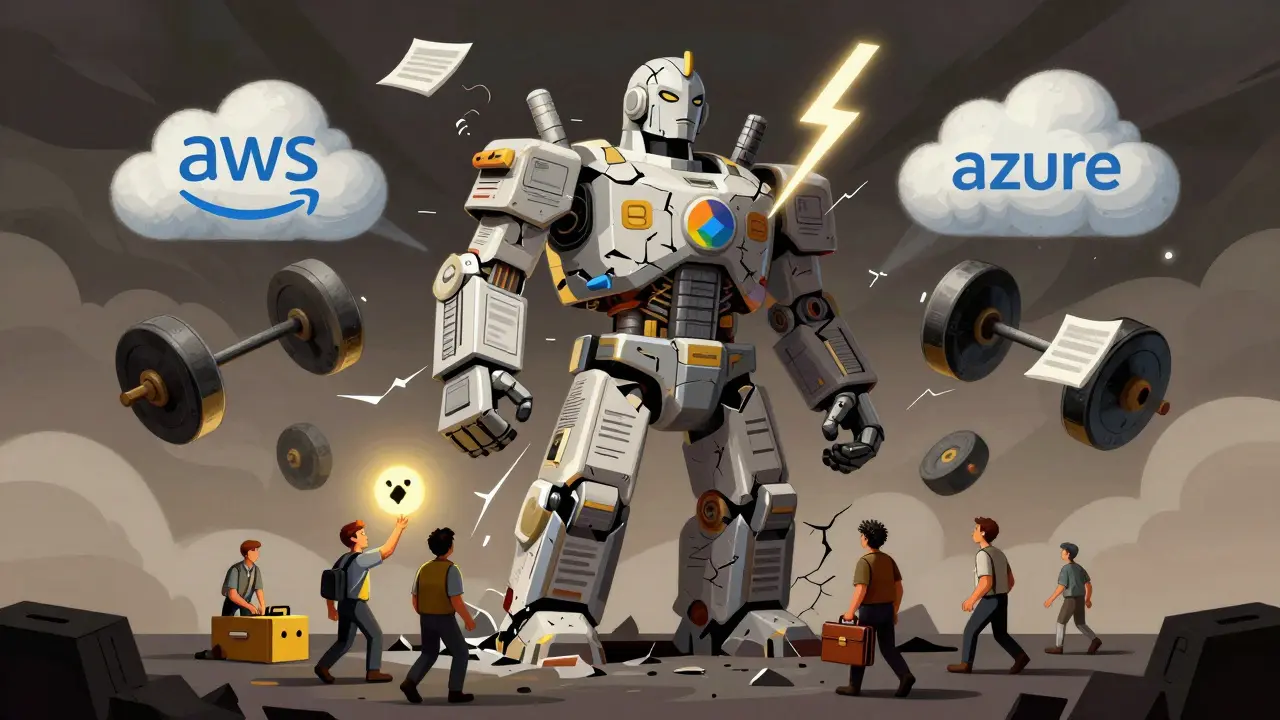
Amazon SageMaker used to require manual failover. Now, with its November 2024 Model Registry update, you can set up cross-region replication with a few clicks. Google’s Vertex AI Disaster Recovery Manager (launched December 2024) does something similar-automatically detecting outages and switching traffic.
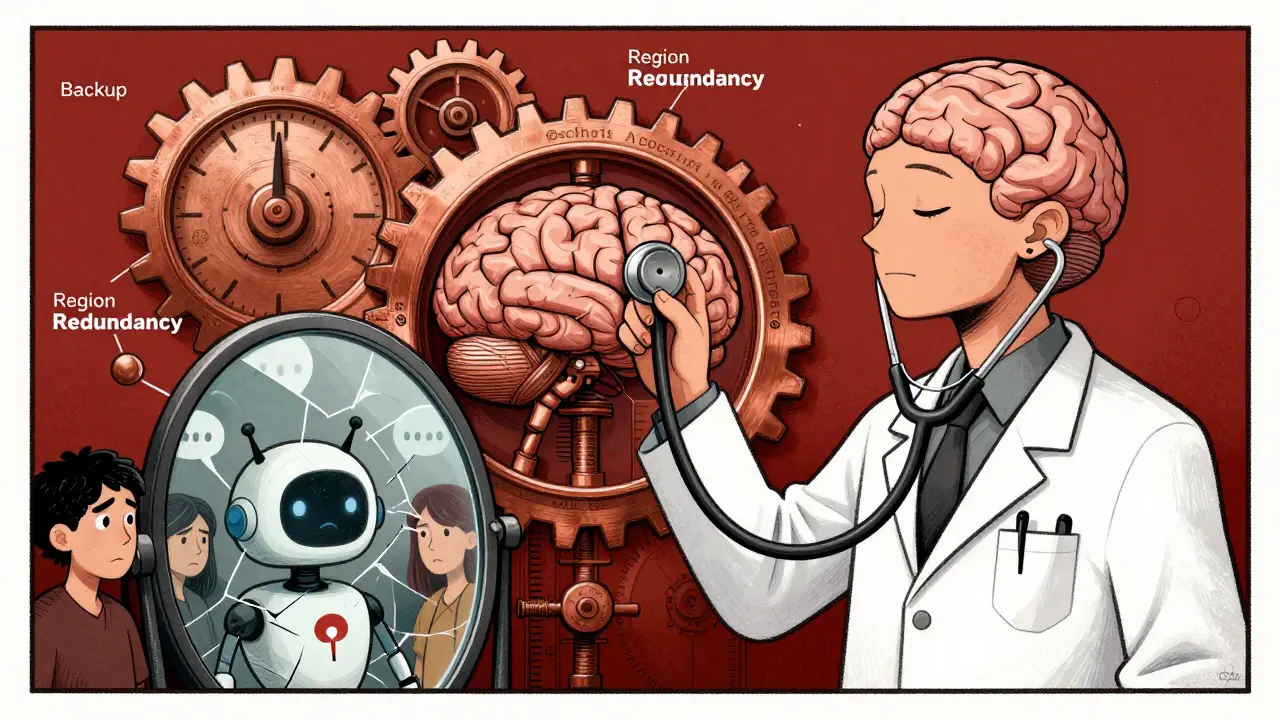
But here’s the catch: you need at least two regions. One in Virginia, one in Oregon. Or one in Frankfurt, one in Tokyo. If a natural disaster takes out a whole cloud region, you’re dead if your backup is in the same area. Microsoft Azure leads here-with automated multi-region deployment and traffic routing that cuts recovery time to an average of 22 minutes, according to Forrester.

Cloud Provider Comparison: Who Does It Best?
Not all clouds are built the same for LLM resilience.
| Provider | Native Cross-Region Replication | Average RTO | Key Advantage | Key Limitation |
|---|---|---|---|---|
| AWS (SageMaker) | Yes (since Nov 2024) | 30-45 minutes | Strong integration with S3 and IAM | Still requires manual setup for full orchestration |
| Google Cloud (Vertex AI) | Yes (Dec 2024 update) | 25-35 minutes | Automated failover manager | Less mature in multi-cloud support |
| Microsoft Azure | Yes (Jan 2025) | 22 minutes | Best-in-class automation and traffic routing | Higher cost for multi-region storage |
| Tencent Cloud | Yes | 30 minutes | Compliant with PIPL and China’s cybersecurity laws | Limited global presence outside Asia |
For most global companies, Azure is the easiest path to reliable failover. For those bound by data sovereignty rules-like banks in Europe or hospitals in China-Tencent or local providers may be the only viable option.
What Goes Wrong in Real-World Failures?
It’s not the technology that fails most often-it’s the process.
Analysis of 147 LLM outages by the AI Infrastructure Consortium shows:
- 41% of failures happened because recovery procedures were never tested.
- 32% were caused by missing model components-like forgotten config files or unbacked-up tokenizer files.
- 28% failed due to network bandwidth limits. Transferring a 200GB model over a 1 Gbps link takes over 30 minutes. If your RTO is 15 minutes, you’re already behind.
One healthcare startup in Boston had a perfect backup system-until they tried to restore it. They forgot to back up the custom tokenizer. The model ran, but every input became gibberish. It took them three days to rebuild the tokenizer from scratch. That’s not a tech problem. That’s a process failure.
How to Get Started: A Realistic 3-Phase Plan
You don’t need to build a perfect system overnight. Start small. Scale smart.
- Phase 1: Protect Inference (4-6 weeks)
- Set up automated daily backups of model weights and configs to a separate region.
- Deploy a read-only replica in a secondary region.
- Configure monitoring alerts for API latency, error rates, and model drift.
- Phase 2: Secure Training (8-10 weeks)
- Implement checkpoint backups every few hours during training.
- Store datasets in versioned storage (DVC, S3 with versioning).
- Document every training run with metadata: parameters, dataset version, hardware used.
- Phase 3: Full Ecosystem Recovery (12-16 weeks)
- Automate failover using cloud-native tools or orchestration platforms like Cutover.
- Run quarterly disaster recovery drills-simulate a region outage.
- Train your team on emergency access protocols and communication playbooks.
Companies that follow this phased approach cut their recovery time by 63% compared to those trying to do it all at once, according to MIT’s January 2025 study.
Who Needs This the Most?
Not every company needs enterprise-grade LLM disaster recovery. But if you’re in one of these sectors, you’re already at risk:
- Financial services: 78% adoption. A failed fraud detection model can cost millions.
- Healthcare: 65% adoption. Misdiagnoses from a broken LLM could be life-threatening.
- Government: 52% adoption. Public trust depends on uptime.
Retail and manufacturing? Only 38% and 29% respectively. They’re still treating LLMs like experimental tools. But that’s changing fast. By 2026, Gartner predicts 95% of enterprise LLM deployments will have formal disaster recovery plans.
Future Trends: AI Predicting Its Own Failures
The next big leap isn’t just faster backups-it’s prevention.
MIT researchers are testing AI systems that monitor LLM behavior in real time. These systems learn what “normal” looks like: response times, token usage, error patterns. Then they flag anomalies before they become outages.
Early results? A 42% drop in unplanned downtime. One bank in London now uses this to predict GPU failures 6-12 hours in advance. They swap out hardware before it dies. No failover needed.
By 2026, this will be standard. Disaster recovery won’t be about reacting to failure-it’ll be about stopping it before it happens.
Final Reality Check
LLM disaster recovery is expensive. It requires storage, bandwidth, skilled staff, and time. But the cost of doing nothing is higher.
One retail chain lost $2.3 million in sales during a 14-hour outage of their product description generator. Their backup existed-but no one had tested it in six months. When they tried to restore, the model didn’t load because the cloud credentials had expired.
That’s not a tech problem. That’s a leadership problem.
If you’re running LLMs in production, you owe it to your users, your team, and your business to have a plan. Not a PowerPoint slide. Not a one-time test. A living, breathing, regularly practiced system that works when it matters.
What’s the biggest mistake companies make with LLM disaster recovery?
The biggest mistake is assuming backups are enough. Many teams back up model weights but forget config files, tokenizers, or prompt templates. Without those, the model runs but gives wrong or dangerous outputs. Recovery isn’t just about getting the model back-it’s about getting the *right* model back.
Can I use my existing IT disaster recovery plan for LLMs?
Not really. Traditional DR plans focus on databases and apps, not massive AI models. LLMs require specialized handling: frequent checkpoints, petabyte-scale storage, and regional redundancy for inference. Using a generic plan increases recovery time by up to 40%, according to Gartner. You need an LLM-specific strategy.
How much storage do I need for LLM backups?
A 70B-parameter model in FP16 needs about 140GB. A 100B model needs around 200GB. But you need at least two copies-one in the primary region, one in backup. Add training datasets (often 1-10TB), configs, and version history, and you’re looking at 5-20TB per model. Cloud storage costs vary, but expect $200-$800/month just for backup storage for a single large model.
Do I need to replicate my entire training environment?
Not unless you’re doing continuous training. For most companies, the priority is keeping inference endpoints running. Training environments can have longer RTOs-up to 24 hours. Focus first on protecting what’s serving users. Then expand to training once you’ve stabilized production.
Is there a tool that does this automatically?
Not fully, but cloud providers are closing the gap. AWS SageMaker Model Registry, Google’s Vertex AI Disaster Recovery Manager, and Azure’s multi-region routing now automate much of the process. Still, you’ll need to configure triggers, test failovers, and manage access. There’s no “one-click” solution yet.
How often should I test my disaster recovery plan?
Quarterly. At minimum. And it must be a full simulation-not a checklist review. Shut down the primary region. Watch the failover trigger. Time how long it takes. Verify the output is correct. If you haven’t done this in the last 90 days, your plan is probably broken.