- Home
- AI & Machine Learning
- From Figma to Function: A Guide to Vibe Coding for Designers
From Figma to Function: A Guide to Vibe Coding for Designers
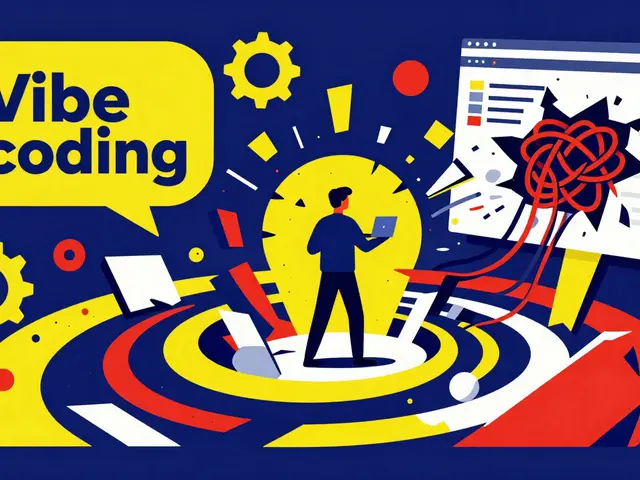
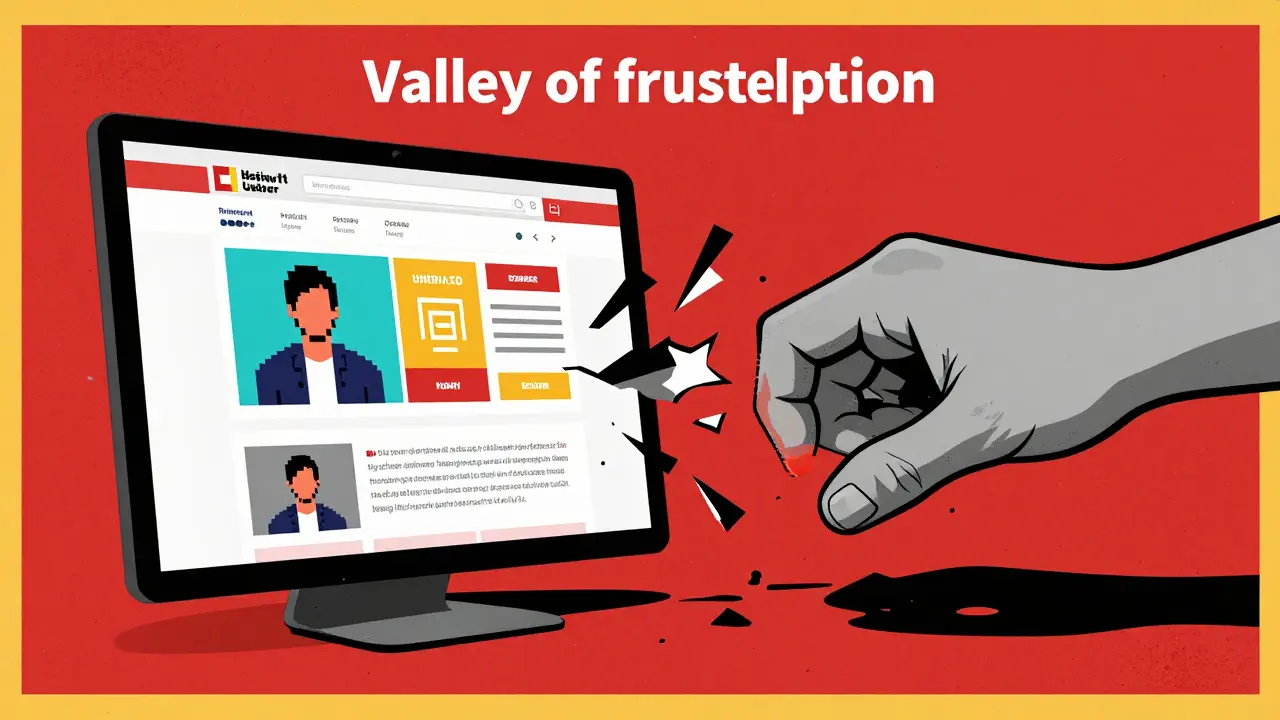
Imagine spending three days obsessing over a pixel-perfect landing page in Figma, only to hand it off to a developer who tells you the layout is "too complex" to build exactly as designed. For years, the gap between a beautiful mockup and a working app has been a valley of frustration and endless Slack threads. But we've hit a turning point. vibe coding is changing the game, allowing designers to skip the handoff entirely and turn their visual "vibes" into functional software using AI.
If you've never heard the term, don't let the name fool you. It isn't just about aesthetics. It's a new way of building where AI interprets the intent, structure, and emotion of a design to generate actual code. Instead of a developer manually translating a CSS property, an AI engine looks at your entire design system and says, "I get the vibe," and writes the React or Flutter code to match. It's the democratization of building-turning designers into creators who can ship an MVP without waiting for a sprint cycle.
The Secret Sauce: Model Context Protocol (MCP)
To understand why this works better than the old "screenshot-to-code" tools, you need to know about the Model Context Protocol (or MCP). MCP is a structured data format developed by Figma that preserves the hierarchy, component relationships, and design tokens of a file.
When you use a tool like Cursor AI, the AI isn't just "looking" at a picture of your button. Through MCP, it sees that the button is a named component, it's nested within a specific auto-layout frame, and it's tied to a primary brand color token. This semantic understanding is why accuracy has jumped from mediocre to impressive. According to data from Replit, when designers follow strict naming conventions, the accuracy of component translation can hit 92%.
Which Tool Fits Your Vibe?
Not all vibe coding platforms are built for the same goal. Depending on whether you want a simple website, a complex app, or even a game, your choice of tool will change. Here is how the current landscape looks:
| Platform | Primary Output | Best For... | Key Strength |
|---|---|---|---|
| Figma Make | React | UI Scaffolding | Native integration with Figma |
| Lovable.dev | React Web Apps | Rapid Prototyping | Non-technical founder friendly |
| Replit | Full-stack JS | Functional MVPs | Backend and DB integration |
| Cursor AI | Flutter / Web | Dev-led workflows | Strong state management |
| YouWare | HTML/CSS/JS | Small games/Interactive | Speed of execution (under 90s) |
How to Actually Do It: The Workflow
You can't just throw a messy Figma file at an AI and expect a masterpiece. The AI is only as good as the context you give it. If your layers are named "Frame 10234" and "Group 12," the code will be a mess. To get a high-quality result, follow this loop:
- Clean Your House: Use proper Auto Layout and name your layers logically (e.g., "Navbar/UserAvatar" instead of "Circle 2").
- Enable MCP: Toggle the Model Context Protocol in your Figma settings to let the tools read the underlying structure.
- Connect and Import: Link your account via OAuth to a platform like Lovable.dev or Replit and select the specific frames you want to convert.
- Iterative Prompting: This is where the "vibe" comes in. Instead of writing code, you tell the AI: "Make the transition between these two cards smoother" or "Ensure this header sticks to the top on mobile."
- Developer Review: If you're heading toward production, have a human engineer check the code. AI is great at the "what" (UI), but sometimes struggles with the "how" (performance and security).
The Reality Check: Speed vs. Scalability
We need to be honest about the trade-offs. Vibe coding is a superpower for prototyping. A product designer at Swiggy recently converted a food delivery prototype into a working demo in under 45 minutes-a process that usually takes weeks of back-and-forth with engineering. That is an incredible win for validation.
However, there is a dark side to this speed. Industry critics, including the creator of Ruby on Rails, have warned that vibe coding can create "spaghetti code." Because the AI focuses on making it look right, it might ignore the proper separation of concerns or create redundant logic. If you ship a vibe-coded app directly to production without a refactor, you might find your maintenance costs spiking by 30% to 50% as the app grows.
Think of vibe coding as the 3D print of the software world. It's amazing for creating a physical model to see if the shape works, but you wouldn't use a 3D-printed plastic part to build a jet engine. You still need the "milled steel" of professional engineering for the core infrastructure.
The Future of the Designer-Builder
Where is this going? By 2027, analysts predict that the majority of new applications will use some form of design-to-code AI. We are moving toward a world where the distinction between "designer" and "developer" blurs into a single role: the Builder.
Figma is already moving beyond static UI. With the launch of Figma Make 2.0, we're seeing data binding, which means your designs can connect to real APIs. Soon, you won't just be designing a "fake" profile page; you'll be designing a page that pulls in real user data from a database in real-time. The tool is no longer just a drawing board-it's the IDE.
Does vibe coding replace the need for developers?
Not at all. While it replaces the tedious work of translating pixels to CSS, it doesn't replace the need for architectural decisions, security audits, and complex state management. It shifts the developer's role from "translator" to "editor and architect."
What is the biggest mistake designers make when vibe coding?
Ignoring layer organization. If your Figma file is a mess of ungrouped elements and generic names, the AI will struggle to understand the hierarchy, leading to broken layouts and unusable code.
Can I use vibe coding for production-ready apps?
It is best suited for MVPs, internal tools, and prototypes. For high-traffic production apps, you should use vibe coding to generate the UI scaffolding and then have a developer refactor the code for performance and scalability.
Which framework is best for vibe coding?
React is currently the most supported framework across platforms like Figma Make and Lovable.dev, making it the safest bet for those starting out.
How long does it take to learn vibe coding?
For most designers, it takes about 2 to 5 hours to master the basic workflow of structuring files and iterative prompting. Developers can usually pick it up in under an hour.
Next Steps for Your Workflow
If you're ready to stop drawing and start building, start small. Pick one simple component-like a sign-up card or a navigation menu-and try converting it using a tool like Lovable.dev. Focus on your naming conventions first. If the output isn't perfect, don't touch the code; instead, refine your prompt. Ask the AI to "make it more responsive" or "use a more modern font scale." Once you see the magic happen with a small component, you'll realize that the only thing standing between your design and a functional product is a well-structured Figma file and a bit of curiosity.
Susannah Greenwood
I'm a technical writer and AI content strategist based in Asheville, where I translate complex machine learning research into clear, useful stories for product teams and curious readers. I also consult on responsible AI guidelines and produce a weekly newsletter on practical AI workflows.
Popular Articles
1 Comments
Write a comment Cancel reply
About
EHGA is the Education Hub for Generative AI, offering clear guides, tutorials, and curated resources for learners and professionals. Explore ethical frameworks, governance insights, and best practices for responsible AI development and deployment. Stay updated with research summaries, tool reviews, and project-based learning paths. Build practical skills in prompt engineering, model evaluation, and MLOps for generative AI.
Absolute garbage. Calling this "coding" is an insult to anyone who actually knows how to manage a repository. It's just a glorified screenshot tool with a fancy name.