HR Automation with Generative AI: Job Descriptions, Interview Guides, and Onboarding
Why Your HR Team Is Burning Out (And How AI Fixes It)
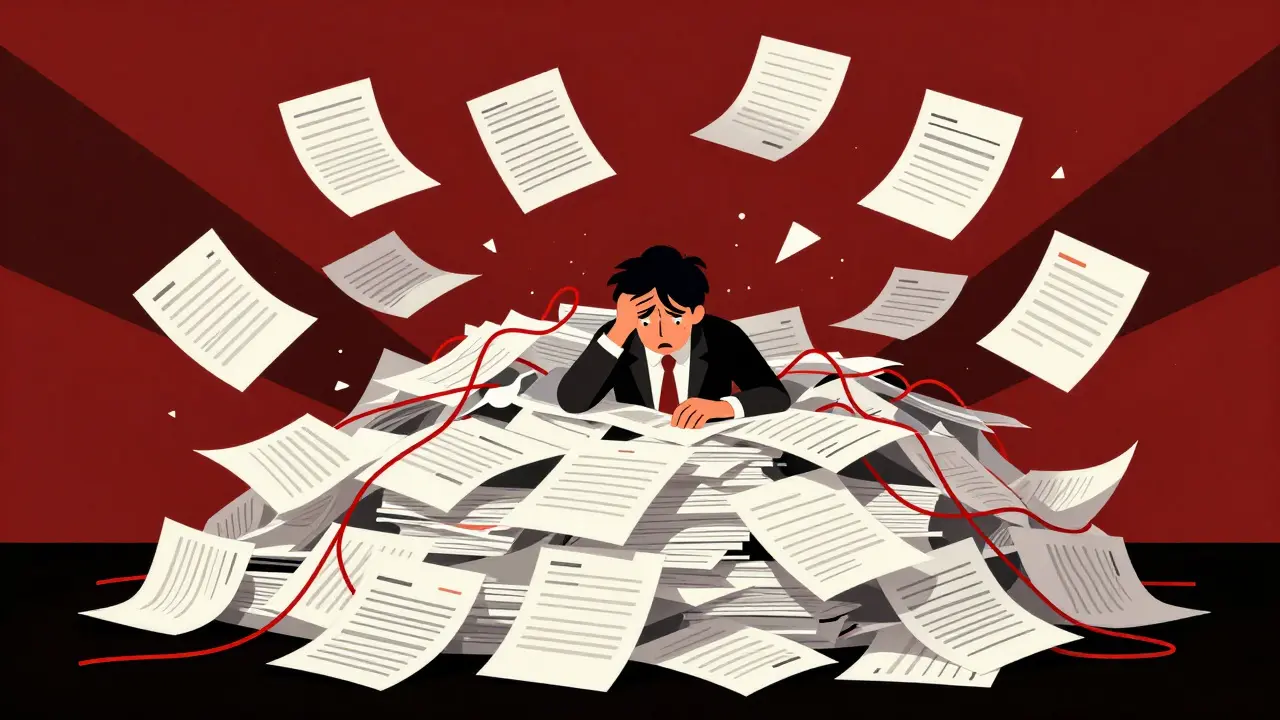
Imagine spending four hours writing a job description for a mid-level marketing role. You tweak the tone, check for bias, align it with company values, and then realize you have three more roles to fill this week. This is the daily reality for most Human Resources professionals. According to Mercer's 2025 research, drafting just one job description consumes 3-5 hours of focused work. Multiply that by dozens of open positions, add in scheduling interviews and creating onboarding packets, and you quickly see why HR teams are overwhelmed by administrative grind rather than strategic talent development. Enter Generative AI in HR. This isn't just another buzzword; it’s a practical tool that cuts through the noise. With large language models like OpenAI's GPT-4 and Anthropic's Claude, HR departments can now automate high-volume tasks. The result? A shift from spending 20-30% of time on admin to focusing on workforce planning and culture. But how do you actually use these tools without losing your human touch or running into legal trouble? Let’s break down exactly how to automate job descriptions, interview guides, and onboarding while keeping things ethical and effective.
Automating Job Descriptions Without Losing Your Voice
The first place generative AI shines is in writing job descriptions. Traditionally, this process involves copying an old template, changing the title, and hoping it attracts the right candidates. Often, it doesn’t. AI changes this by generating tailored, inclusive, and accurate descriptions in minutes instead of hours. Here is how to do it right:
- Start with a clear prompt. Don’t just say “write a job description.” Instead, provide context: “Write a job description for a Senior Python Developer at a fintech startup. Emphasize experience with AWS, clean code practices, and remote collaboration skills. Tone should be professional but approachable.”
- Use Retrieval-Augmented Generation (RAG). According to Menlo Ventures' 2025 report, 45% of successful AI deployments use RAG. This means feeding the AI your existing internal data-like past successful hires or current team competencies-so the output matches your specific needs, not generic internet text.
- Check for bias. Tools like Textio’s bias detection algorithms help ensure your language doesn’t unintentionally exclude certain groups. Gloat’s AI Job Description Builder, for example, achieved 94% user satisfaction in reducing bias compared to basic LLM implementations.
- Edit for personality. AI can sound robotic. A Reddit user noted that their AI-generated posts all sounded the same, causing candidate engagement to drop by 18%. Always add your company’s unique voice before posting.
Crafting Better Interview Guides with AI Precision
Once you have applicants, the next bottleneck is interviewing. Unstructured interviews lead to biased hiring decisions and poor fits. Generative AI helps create consistent, legally compliant, and insightful interview guides. Think of AI as your unbiased co-pilot. Here is how to leverage it for interview preparation:
- Generate structured questions. Ask the AI to create behavioral questions based on the job description’s key competencies. For instance, “Create five STAR-method questions to assess conflict resolution skills for a project manager role.”
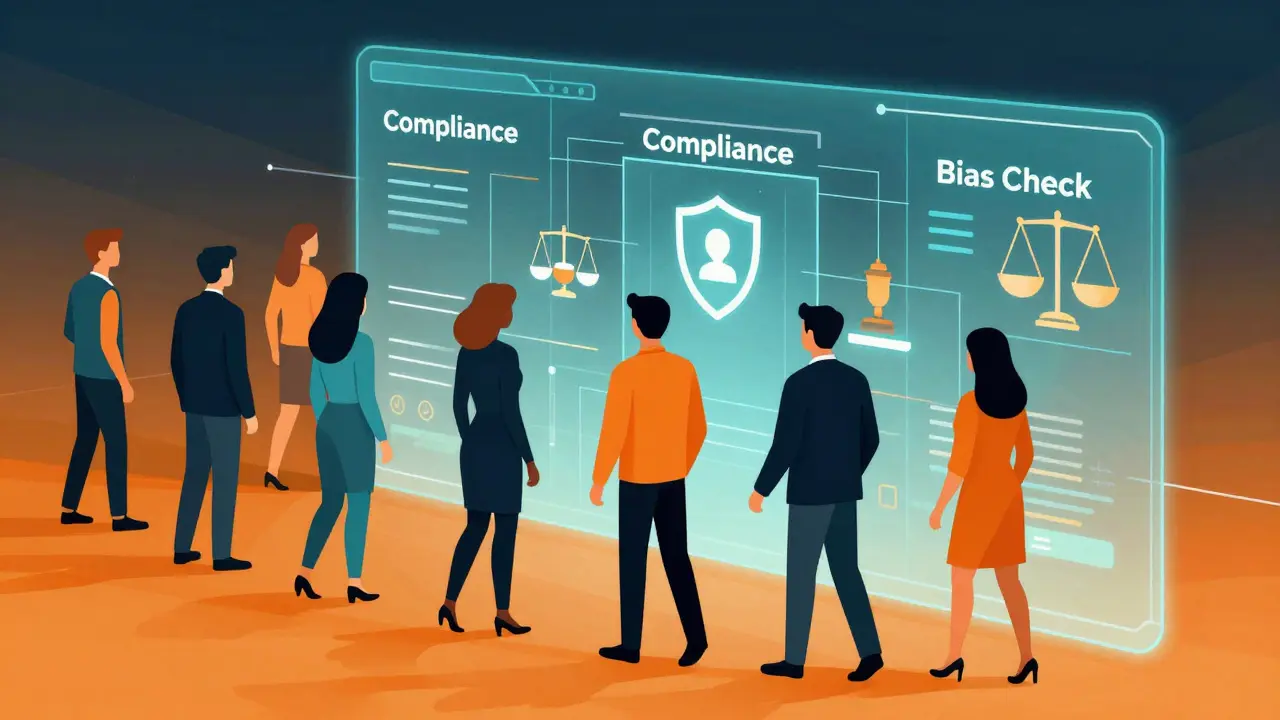
- Ensure legal compliance. Laws like New York City’s Local Law 144 require bias audits for automated employment decision tools. AI can flag potentially discriminatory questions before they reach candidates. Google’s Gemini, for example, reached 85% accuracy in multilingual content generation, helping global teams stay compliant across regions.
- Create scoring rubrics. AI can suggest evaluation criteria tied directly to job performance metrics, ensuring every interviewer judges candidates on the same standard.
| Task | Traditional Time | AI-Assisted Time | Key Benefit |
|---|---|---|---|
| Job Description Drafting | 3-5 hours | 2-3 minutes | Speed & Bias Reduction |
| Interview Guide Creation | 2-4 hours | 15-20 minutes | Consistency & Compliance |
| Onboarding Material Prep | 1-2 days | 30-60 minutes | Personalization & Scale |
Revolutionizing Onboarding: From Paperwork to Welcome
Onboarding is where new hires form their first impressions. If it’s messy, they leave early. If it’s smooth, they stay longer. Generative AI transforms onboarding from a chaotic paperwork exercise into a personalized welcome journey. Here is what you can automate:
- Welcome emails and schedules. AI can draft personalized welcome messages that reference the new hire’s background and start date, making them feel seen from day one.
- Policy summaries. Instead of forcing employees to read 100-page handbooks, AI can generate concise, easy-to-digest summaries of key policies, tailored to the employee’s role.
- FAQ bots. Conversational agents handle self-service tasks like time-off requests or IT setup questions. ClearCompany’s Virtual Recruiter handles 89% of queries without human intervention, freeing up HR staff for deeper connections.
Choosing the Right Tools: What Actually Works?
With over 50 products generating millions in revenue, picking the right AI tool feels overwhelming. Not all solutions are created equal. Here is how to evaluate them: Look for Integration Capabilities: Your AI tool must talk to your existing systems like Workday, SAP SuccessFactors, or Oracle HCM Cloud via RESTful APIs. Standalone tools create data silos, which 68% of organizations cite as a major challenge. Check for Ethical Governance: Only 29% of organizations have established ethical AI frameworks, despite 91% planning increased usage. Choose vendors who provide transparency on how their models handle bias and data privacy. Look for ISO/IEC 27001:2022 certification for security. Consider User Experience: Eightfold’s platform scored high on capability (92/100) but received criticism for its steep learning curve, requiring 37+ hours of training. Visier’s People AI earned 4.6/5 stars for being intuitive. If your team isn’t tech-savvy, prioritize ease of use. Evaluate Specific Strengths: - Gloat: Best for bias reduction in job descriptions. - HireVue: Strong for video interview analysis and scaling. - Zoho: Good for small-to-medium businesses needing affordable onboarding automation. - Phenom: Excels in candidate engagement but may struggle with multi-jurisdictional compliance.
Avoiding Common Pitfalls: Keep Humans in the Loop
AI is powerful, but it’s not perfect. McKinsey reports that only 1% of companies believe they’ve achieved maturity in AI implementation. Why? Because many treat AI as a replacement rather than a partner. Here are three pitfalls to avoid: 1. Over-Automation: Don’t let AI write everything. Nick Matthews from Culture Amp warns that treating AI as solely an IT issue undermines workforce transformation. HR must own the strategy. Use AI for drafts, not final decisions. 2. Ignoring Data Quality: Garbage in, garbage out. If your historical hiring data is biased, AI will amplify that bias. Clean your data before feeding it to models. 3. Neglecting Employee Trust: 52% of employees distrust AI in HR. Be transparent about how AI is used. Explain that it assists humans, not replaces them. Companies where HR leads AI strategy see 3.2x higher employee trust metrics. Remember, the goal is efficiency, not elimination. AI should free you up to do what machines can’t: build relationships, understand nuance, and foster culture.
Next Steps: Getting Started Today
You don’t need to overhaul your entire HR department overnight. Start small. Pick one repetitive task-like drafting job descriptions-and pilot an AI tool there. Measure the time saved and quality improvements. Then expand to interview guides, and finally onboarding. Invest in training. LinkedIn Learning’s 2025 report shows HR professionals spend an average of 87 hours on prompt engineering and data literacy. Encourage your team to learn these skills. Create a cross-functional AI governance committee to oversee ethics and compliance. The future of HR is collaborative. By integrating generative AI thoughtfully, you turn administrative burdens into strategic opportunities. Your team will have more time to connect with people, plan for growth, and build a workplace that thrives. That’s the real value of automation.
How much does HR automation with generative AI cost?
Costs vary widely based on organizational size and complexity. For Level 1 organizations (basic readiness), The Hackett Group estimates $250,000-$500,000 for initial deployment including training and integration. Smaller businesses might start with SaaS tools costing $50-$200 per user per month. Enterprise solutions like Eightfold or Phenom can run into hundreds of thousands annually due to customization and support needs.
Is AI-generated job description content legally compliant?
Not automatically. While AI can help reduce bias, it doesn’t guarantee legal compliance. Regulations like NYC’s Local Law 144 require bias audits for automated hiring tools. The EU AI Act classifies some HR AI as high-risk. Always have legal counsel review AI outputs, especially for regulated industries. Human oversight remains critical to avoid lawsuits.
Which AI model is best for HR tasks?
There is no single “best” model. OpenAI’s GPT-4 Turbo offers 91% precision in interview question appropriateness. Anthropic’s Claude excels in policy interpretation (89% accuracy). Google’s Gemini is strong for multilingual onboarding (85% accuracy). Most enterprises use a combination, often via platforms like ZBrain Builder that allow low-code development of custom agents connecting multiple LLMs.
Can AI replace HR recruiters?
No. AI automates tasks, not jobs. It handles screening, scheduling, and drafting, but cannot replicate human judgment in assessing cultural fit, negotiating offers, or building candidate relationships. In fact, 78% of HR leaders plan to implement “AI co-pilots” to assist recruiters, not replace them. The focus shifts from administrative work to strategic talent partnership.
How do I prevent AI bias in hiring?
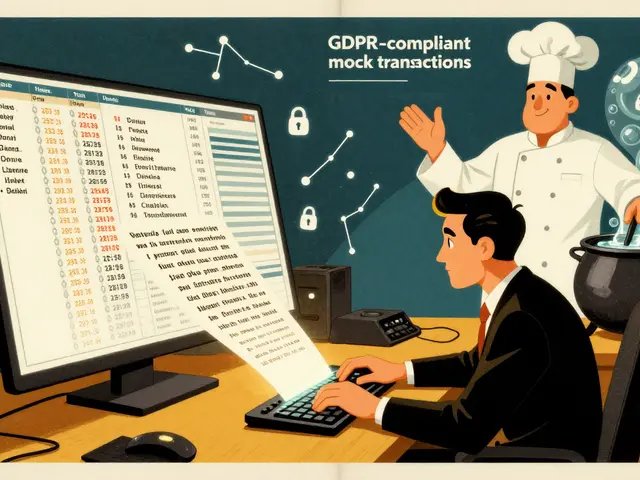
Prevention requires proactive steps: 1) Use bias-detection tools like Textio during job description creation. 2) Audit your training data for historical biases. 3) Implement diverse review panels for AI-generated content. 4) Regularly test AI outputs against demographic parity metrics. 5) Establish an ethical AI governance committee. Remember, AI reflects the data it’s trained on; clean, diverse data is essential.