Role Assignment in Vibe Coding: How Senior Architect and Junior Developer Prompts Change Code Output
When you ask an AI to write code, you’re not just giving it a task-you’re setting its mindset. The difference between a senior architect and a junior developer in a vibe coding prompt isn’t just about experience. It’s about how the AI thinks. And that changes everything: the structure, the security, the test coverage, even how much you have to fix afterward.
Back in 2023, developers started noticing something strange. When they typed "act like a senior developer," the AI didn’t just write better code-it wrote differently. Not just cleaner, but with a new kind of logic. The AI began prioritizing interfaces over monoliths, error handling over shortcuts, and modularity over convenience. That’s not magic. It’s training data. Large language models were trained on years of real developer conversations. And those conversations look completely different between a junior dev asking "How do I loop this?" and a senior architect saying "How do we scale this without creating technical debt?"
What Happens When You Say "You’re a Senior Architect"
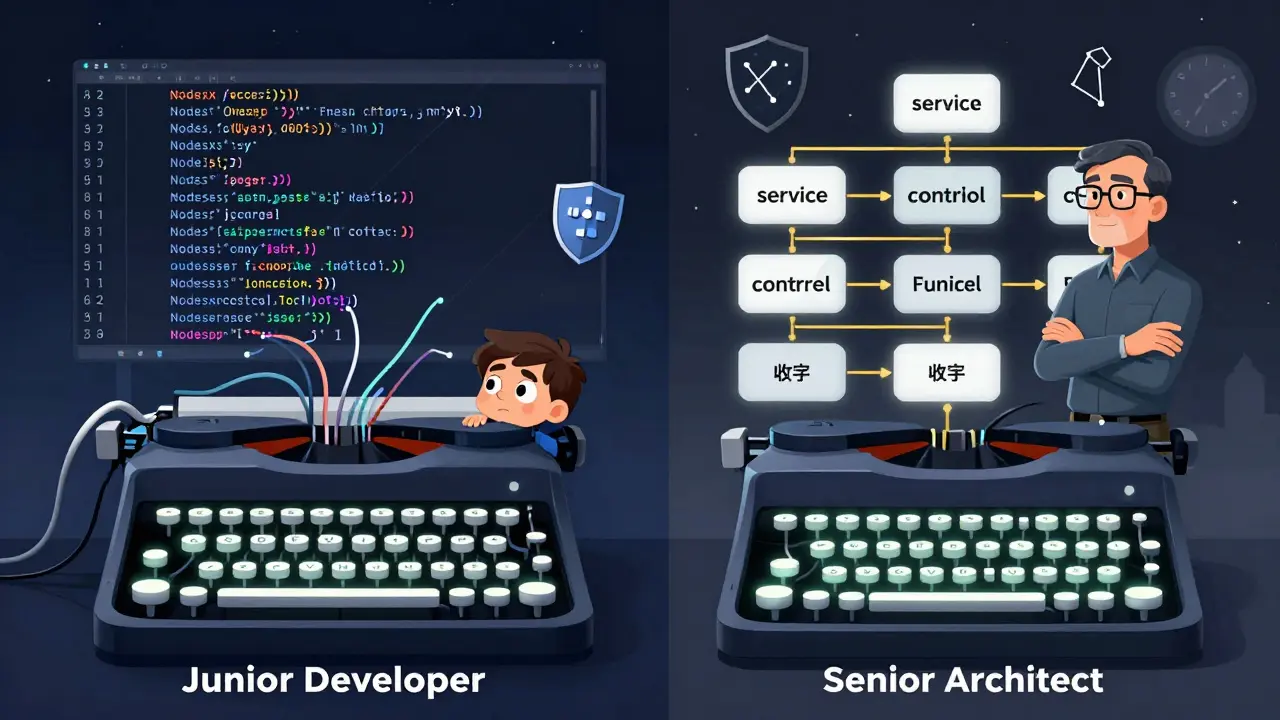
Try this yourself. Ask the AI: "Build a login API in Node.js." You’ll likely get a single file with everything inside-routes, validation, database calls, error handling. It works. But it’s fragile. Now change the prompt: "You’re a senior Node.js architect specializing in secure, scalable SaaS platforms who follows OWASP guidelines and writes Jest tests for every endpoint." The output shifts. Suddenly, you get:
- Separate service, controller, and repository layers
- Input validation with Joi or Zod
- Rate limiting middleware
- JWT token refresh logic
- A full test suite with mock database calls
- Environment-specific config loading
Strapi’s analysis of 500 code samples showed that senior architect prompts produced code with 42% fewer security vulnerabilities and 31% better test coverage. Why? Because the AI accesses a different part of its training data-the part filled with discussions from engineers who’ve seen systems crash, been on call at 3 a.m., and learned the hard way that "it works on my machine" isn’t good enough.
Supabase tracked 1,200 GitHub repositories and found that senior architect prompts reduced average code revisions from 5.1 to 2.8 per task. That’s not just less work-it’s less risk. Less chance of a bug slipping into production. Less stress during deployments.
What Happens When You Say "You’re a Junior Developer"
Now flip it. Ask the same question: "Build a login API in Node.js," but this time say: "You’re a junior developer learning backend development. Explain each step clearly and use simple patterns."
The AI responds differently. It might use a single file. It might skip validation. It might not handle edge cases. But here’s the surprise-it explains everything. It writes comments like "This line connects to the database because users need to log in." It breaks down async/await. It uses clear variable names like "userInput" instead of "req.body."
Dev Interrupted’s January 2024 survey found junior developer prompts scored 4.2 out of 5 on documentation quality, compared to 3.1 for senior prompts. That’s why this persona is gold for onboarding, training, or learning. It doesn’t give you production-ready code. It gives you understanding.
One developer at a coding bootcamp told Reddit: "I used to get frustrated when AI gave me clean code I didn’t understand. Now I start with junior mode. I read every line. Then I ask it to refactor as a senior. I learn twice as fast."
The Hidden Cost of Vague Roles
Here’s where most people fail. They don’t say "senior architect." They say "senior developer." And that’s too vague.
"Senior developer" could mean anything. JavaScript? Python? Mobile? Cloud? Security? Scalability? Without context, the AI guesses. And guessing leads to inconsistent results.
According to JetBrains’ 2024 State of Developer Ecosystem report, developers who used vague roles like "senior" or "expert" reported only 3.2/5 satisfaction. Those who added specifics-"senior React architect who follows our ESLint rules and writes Jest tests for every component"-scored 4.7/5.
Shopify’s internal team noticed this too. Before they standardized their prompts, one engineer’s "senior" prompt generated code with proper state management. Another’s "senior" prompt generated a giant component with hooks everywhere. Why? Because the AI didn’t know their team’s standards.
The fix? Build templates. Here’s the structure that works:
You’re a [seniority level] [technology] developer specializing in [domain] who adheres to [standards].
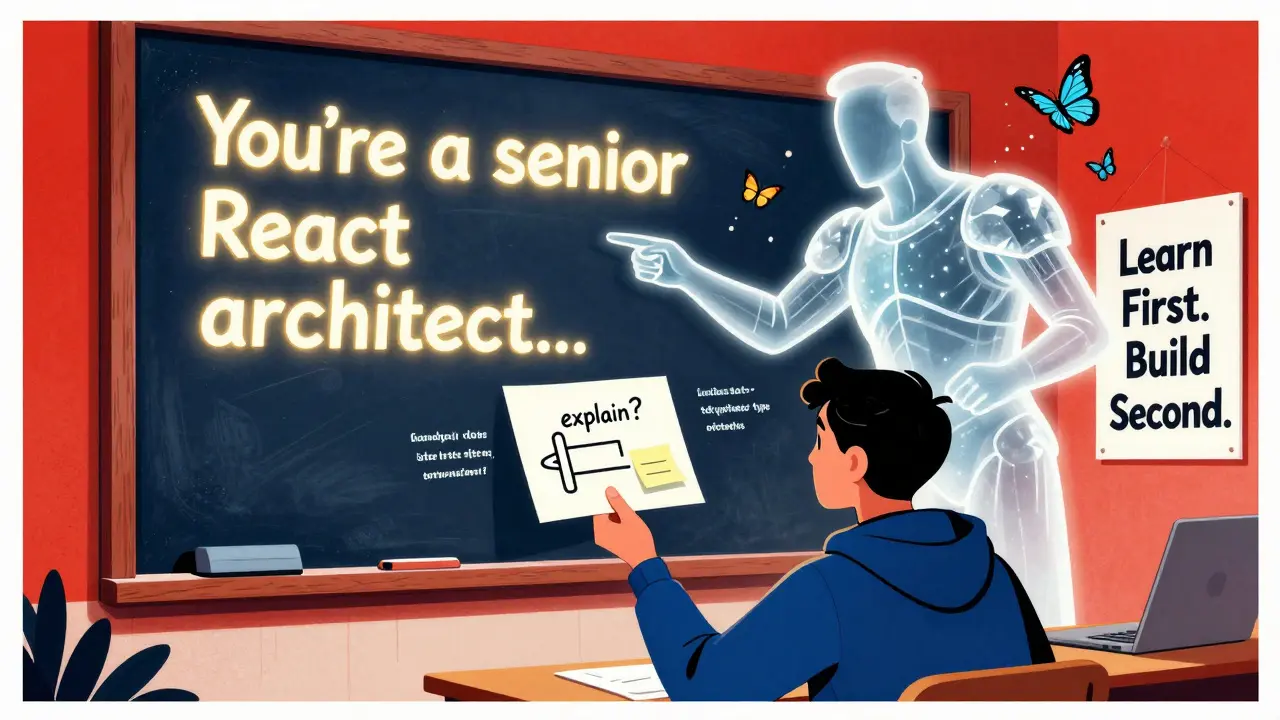
Example: You’re a senior React architect specializing in enterprise SaaS dashboards who adheres to our component library, writes Jest + React Testing Library tests for every component, and uses TypeScript with strict mode.
That’s not just a prompt. It’s a contract. And the AI treats it like one.
Why This Works (And Why It’s Not Magic)
The AI doesn’t "know" what a senior architect is. It doesn’t have experience. But it recognizes patterns. Google DeepMind’s research at NeurIPS 2024 showed that LLMs store distinct linguistic signatures for different experience levels. Senior engineers write more about trade-offs. They mention scalability before speed. They use phrases like "we’ve seen this fail before" or "this creates hidden coupling." Junior developers ask "how," "why," and "what if."
When you assign a role, you’re not tricking the AI. You’re triggering a pattern. You’re telling it: "Access the part of your training data where developers talk about distributed systems, not just loops."
Michael D’Antonio from Strapi put it simply: "Role assignment isn’t a parlor trick-it’s a proven way to raise the ceiling on what AI can deliver."
When to Use Which Role
There’s no one-size-fits-all. The best teams use both, depending on the stage:
- Prototype or learn: Use junior developer. Let the AI explain. You’ll understand the fundamentals.
- Build a feature: Use senior architect. Get production-ready, secure, test-covered code.
- Review or refactor: Use senior architect. Ask it to critique its own output.
- Onboard a new dev: Use junior developer first, then senior. Show them the path from basic to polished.
GitHub Copilot’s 2024 update even introduced "RoleSync," which analyzes your repo’s commit history and suggests which persona to use based on your team’s past behavior. That’s the future: AI that adapts to your team’s rhythm, not just your words.
The Pitfalls and the Warnings
Not everyone’s sold. Martin Fowler from ThoughtWorks warned in February 2024: "Over-reliance on senior role assignments might create false confidence." He’s right. The AI doesn’t understand system constraints the way a human does. It can’t feel the weight of a legacy database or the politics of a stakeholder deadline.
One developer at a fintech startup shared on Hacker News: "I used a senior architect prompt to build a payment processor. The code looked perfect. But it didn’t account for PCI-DSS audit trails. I missed that because I assumed the AI knew. It didn’t. I had to go back and add it manually."
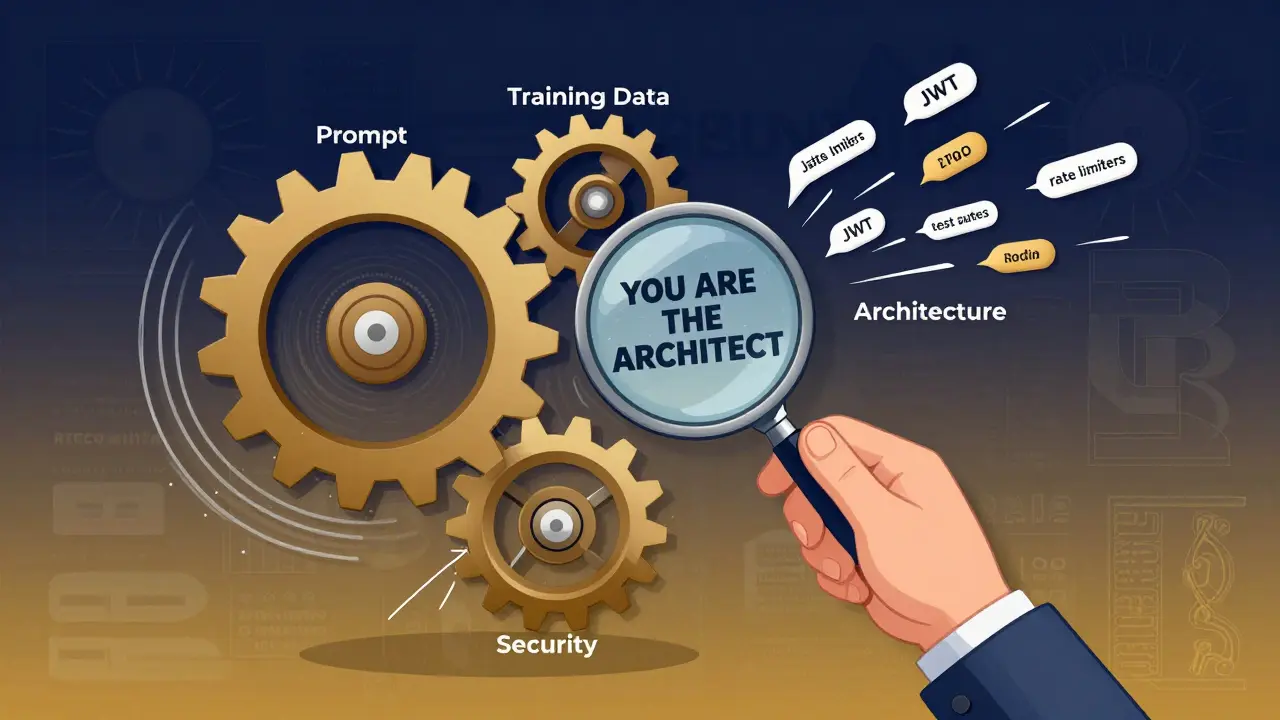
That’s the key: you’re still the architect. The AI is your assistant, not your replacement. Role assignment doesn’t remove your responsibility. It elevates your leverage.
The Future: Beyond Senior and Junior
The next leap isn’t just senior vs junior. It’s multidimensional.
Anthropic’s July 2024 research proposed "multidimensional developer personas"-where you specify not just experience, but:
- Risk tolerance (conservative vs bold)
- Communication style (concise vs detailed)
- Domain depth (e.g., "specializing in real-time trading systems")
Google DeepMind’s "ArchitectAI" prototype now simulates a team: one AI as junior, one as mid-level, one as senior. They debate, refine, and produce code with 45% fewer architectural flaws than any single persona.
By 2026, Forrester predicts 70% of AI coding tools will auto-switch personas based on context. You’ll say "build a user dashboard," and the AI will automatically start as a junior, then shift to senior, then validate as a security specialist-all in one prompt.
But for now? The power is in your hands. Use senior architect for production. Use junior developer for learning. Be specific. Be consistent. And never stop reviewing.
Can I use role assignment with any AI coding tool?
Yes. Role assignment works with GitHub Copilot, Cursor, Tabnine, and any LLM-based coding assistant. The technique is prompt-based, so it doesn’t require special software-just clear, structured language in your input. Tools like GitHub Copilot now even auto-suggest role templates based on your repo, but you can manually override them.
Does role assignment work better for some languages than others?
The technique works across all major languages, but the impact is strongest in complex ecosystems like JavaScript/React, Python/Django, or Java/Spring, where architecture matters more than syntax. For simpler scripts (like Python data scripts), the difference is smaller. But even there, specifying "senior" will improve error handling and documentation.
What if the AI ignores my role assignment?
It usually means your prompt is too vague. "Senior developer" alone isn’t enough. Add specifics: technology, domain, standards. Example: "You’re a senior Python developer specializing in data pipelines who follows PEP8, uses type hints, and writes pytest tests for every function." If it still ignores you, try rephrasing the role as a system instruction: "Act as a senior Python developer with 10+ years in data infrastructure." Position it at the very start of your prompt.
Should I use senior architect for everything?
No. Senior architect prompts are powerful but overkill for simple tasks. Trying to build a quick script or prototype? Start with junior developer. It’s faster, more educational, and less likely to overwhelm you with structure you don’t need. Save senior for production code, complex logic, or when you need to meet strict standards.
How long does it take to get good at role assignment?
Most developers master the basics in 3-5 tries. But true mastery-writing prompts that consistently deliver high-quality output-takes practice. Start by copying proven templates. Then tweak them. Track your results: How many revisions did you need? Did the code pass review? Did you understand it? After 10-15 uses, you’ll start building your own library of effective prompts.