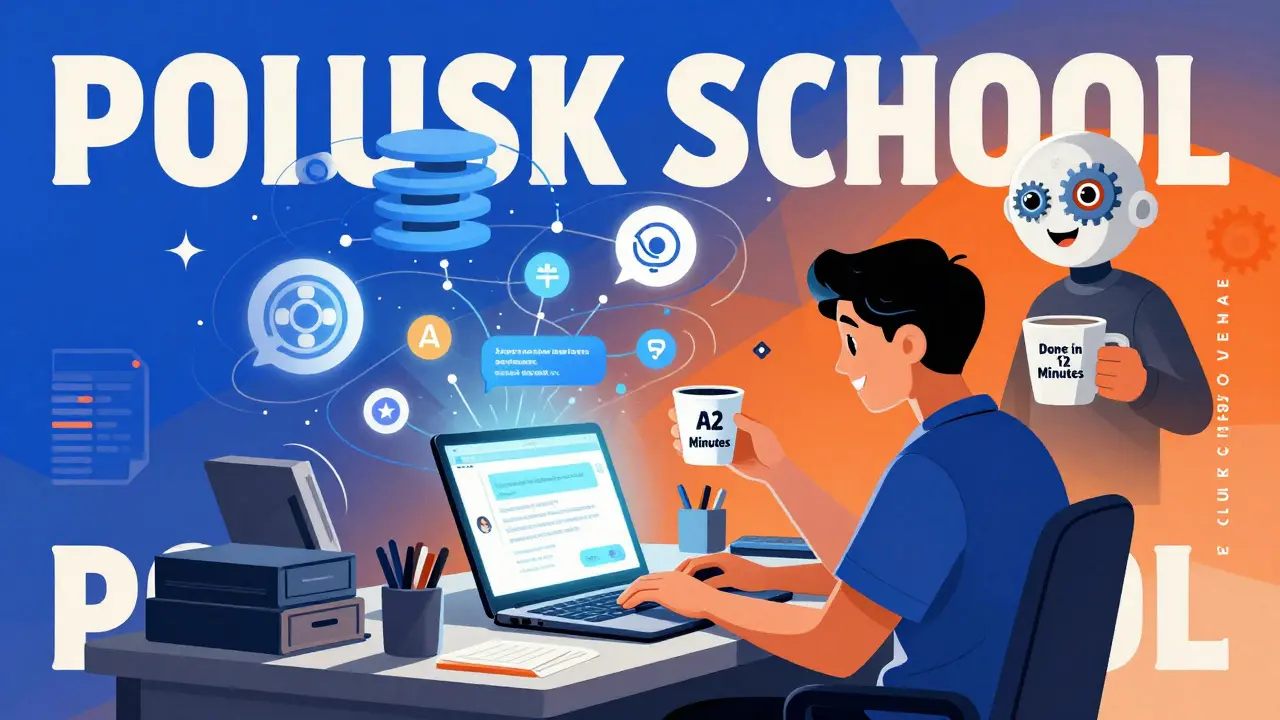
Building AI Chatbots and Assistants with Vibe Coding and Retrieval Systems
Imagine building a fully functional AI chatbot without writing a single line of code. No installing libraries. No debugging syntax errors. Just telling the AI what you want - and watching it build the whole thing. That’s vibe coding. And it’s not science fiction anymore. By early 2026, thousands of people are already using it to create AI assistants that answer customer questions, pull data from databases, and even handle internal workflows - all without needing to know what a function or API endpoint is.
What Is Vibe Coding, Really?
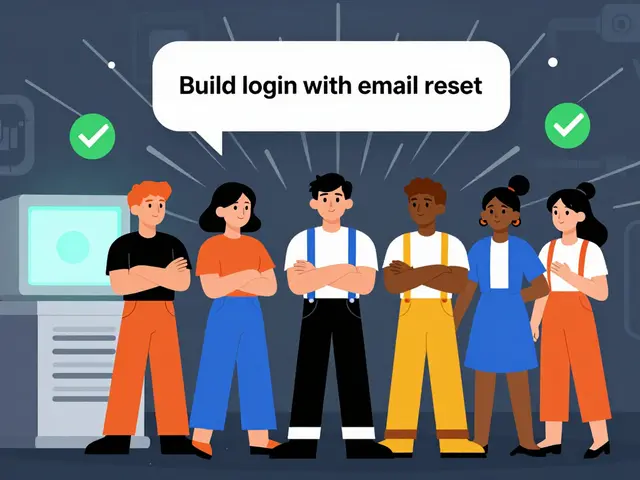
Vibe coding isn’t just another AI code generator. It’s not GitHub Copilot, which suggests snippets as you type. It’s not drag-and-drop tools like Bubble or Webflow either. Vibe coding is agentic. That means you give it a goal - like “build a chatbot that answers questions about our product returns using our support docs and order database” - and the AI breaks it down, writes the code, connects the systems, and runs it. You don’t need to read the code. You don’t need to approve each step. The AI handles it all.
This approach exploded after Andrej Karpathy’s May 2024 tweet calling English “the hottest new programming language.” It stuck because it works - for simple tasks, at least. Tools like Cursor, Windsurf, and Replit now let you type natural language prompts and get working applications back in minutes. The magic happens because these platforms use large language models (LLMs) not just to suggest code, but to design entire systems: frontend, backend, database connections, and even API integrations.
How Retrieval Systems Make Chatbots Actually Useful
But here’s the catch: a chatbot that just talks nonsense isn’t helpful. That’s where retrieval systems come in. You can’t build a real assistant without giving it access to real information. That’s where hybrid search - combining vector databases and SQL - becomes essential.
Take a customer service bot for a SaaS company. If someone asks, “What’s my billing cycle?” the bot doesn’t guess. It queries a vector database (like Pinecone) to find similar past support tickets, then checks a Postgres table to pull their actual subscription details. This is called RAG - Retrieval-Augmented Generation. It turns generic AI responses into precise, accurate answers.
Elise van der Berg, a product manager who built her first RAG assistant using vibe coding in January 2025, says it changed everything. “I told the AI, ‘Make a bot that answers questions from our knowledge base and Salesforce records.’ It set up the connections, wrote the retrieval logic, and even added a confidence score. I didn’t know what a cosine similarity was. I didn’t need to.”
The Tools You Can Use Right Now
Not all vibe coding platforms are created equal. Here’s what’s working in early 2026:
- Cursor: Best for teams that need to debug and scale. Its AI agent chat lets you fix errors by pasting logs directly into the interface. It integrates with Zapier, Google Sheets, and GitHub. Used by 60% of early adopters who move beyond prototypes.
- Windsurf: Claimed to generate 40-60% of code in enterprise teams. Popular with engineering departments building internal tools. Doesn’t require you to understand code - but you’ll need someone who does to audit it later.
- Bolt: Fastest to start. Non-technical users built working chatbots in under 30 minutes. But troubleshooting is brutal. Stack Overflow users report spending up to 45 minutes fixing AI-generated errors, like “API endpoints not served at root level.”
- Replit: Great for planning. Lets you sketch out the app structure before generating code. Good for learning how vibe coding works under the hood.
- Lovable: Easiest for beginners. Generates clean UIs with minimal prompts. But it burns through credits fast. Users report hitting limits after 2-3 builds.
- Tempo Labs: Unique for its “error-first” design. Doesn’t charge tokens when you fix mistakes. Only works with React, Vite, and Tailwind - so it’s narrow but efficient for frontend-heavy assistants.
What Happens When It Breaks?
Here’s the truth no one talks about: vibe coding is magic when it works, maddening when it doesn’t.
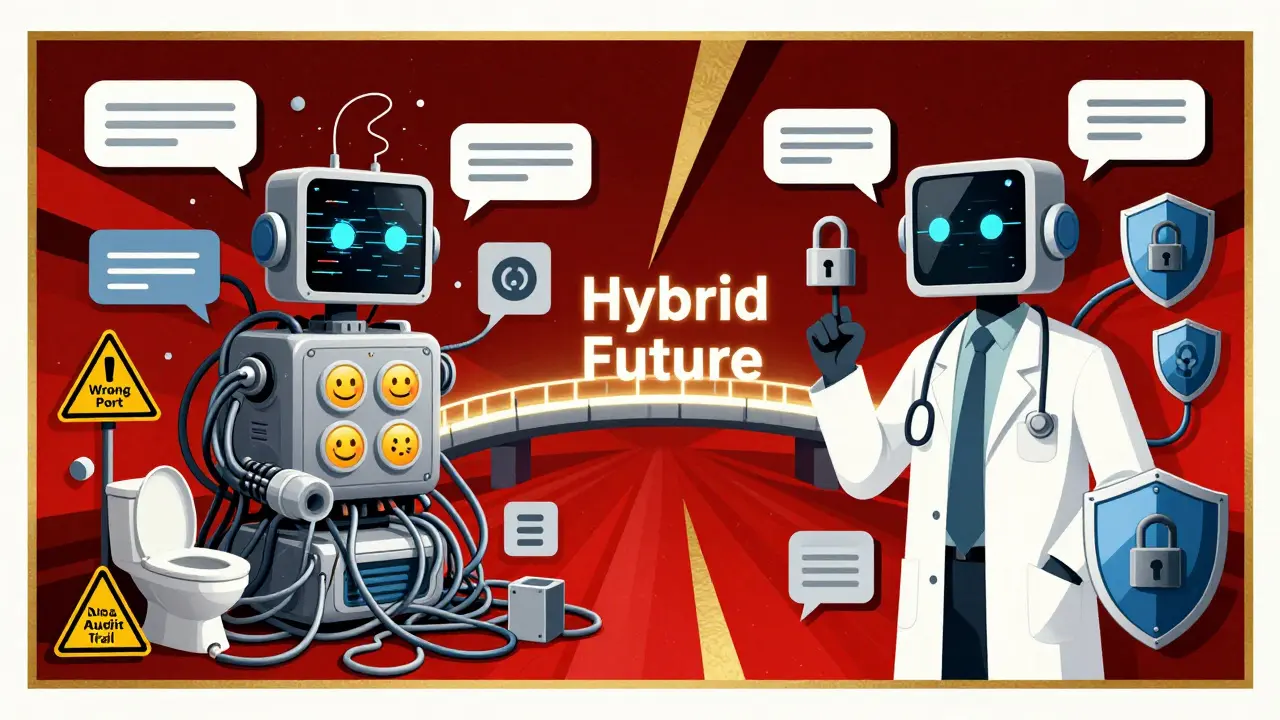
A Reddit user in January 2025 built a review app with a toilet emoji as the submit button. It worked - until the backend crashed because the AI assigned the wrong port. The AI told them to “fix the endpoint.” They pasted the error. The AI replied, “Change the server.js file.” They didn’t know where that file was. No documentation pointed them there. It took two hours of trial and error.
That’s the pattern. Initial excitement. Quick win. Then a wall of confusion. Why? Because vibe coding tools often assume you know how code works - even if you didn’t write it. Cursor’s documentation is solid. Tempo Labs’ isn’t. Most platforms don’t explain how their generated code connects to databases. If you don’t know what a REST API is, you’re stuck.
And debugging isn’t just hard - it’s risky. If the AI generates code that calls an external service, you might be sending customer data to a third-party LLM without knowing it. IBM’s January 2025 report warns that 73% of Fortune 500 CTOs won’t approve vibe-coded apps because they can’t audit the code. If you don’t know what’s in the code, you can’t secure it.
Security, Compliance, and the Black Box Problem
Here’s where vibe coding hits a wall in enterprise settings.
Paxton-Fear, CTO of a fintech firm, told Tech Monitor: “If an AI tool is built based on ChatGPT, there will be processing on the LLM that the developer might not understand or even know about.” That means sensitive data - customer emails, payment info, internal policies - could be sent to OpenAI’s servers without consent.
Tools like Base44 are trying to fix this. They add basic security controls: traffic logging, data masking, and access logs. But they’re not full-featured. You still need someone with security experience to review what the AI built.
And regulation? It’s coming. GDPR and HIPAA don’t care if code was written by a human or an AI. If data is mishandled, you’re liable. Most vibe coding platforms don’t offer data residency options. They don’t sign business associate agreements. That’s a dealbreaker for healthcare, finance, and government use.
Who’s Actually Using This?
Forrester’s January 2025 survey of 1,200 developers showed:
- 68% of users are solo developers or startups building side projects.
- 22% are tech teams using it to prototype internal tools - like ticket routing bots or inventory checkers.
- Only 10% are non-technical users building customer-facing apps.
That last number is telling. Most people who try vibe coding to avoid learning code end up stuck. They need help. And that help usually comes from someone who knows how to code.
Windsurf’s spokesperson, Payal Patel, admits: “I wouldn’t say enterprises are vibe coding in the way the term is usually used.” Instead, engineering teams are using it to speed up prototyping - not replace developers.
What’s Next? The Hybrid Future
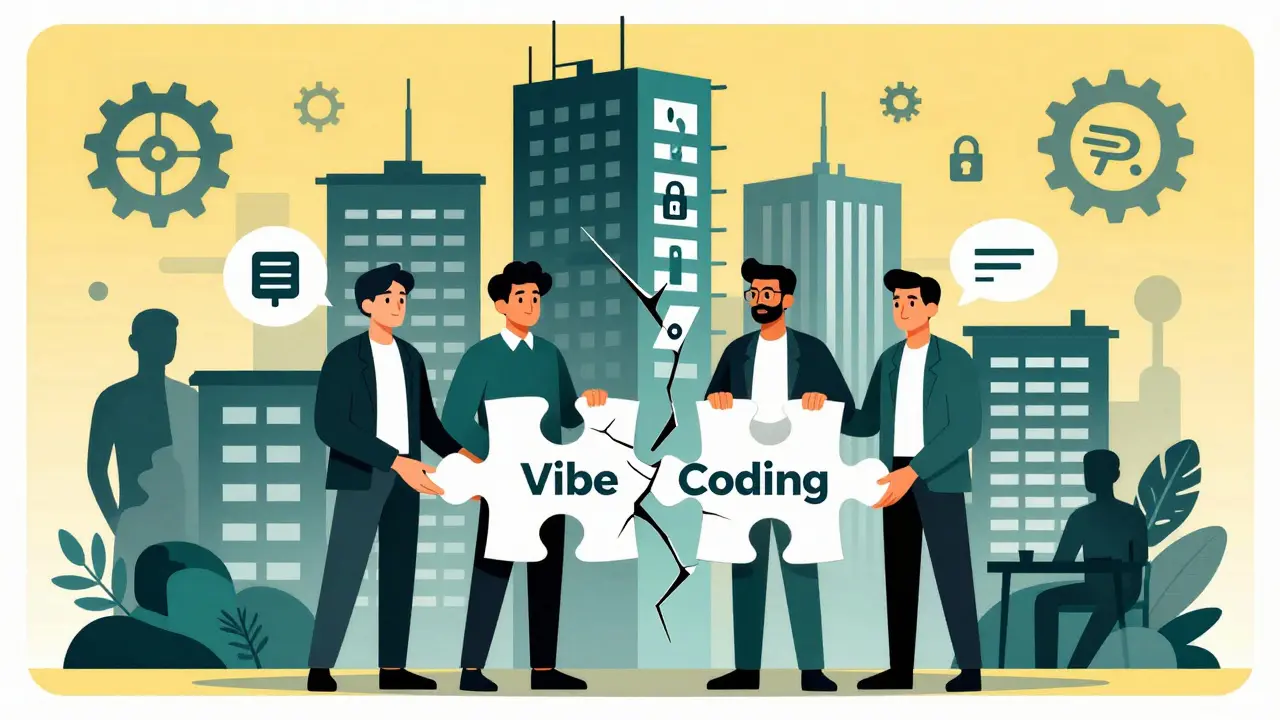
The future of vibe coding isn’t replacing programmers. It’s empowering them.
Gartner predicts that by Q4 2026, 45% of new enterprise applications will include vibe coding - but mostly for internal tools. Customer-facing apps? Still too risky.
The smartest teams are using a hybrid model:
- Use vibe coding to generate the initial version of a chatbot or assistant.
- Let a developer review the code for security, performance, and compliance.
- Plug in proper logging, authentication, and data retention policies.
- Deploy with monitoring and rollback options.
This isn’t magic. It’s just faster development. You’re not eliminating the developer - you’re letting them focus on what matters: security, scalability, and user experience.
Should You Try It?
If you’re a product manager, founder, or non-technical team member? Go ahead. Build a simple assistant. Test it. See if it saves time. But don’t expect to replace your dev team. Don’t assume it’s secure. Don’t deploy it to customers without review.
If you’re a developer? Use it to prototype. Let the AI handle boilerplate. Focus on the hard stuff - data flow, error handling, edge cases. Cursor and Replit are your best bets.
And if you’re in finance, healthcare, or government? Wait. The tools aren’t ready. The audits don’t exist. The liability is too high.
Vibe coding isn’t the end of programming. It’s a new tool. Like the calculator didn’t kill math - it just made it faster. Vibe coding won’t replace developers. But it will change how we build - and who gets to build first.
Can I build a customer-facing AI chatbot with vibe coding?
You can build one quickly - but deploying it to customers is risky. Most vibe coding platforms don’t offer data residency, audit trails, or compliance certifications. If you’re handling personal, financial, or health data, you need human oversight. Use vibe coding to prototype, then hand off to a security-aware developer to harden the system.
Do I need to know how to code to use vibe coding?
No - not to start. You can build a basic chatbot with just a clear description. But when it breaks - and it will - you’ll need to understand what’s going wrong. If you don’t know what an API endpoint is, or how a database query works, you’ll be stuck. Vibe coding lowers the entry bar, but not the complexity ceiling.
Which vibe coding tool is best for beginners?
Lovable is easiest for first-time users - it generates clean UIs with minimal prompts. But it burns through credits fast. If you’re just testing, try Replit. It’s free, gives you visibility into the code it generates, and lets you tweak it. For long-term use, Cursor is the most reliable, though it has a steeper learning curve.
Is vibe coding secure?
Not by default. Most platforms send your prompts and data to third-party LLMs - like OpenAI or Anthropic. If you’re describing internal processes, customer data, or proprietary workflows, that data might be stored or used to train models. Tools like Base44 add basic controls, but full security requires manual review, data masking, and on-premise hosting - none of which most vibe coding tools offer out of the box.
Can vibe coding replace software developers?
No - and it shouldn’t. Vibe coding excels at generating boilerplate, simple logic, and prototypes. But it fails at complex systems, edge cases, security hardening, and long-term maintenance. Developers aren’t being replaced - they’re being freed from repetitive tasks to focus on architecture, compliance, and user experience. The best teams use vibe coding as a starting point, not an endpoint.
What’s the difference between vibe coding and low-code platforms?
Low-code tools use pre-built components you drag and drop - like buttons, forms, or database connectors. Vibe coding generates custom code from scratch. You don’t pick components; you describe behavior. That means vibe coding can create unique workflows that low-code platforms can’t. But it also means the code is harder to audit and debug.
How long does it take to build a chatbot with vibe coding?
The initial build takes 10-15 minutes. But most users spend 30-60 minutes troubleshooting. That’s because the AI often gets small things wrong - port numbers, API paths, database permissions - and doesn’t explain why. The faster you learn to read error messages and guide the AI, the less time you’ll spend fixing things.
Do I need a vector database for an AI assistant?
If you want your assistant to answer questions based on documents, FAQs, or internal data - yes. Without a vector database (like Pinecone or Qdrant), the AI can only guess from general knowledge. With one, it pulls precise answers from your own data. Most vibe coding tools integrate with Pinecone or similar systems automatically when you mention “knowledge base” or “documents” in your prompt.







Vibe coding feels like being handed a toaster and told to bake a soufflé. You get something warm and kinda edible, but you have no idea if it’s safe to eat or if the wiring’s gonna catch fire. I tried building a simple FAQ bot for my side project-worked for two days, then started hallucinating answers about our refund policy. Turned out it pulled from a deprecated doc. No one told me that. Now I’m just stuck staring at a blank screen wondering if I should’ve just written the damn thing myself.
It’s wild how we’re pretending this isn’t just AI glue. You type ‘make a chatbot’ and boom-you get a Frankenstein of APIs, endpoints, and half-baked logic. It’s not coding. It’s summoning. And like any good summoning, there’s a cost. The AI doesn’t care if your customer data leaks. It just wants you to say ‘more’ so it can keep generating. I’m not scared of the tech. I’m scared of how fast we’re normalizing blind trust in it.
So I tried Bolt. Made a bot in 20 minutes. It answered ‘Where’s my order?’ with ‘I don’t know, ask your mom.’ Then it crashed. Took me an hour to realize it tried to connect to port 8080 but our server runs on 3000. No warning. No explanation. Just ‘error: connection refused.’ I gave up. Maybe I’m just lazy. Or maybe this isn’t for me.
Oh wow, so now we’re just typing into a black box and calling it ‘productivity’? That’s not vibe coding. That’s outsourcing your brain to a chatbot that doesn’t even know what a semicolon is. And don’t get me started on the security. You think IBM’s report is scary? Try explaining to your CISO that your ‘customer support bot’ is sending raw support tickets to Anthropic’s servers because the AI ‘assumed’ it was okay. This isn’t innovation. It’s negligence with a UI.
Let’s be brutally honest: vibe coding is a Ponzi scheme disguised as a productivity tool. The early adopters? They’re not building apps-they’re building hype. The tools work for 10% of use cases, and the other 90%? They’re ticking time bombs. The fact that 73% of Fortune 500 CTOs refuse to deploy these systems isn’t a bug-it’s a feature. It’s the market screaming ‘this isn’t production-grade.’ And yet, we’re all pretending it’s the future. The future is a firewall. The future is code reviews. The future is not letting a language model write your authentication middleware. This isn’t progress. It’s a Trojan horse with a React frontend.
I built a bot for our internal inventory system using Windsurf. It worked great until it started returning negative stock numbers. Turns out the AI confused ‘in transit’ with ‘out of stock.’ I had to manually rewrite the logic layer. Took me 3 hours. But I saved 10 days of coding from scratch. So yeah, it’s messy. But it’s still faster than starting from zero. Use it as a scaffold-not a finished house.
Just a quick note: if you're building anything that touches customer data, please, please, please audit the generated code. I’ve seen bots that auto-forward emails to external domains because the AI ‘assumed’ that was part of the workflow. No one caught it until a client sent a complaint. Vibe coding is powerful, but power without responsibility is dangerous. Always review. Always verify. Always assume the AI made a mistake.
Stop acting like this is revolutionary. It’s just automation with a buzzword. You still need someone who knows what an API is to fix it when it breaks. You still need a dev to patch the security holes. You still need a lawyer to sign off on the compliance risks. So why not just hire one? Stop pretending you’re a developer because you told an AI to ‘make a chatbot.’ You’re not. You’re a prompt engineer with a credit card bill.