Case Study: Validating a SaaS Idea with Vibe Coding on a $200 Budget
What if you could test a SaaS idea-really test it-with less money than you’d spend on a new laptop? Not a mockup. Not a landing page. A working prototype that users can actually use, sign up for, and pay for. That’s what vibe coding makes possible today. And it’s not science fiction. It’s happening right now, with founders hitting the $200 mark and walking away with real validation-not just hope.
What Is Vibe Coding, Really?
Vibe coding isn’t a programming language. It’s not a framework. It’s a way of building software using natural language. You describe what you want-like, "A task manager where teams can assign tasks, set deadlines, and get email reminders"-and an AI tool generates the full app: frontend, backend, database, even deployment. No writing a single line of code yourself. This isn’t the same as dragging and dropping elements in tools like Bubble or Webflow. Vibe coding tools like Cursor, Base44, and Windsurf generate actual, production-ready code. They use advanced AI models-GPT-4, Claude 3.5, and others-to understand your request, structure the architecture, and output clean, functional code in React, Python, or TypeScript. The real breakthrough? You don’t need to know how to code to build something that works. You just need to be clear about what you want.Why $200? The Math Behind the Budget
The $200 budget isn’t arbitrary. It’s the sweet spot where you can afford enough tools to build, test, and refine a prototype without overspending. Here’s how it breaks down in practice:- Base44 Pro ($40/month): Generates full-stack apps from plain English. You get 500 message credits-enough for 10-15 full MVP builds.
- Windsurf Pro ($15/month): Perfect for testing and deploying. Each full test cycle uses 8-12 credits. With 500 credits, you can run 40+ tests.
- v0 Premium ($20/month): Refines UIs. Need a better dashboard? Describe it. Get a polished screen in seconds. Costs 2-3 credits per iteration.
- Cursor Pro ($16/month): Fine-tunes code, adds auth, fixes bugs. Used for 3-5 hours of optimization after the AI generates the base.
- Free tiers: Most tools offer free plans. You can use GitHub’s free hosting, Mailchimp for email, and Google Forms for feedback collection.
How It Actually Works: A Real Case
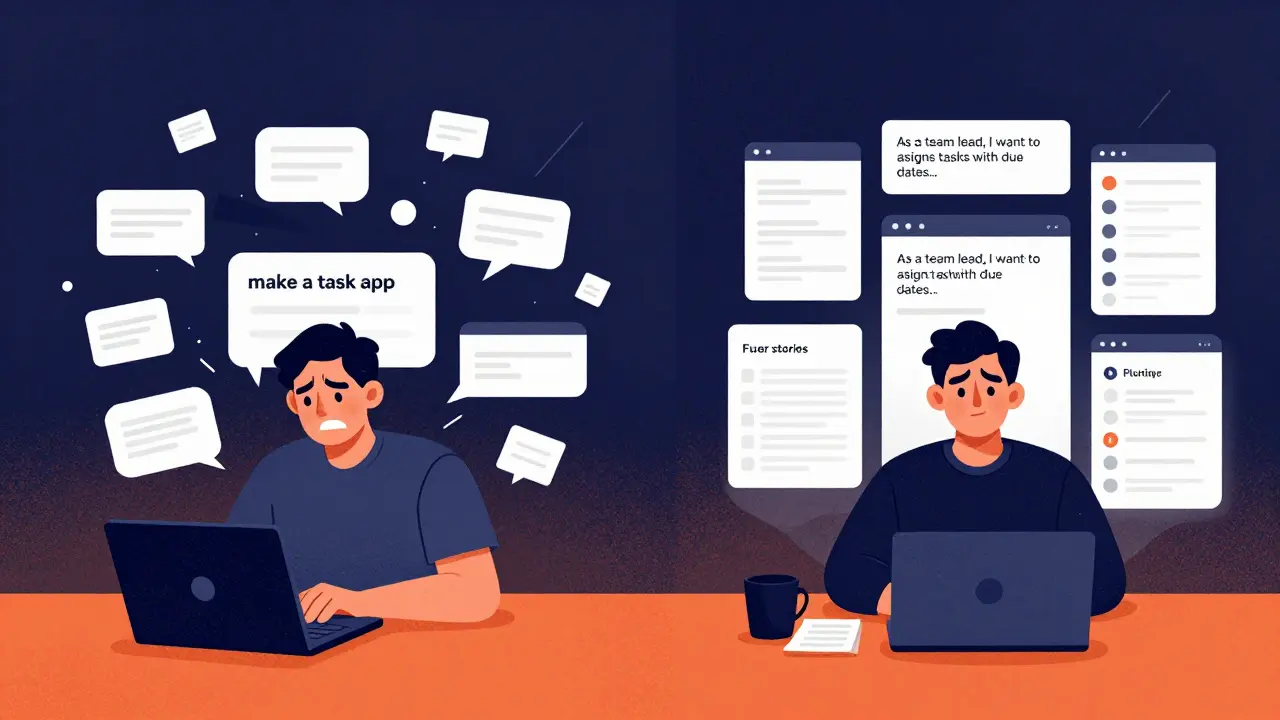
Alex Chen, a solo founder in Austin, wanted to build a tool called TaskFlow-a simple project manager for small agencies. He didn’t know React. He’d never touched Node.js. But he had a clear idea. Here’s his workflow:- Phase 1: Define the problem (Day 1-3). He used Claude Pro ($17/month) to turn his rough idea into 12 detailed user stories: "As a team lead, I want to assign tasks with due dates and see who’s behind schedule." He spent 12 credits. Total so far: $17.
- Phase 2: Build the core (Day 4-8). He pasted the user stories into Base44. First try? The backend was missing task dependencies. Second try? Added email notifications. Third try? Got it right. Used 8 credits. Base44 cost: $40.
- Phase 3: Polish the UI (Day 9-10). The interface looked clunky. He used v0 Premium. Prompt: "Make the dashboard look like Notion but simpler. Dark mode, drag-and-drop task cards." Three iterations. 7 credits. v0 cost: $20.
- Phase 4: Deploy and test (Day 11-13). Windsurf deployed the app to a live URL. He shared it with 12 people from his LinkedIn network. Asked them to use it for 2 days. Got 10 responses. 8 said they’d pay $15/month. Windsurf cost: $15.
- Phase 5: Clean up code (Day 14). Cursor scanned the code. Found a security flaw in the auth system. Fixed it in 45 minutes. Cursor cost: $16.
The Pitfalls: Where Most People Fail
This sounds easy. But 62% of people who try this approach burn through their budget and get nothing. Why?- Bad prompts: "Make a task app" doesn’t work. "Make a task app with drag-and-drop, recurring tasks, and Slack integration for team updates" does.
- Ignoring credit limits: One user spent $200 on Cursor Ultra, thinking unlimited credits meant unlimited freedom. He generated 200 versions of the same screen. Ran out of credits in 3 days. Got nothing usable.
- Skipping testing: 76% of failed attempts never showed the prototype to real users. They assumed the AI got it right. It didn’t.
- Forgetting the next step: Dr. Elena Rodriguez from MIT warns: "The $200 budget validates the idea. It doesn’t validate the business." Security, compliance, scaling, billing-those cost money. But you don’t need to pay for them yet. Just know they’re coming.
What You Can Actually Validate
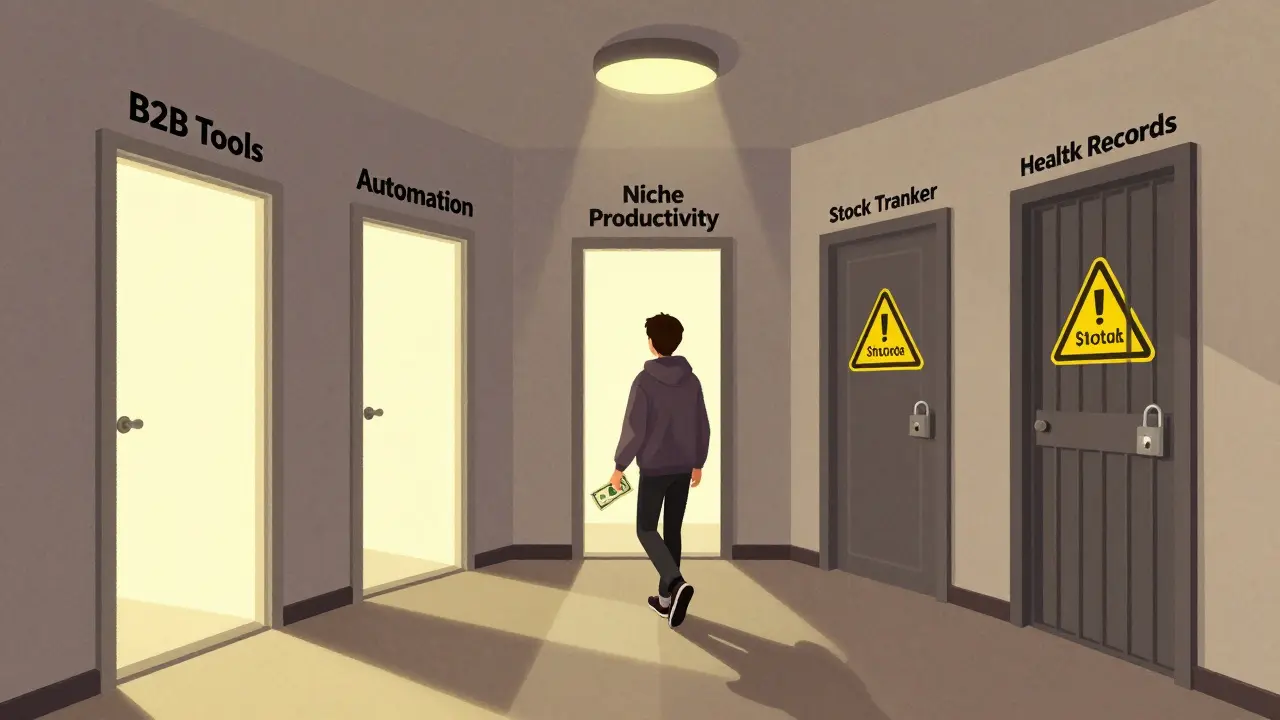
Not every SaaS idea works with vibe coding. But these do:- B2B tools: Task managers, invoicing, CRM snippets, internal dashboards. These have clear workflows. Easy to describe.
- Automation tools: "Auto-fill forms in Google Sheets when a new lead comes in via Typeform."
- Niche productivity apps: "A habit tracker that syncs with Apple Health and sends weekly PDF summaries."
- Consumer apps with complex social features: "A TikTok clone for cat owners"-too messy.
- Apps requiring real-time data: Stock trackers, live sports scores. These need APIs and infrastructure you can’t build on $200.
- Apps needing heavy compliance: Health records, financial data. GDPR and HIPAA aren’t something you test on a $200 budget.
Tools That Actually Work (December 2025)
Here’s the real list of tools that deliver on the $200 promise:| Tool | Plan | Cost | Credits / Features | Best For |
|---|---|---|---|---|
| Base44 | Builder | $40/month | 500 messages, unlimited deployments | Full-stack generation |
| Windsurf | Pro | $15/month | 500 credits, 8-12 per test cycle | Deployment & testing |
| v0 | Premium | $20/month | Unlimited UI generations, 2-3 credits per screen | UI refinement |
| Cursor | Pro | $16/month | 2,000 requests/month, code optimization | Fixing bugs, adding auth |
| Shipper.now | Free Tier | $0 | Basic hosting, 10GB storage | Free deployment |
How to Start Today
If you’ve got a SaaS idea and $200 to spare, here’s your step-by-step:- Write your idea in 3 sentences. Be specific: Who? What problem? What’s the outcome?
- Use Claude Pro or ChatGPT to turn it into 5 user stories. Ask: "Turn this into user stories for a SaaS product. Use the format: As a [role], I want to [action] so that [benefit]."
- Sign up for Base44. Paste the user stories. Generate the app. Don’t edit it yet.
- Use v0 to improve the UI. Describe what you want to see. Iterate 2-3 times.
- Deploy with Windsurf. Get a live link.
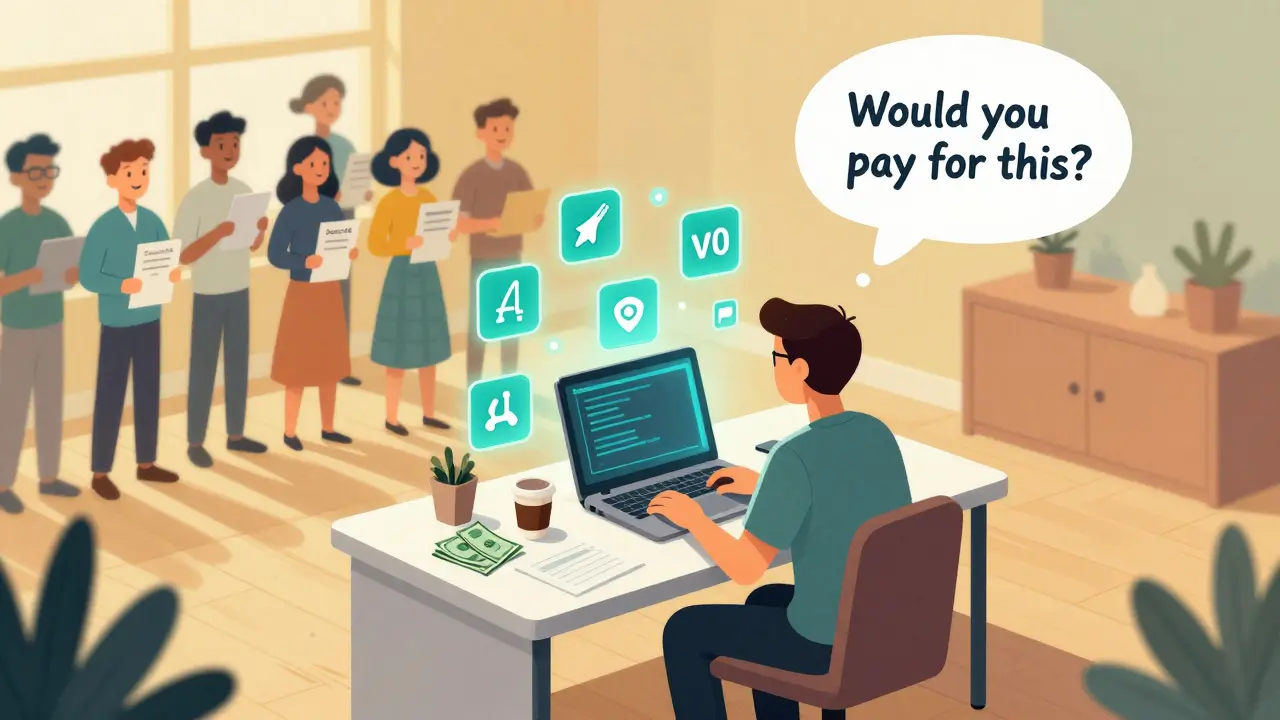
- Share it with 10 real people. Not friends. People who fit your target audience. Ask: "Would you pay for this? How much?"
- Use Cursor to fix one critical bug. Usually auth or data saving.
- Cancel all subscriptions. You’re done. You’ve validated your idea.
What Comes After Validation?
Validation doesn’t mean launch. It means you know you’re on the right track. The next step? Build the real product-with real code, real security, real scaling. But now you’re not guessing. You’ve got proof. You’ve got pre-sales. You’ve got data. The $200 budget doesn’t build a company. It builds confidence. And that’s worth more than code.FAQ
Can I really build a working SaaS app with no coding experience?
Yes. Tools like Base44 and Windsurf generate full-stack applications from plain English prompts. You don’t write code-you describe what you want. The AI handles the rest. Many founders with zero technical background have validated SaaS ideas this way. The key is being specific in your prompts.
Is vibe coding safe for real users?
For validation, yes. For launch, no-not yet. Vibe coding tools generate code quickly, but they don’t automatically handle security, compliance, or scalability. Use them to test your idea with a small group of users, but don’t launch publicly until you’ve hired a developer to audit and harden the code. The $200 budget is for validation, not production.
What if the AI generates code I don’t understand?
That’s normal. You don’t need to understand every line. Use Cursor Pro to review the code. It highlights bugs, security issues, and inefficiencies. You can also ask the AI to explain a section in plain English. Focus on whether the app works, not how the code is written. Your job is to validate the idea, not become a developer.
How long does it take to validate a SaaS idea with vibe coding?
Most people complete the full validation process in 10-14 days. The first 3 days are spent refining your idea into user stories. The next 5-7 days are for building and testing. The final 2-3 days are for feedback and cleanup. You can do it part-time, evenings and weekends.
What’s the biggest mistake people make with vibe coding?
The biggest mistake is assuming the AI got it right. Many users generate one version of their app, share it with friends, and call it validated. Real validation means testing with strangers who fit your target market. Ask them: "Would you pay for this?" If they say yes, then you’ve got something. If they say "it’s interesting," you’re back to square one.
Can I use free tools instead of paid ones?
You can start with free tiers, but they’re limited. Free plans often cap the number of generations, restrict deployments, or lock key features. For real validation, you need enough credits to iterate. $200 gives you the freedom to fail, try again, and improve. Free tools are great for learning, but paid tools give you results.
Next Steps
If you’re serious about validating your SaaS idea:- Start with a 3-sentence description of your idea. No fluff.
- Sign up for Base44 and Windsurf. Use their free trials.
- Write 5 user stories. Use the "As a [role], I want to [action] so that [benefit]" format.
- Generate your first prototype. Don’t overthink it.
- Share it with 10 people who aren’t your friends.
- Ask: "Would you pay for this?"



It’s fascinating-this isn’t just about tools; it’s about the epistemology of creation. We’ve outsourced not just labor, but cognition. The AI doesn’t just generate code-it interprets intent, infers architecture, and embodies the user’s vague hunch as executable logic. And yet… who owns the idea? The prompter? The model? The algorithm that learned from a million failed startups? The $200 isn’t a budget-it’s a philosophical wager.
This is just low effort entrepreneurship dressed up as innovation. People still think typing 'make a task app' into AI is a business plan. You didn't validate anything. You got lucky with a few yeses from LinkedIn strangers. Real founders build for years.
I tried this. Spent $180. Got a clunky app that crashed on mobile. Asked 15 people. 13 said 'cool' and never opened it again. The '8 pre-sales' are probably Alex’s cousins. This feels like a viral LinkedIn post pretending to be a business guide.
Oh wow. So now we’re glorifying clueless people throwing $200 at AI like it’s a magic wand? And you call that validation? You didn’t validate demand-you validated gullibility. The real SaaS founders are the ones who coded their own auth systems while their competitors were still asking ChatGPT to 'make it look like Notion'.
This is actually one of the most practical breakdowns I’ve seen in a while. The $200 limit forces discipline. It stops you from over-engineering before you know if anyone cares. The real win isn’t the app-it’s the clarity you gain from real feedback. If even one person says they’d pay, you’ve saved yourself months of wasted effort. Keep going.
One must observe with rigorous intellectual honesty that the methodology described herein constitutes a paradigmatic shift in the epistemic foundation of entrepreneurial prototyping. The traditional software development lifecycle-characterized by iterative engineering, technical debt accumulation, and prolonged validation cycles-is being supplanted by a linguistically mediated, AI-augmented heuristic of rapid ideation. The $200 budget is not an expense; it is a threshold of epistemic legitimacy.
That said, one must caution against conflating prototype viability with market sustainability. The absence of compliance, scalability, and security architecture does not negate the value of the validation-it merely defines its boundaries.
I mean, this is cute. But if you can’t code, why are you even trying to build a SaaS? Just hire someone. This feels like someone who watched a YouTube video and thinks they’re a founder now. The $200 is just a placebo for their ego.
lol at people paying for Cursor Pro like its a therapist for their bad code. you dont need to pay for anything. just use free ai. and if your app needs auth thats your problem not the tools. also 8 people said yes? wow. what a unicorn. next youll tell me you got a vc call after that
Y’all are missing the magic here. This isn’t about being a coder-it’s about being a translator. You’re taking that fuzzy, excited idea in your head-the one you whisper to your partner at 2 a.m.-and turning it into something real. No one’s saying you’ll scale to $10M with this. But you’ll know if it’s worth fighting for. And that’s huge. I’ve seen so many brilliant ideas die because the person was too scared to try. This method? It’s permission to be messy, to fail cheap, and to learn fast. If you’ve got a spark, don’t wait for a degree. Grab Base44. Write your three sentences. And go show someone. They might just say yes.