How Data Analysts Automate Reporting Dashboards with Vibe Coding Tools
Remember when building a dashboard meant begging the IT department for three weeks of their time? That era is officially over. Today, Data Analysts are automating reporting dashboards using vibe coding tools, which are software platforms that use natural language prompts to generate functional applications and visualizations without traditional programming. This shift isn't just about speed; it's about autonomy. By blending conversational AI with drag-and-drop interfaces, these tools allow you to turn static spreadsheets into interactive, enterprise-grade reports in hours rather than days.
If you're still manually updating Excel files or waiting on developers for simple chart adjustments, you're leaving value on the table. The landscape has changed dramatically since late 2024. According to Google Cloud's December 2024 documentation, vibe coding is now recognized as a legitimate style of programming that assists the coding process through natural language. For data professionals, this means you can describe what you need-"Show me sales trends by region with a filter for Q3"-and watch the tool build the interface, connect the data, and handle the backend logic.
Why Vibe Coding Is Taking Over Dashboard Development
The core appeal is efficiency. Traditional dashboard development involves multiple handoffs: business requirements go to product managers, who pass them to designers, then to frontend developers, and finally to backend engineers. Vibe coding collapses this chain. You become the architect, the designer, and the developer simultaneously.
The numbers back this up. Zapier's Industry Adoption Tracker from November 2025 shows that 68% of data analysts at companies with more than 50 employees now use at least one vibe coding tool. Compare that to just 12% in mid-2023, and the acceleration is clear. The primary driver? Time savings. Case studies documented by Femaleswitch in January 2025 reveal that platforms like Glide can cut weeks off development timelines with almost no learning curve, especially when your data lives in familiar places like Google Sheets.
But there's a catch. While creation time drops by 65-80%, maintenance costs can rise if you don't plan properly. Dr. James Peterson from Stanford's Data Science Institute noted in his September 2025 study that non-developers often accumulate technical debt because they skip foundational data modeling steps. The key is knowing which tool fits your specific data complexity.
Top Vibe Coding Tools for Data Analysts
Not all vibe coding tools are created equal. Some excel at quick spreadsheet-to-dashboard conversions, while others handle complex database relationships. Here is how the major players stack up based on their architecture and best-use cases.
| Platform | Best For | Data Source | Learning Curve | Key Limitation |
|---|---|---|---|---|
| Glide | Spreadsheet-based dashboards | Google Sheets, Excel | Low (2-4 hours) | Limited custom visualization options |
| Bubble | Complex database apps | Built-in DB, SQL | High (8-10 hours) | Performance issues at scale (>50k records) |
| Cursor | Debugging & code generation | Any (via API) | Medium (for coders) | Requires some coding knowledge |
| Anything | Enterprise security & integrations | Managed DB, 40+ APIs | Medium | Higher cost tier |
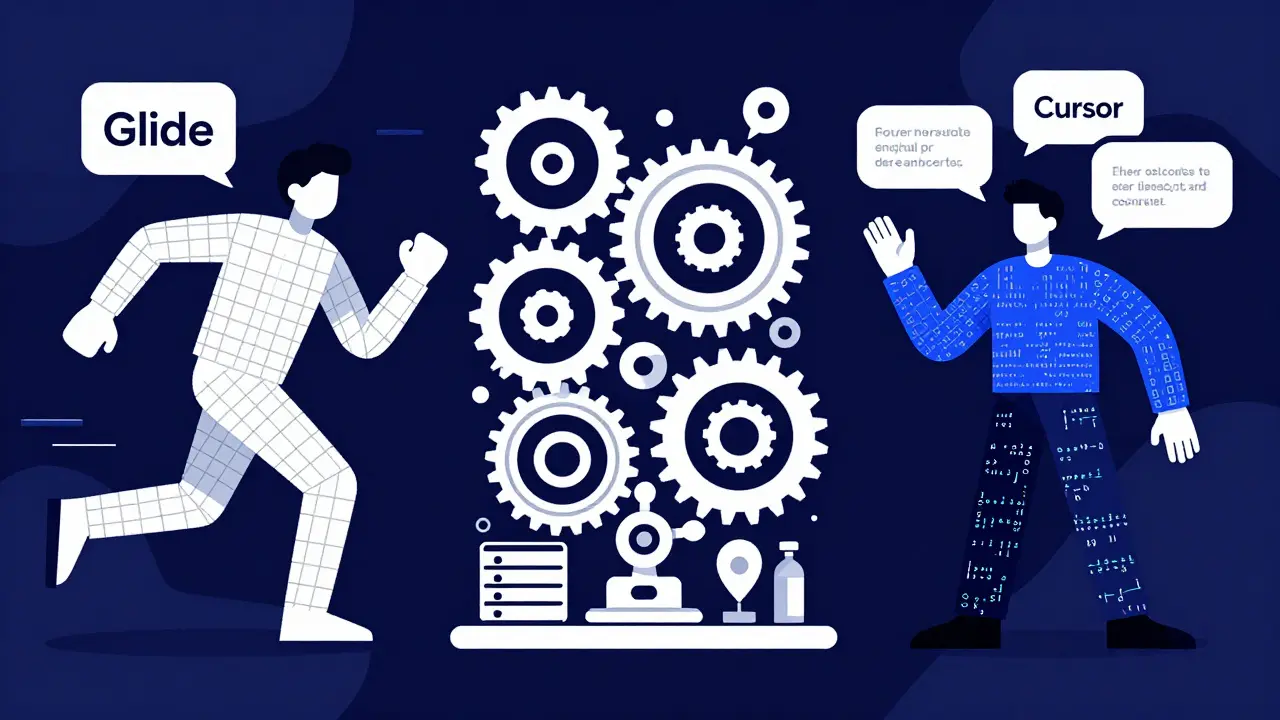
Glide dominates the spreadsheet segment. If your data is already in Google Sheets, Glide transforms those rows into sleek visuals instantly. It’s the go-to for teams that need speed over customization. On the other hand, Bubble is a powerhouse for database-heavy applications. It uses a visual programming language that handles complex relationships between data entities, but it demands a steeper investment in training. Analysts report needing 8-10 hours of dedicated learning before they can build effectively.
For those who prefer a hybrid approach, Cursor has emerged as a favorite among data engineers. Its Composer feature, powered by Claude Sonnet, understands entire codebases. As of December 2025, Cursor released "Composer for Data," which natively understands SQL syntax, reducing data transformation errors by 52%. This makes it ideal for analysts who want the speed of vibe coding but need the precision of traditional code.
Building Your First Automated Dashboard: A Step-by-Step Guide
You don't need a computer science degree to start. Here is a practical workflow to automate your first reporting dashboard using a vibe coding approach.
- Clean Your Data Source: Vibe coding amplifies your input. If your source data is messy, your dashboard will be too. Ensure your Google Sheet or database has consistent headers, no duplicate rows, and standardized date formats. Remember Dr. Elena Rodriguez’s warning: "Garbage in still equals garbage out, now at 10x speed."
- Define the User Journey: Before opening any tool, sketch what the end-user needs to see. Do they need a high-level summary or granular transaction details? Create a simple diagram showing the flow from login to final insight.
- Choose the Right Tool: Use the comparison above. If you’re connecting to Shopify and Google Sheets, pick Glide. If you’re building a finance tracker with complex user permissions, look at Bubble or Anything.
- Prompt for Structure: Start with broad prompts. Instead of asking for a specific chart color, ask the AI to "Create a responsive dashboard layout with a sidebar for navigation and a main area for KPI cards." Refine iteratively.
- Connect the Data Layer: Map your columns to the UI elements. In Glide, this is often automatic. In Bubble, you’ll need to define the data types explicitly.
- Add Interactivity: This is where vibe coding shines. Prompt the tool to add filters. "Allow users to filter sales data by region and date range." Test these interactions thoroughly.
- Set Up Permissions: Decide who sees what. Enterprise tools like Anything offer role-based access control out of the box. For internal team dashboards, basic password protection might suffice initially.

Avoiding Common Pitfalls
Enthusiasm often leads to mistakes. Based on feedback from Reddit’s r/datascience community and industry surveys, here are the most common traps.
- Ignoring Scalability: One analyst reported building a finance dashboard in Bubble that looked great until it hit 50,000 records, causing performance crashes. Always test with a dataset larger than your current volume.
- Dashboard Proliferation: Forrester’s Mark Chen warns that organizations can end up with dozens of conflicting dashboards. Establish a governance early. Define which metrics are "source of truth" and stick to them.
- Underestimating Maintenance: Just because the AI built it doesn’t mean it’s self-sustaining. Data sources change. APIs break. Schedule quarterly reviews to ensure your automated pipelines are still functioning correctly.
- Skipping Security Reviews: If you’re handling sensitive customer data, check compliance. Deloitte’s 2025 survey found that 67% of financial firms require additional security reviews for vibe-coded dashboards. Ensure your tool supports encryption at rest and GDPR-friendly controls.
The Future of Data Visualization
We are only at the beginning. Gartner predicts that by 2027, 70% of departmental dashboards will originate from vibe coding tools. The next wave of features, expected in mid-2026, includes AI-powered data quality validation directly within the builder. Imagine the tool flagging an anomaly in your dataset before you even publish the chart.
Additionally, regulatory compliance checkers for HIPAA and GDPR environments are coming to the forefront. This will make vibe coding viable for highly regulated industries like healthcare and banking, which have been hesitant due to security concerns.
As major BI vendors like Tableau and Power BI integrate these capabilities, the line between "no-code" and "pro-code" will blur further. For data analysts, this means staying adaptable. Learn the principles of data modeling and prompt engineering. These skills will remain valuable regardless of which platform becomes dominant.
What is vibe coding for data analysts?
Vibe coding is a development method where analysts use natural language prompts to instruct AI-driven tools to build functional applications and dashboards. It eliminates the need for manual coding, allowing for rapid iteration and deployment of data visualizations.
Is Glide better than Bubble for dashboards?
It depends on your data complexity. Glide is superior for quick, spreadsheet-based dashboards with minimal setup. Bubble is better for complex applications requiring custom database relationships and advanced logic, though it has a steeper learning curve.
Can I use vibe coding tools for enterprise-level security?
Yes, but choose carefully. Platforms like Anything and Base44 offer enterprise-grade features such as encryption at rest, role-based access control, and audit logs. Basic tiers of cheaper tools may lack these necessary security protocols.
How long does it take to learn vibe coding?
For simple dashboards using tools like Glide, analysts with basic spreadsheet skills can get started in 2-4 hours. More complex platforms like Bubble may require 8-10 hours of dedicated training to master the visual programming model.
What are the risks of using AI-generated dashboards?
The primary risks include technical debt accumulation, data privacy breaches if security settings are misconfigured, and "dashboard proliferation" where too many unverified reports confuse stakeholders. Proper governance and regular maintenance are essential.